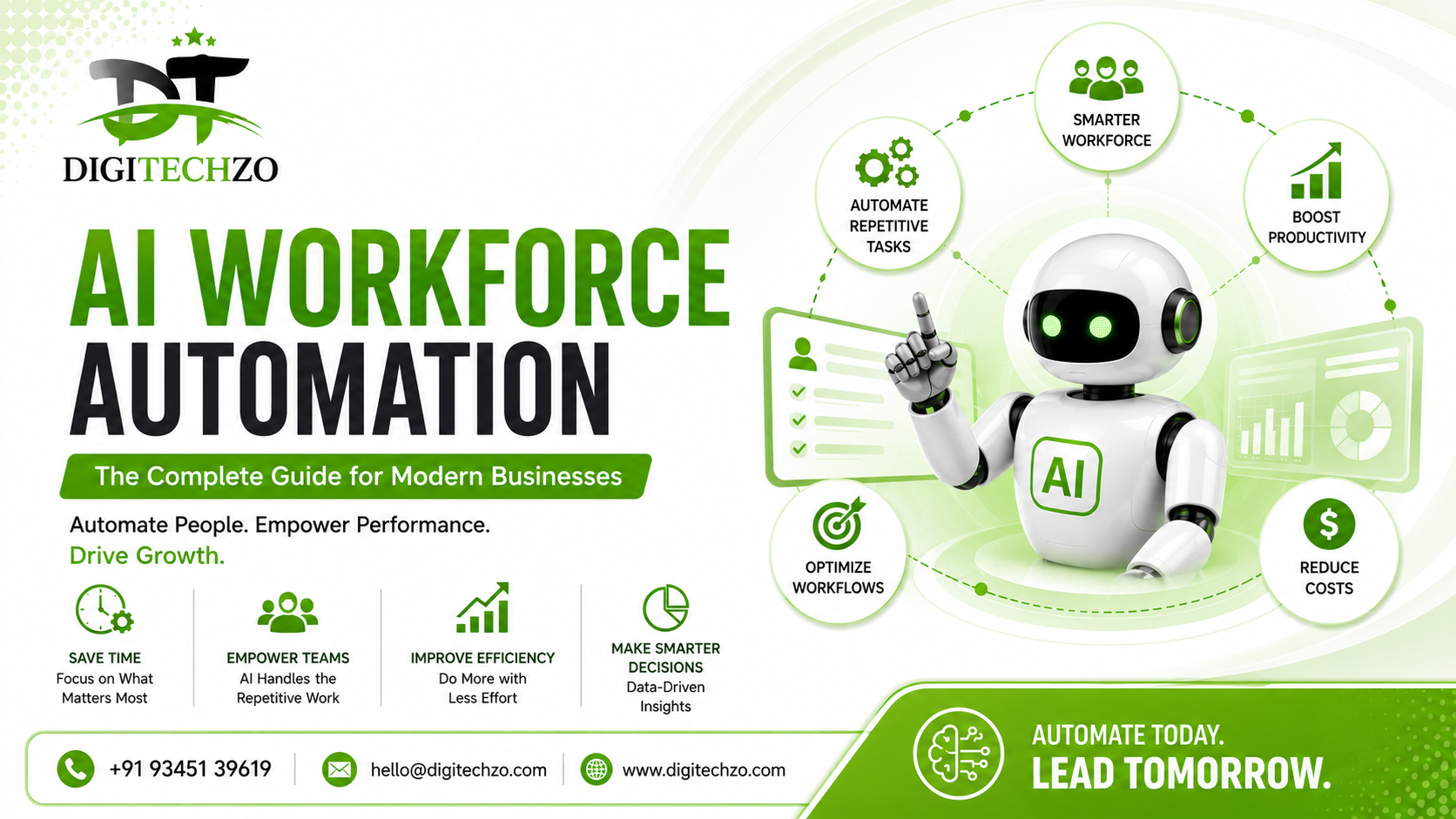
Most businesses don't have a "people" problem. They have a "repetition" problem.
Your best account manager spends three hours a week copying data between spreadsheets. Your support team answers the same twelve questions every single day. Your finance team manually reconciles invoices that a script could match in seconds. None of this is a skills gap — it's a workflow gap. And it's quietly eating margin, morale, and growth capacity in almost every mid-sized company we've worked with.
That's the exact problem AI workforce automation solves. It's not about replacing your team — it's about removing the repetitive work that keeps them from doing the work that actually moves the business forward.
At digitechzo.com we've spent the last several years inside the operations of growing companies — mapping workflows, deploying AI agents, and watching what actually sticks versus what just looks good in a demo. This guide compiles that experience into a practical, no-fluff playbook for building an AI-powered workforce that works.
AI workforce automation is the use of AI agents, machine learning models, and intelligent tools to handle repetitive, rules-based, or data-heavy tasks that were previously done manually by employees — such as data entry, customer support triage, scheduling, reporting, and lead qualification. Done right, it doesn't eliminate jobs; it reallocates human time toward judgment, creativity, and relationship-building, while AI handles volume and repetition.
What AI Workforce Automation Actually Means
AI workforce automation refers to embedding AI agents and intelligent systems directly into day-to-day business operations — not as a side tool, but as a functioning part of the workflow itself.
This includes:
- AI agents that handle multi-step tasks (e.g., qualifying a lead, drafting a follow-up, updating the CRM)
- Document and data automation that reads, extracts, and processes information without manual entry
- Conversational AI for customer support, internal helpdesks, and onboarding
- Predictive automation that flags issues (like churn risk or inventory shortfalls) before a human notices them
The distinction that matters most: automation used to mean "if X happens, do Y." AI workforce automation means the system can interpret unstructured input, make a judgment call within defined boundaries, and take the next best action — closer to how a trained employee would operate, just faster and at scale.
Why This Is Different From Traditional Automation
Traditional automation (think Zapier workflows or basic RPA bots) is rigid. It breaks the moment an input doesn't match the expected format. A dropdown moves, a PDF layout changes, an email is worded slightly differently — and the automation fails silently.
AI-driven automation is built on language and pattern understanding, not fixed rules. That means it can:
- Read an invoice regardless of its layout
- Understand a customer's intent even if they phrase it oddly
- Prioritize tasks based on context, not just a static trigger
Real-world example: A logistics client we worked with had a rules-based bot that flagged "urgent" shipping delays only when the word "urgent" appeared in an email. Customers rarely used that exact word. An AI-based triage agent, by contrast, correctly identified urgency in over 90% of cases by understanding tone, deadlines mentioned, and account history — without a single hardcoded rule.
Where AI Automation Delivers the Fastest ROI
Not every process is worth automating first. Based on deployment patterns across industries, these areas consistently deliver the fastest, most measurable returns:
Customer Support & Helpdesk
AI agents can resolve 40–60% of Tier-1 tickets (password resets, order status, FAQs) without human involvement, cutting average response time from hours to seconds.
Lead Qualification & Sales Ops
AI can score, route, and even initiate first-touch outreach to inbound leads within minutes of form submission — a window where response speed directly correlates with conversion rate.
Finance & Back-Office Operations
Invoice processing, reconciliation, and expense categorization are high-volume, rules-adjacent tasks where AI reduces both errors and processing time significantly.
HR & Recruiting
Resume screening, interview scheduling, and onboarding document collection are prime candidates — freeing HR teams to focus on culture and retention instead of paperwork.
Internal Knowledge & Reporting
AI agents that can query internal documents and generate weekly reports eliminate hours of manual compilation across departments.
Featured Snippet Answer: The fastest ROI from AI workforce automation typically comes from customer support, lead qualification, and finance back-office tasks — because these functions are high-volume, repetitive, and involve structured or semi-structured data.
The 5-Step Framework for Building an AI-Powered Workforce
This is the framework we use with clients digitechzo.com, refined across dozens of implementations.
Step 1: Audit Before You Automate
Map every recurring workflow across departments. Identify frequency, time cost, and error rate. Don't automate a broken process — fix it first, then automate it.
Step 2: Prioritize by Impact, Not Novelty
Rank workflows by a simple formula: (Time Saved × Frequency) ÷ Implementation Complexity. High-frequency, low-complexity tasks should always come first, even if they're less "exciting" than flashy AI use cases.
Step 3: Pilot With One Team, Not the Whole Company
Roll out to a single department for 30–60 days. Measure actual time saved, not projected time saved. Real usage data always differs from planning estimates.
Step 4: Build Human-in-the-Loop Checkpoints
The best AI workforce systems don't remove humans entirely — they insert AI at the repetitive layer and keep humans at the decision or exception layer. This builds trust and catches edge cases early.
Step 5: Scale With Governance
Once proven, expand across departments with clear ownership: who monitors the AI agent's outputs, who retrains it, and who's accountable if it makes a mistake. Automation without governance creates new risk instead of removing old inefficiency.
AI Automation vs. Traditional RPA: A Real Comparison
| Factor | Traditional RPA | AI Workforce Automation |
|---|---|---|
| Handles unstructured data | No | Yes |
| Adapts to new formats/inputs | No — breaks easily | Yes — learns patterns |
| Setup complexity | Lower initially | Higher initially, lower long-term maintenance |
| Best for | Fixed, repetitive digital tasks | Judgment-adjacent, variable tasks |
| Scalability | Limited | High |
| Example use case | Copying data between two systems | Reading a customer email and drafting a contextual reply |
Pros of AI Workforce Automation
- Handles ambiguity and variation in input
- Scales across departments without linear cost increase
- Improves over time with feedback loops
- Frees skilled employees for higher-value work
Cons of AI Workforce Automation
- Requires clean, accessible data to perform well
- Initial setup and integration takes more planning than basic RPA
- Needs ongoing monitoring to prevent drift or errors
- Not a fit for tasks requiring nuanced human judgment without oversight
Common Mistakes Companies Make
- Automating a messy process. AI accelerates whatever workflow you give it — including bad ones. Fix the process first.
- Trying to automate everything at once. This causes change fatigue and makes it impossible to isolate what's actually working.
- No ownership after launch. AI agents need monitoring and occasional retraining. Treating deployment as a "set it and forget it" project leads to silent failures.
- Ignoring employee buy-in. Teams that feel threatened by automation will quietly resist or sabotage adoption. Involve them in the process, not just the rollout.
- Choosing tools before mapping needs. Picking a platform because it's popular, rather than because it fits your specific workflow, is one of the most expensive mistakes companies make.
Expert Tips for Long-Term Success
- Start with a "shadow mode" phase. Let the AI system run alongside human workers without taking action first, just to compare outputs. This builds confidence before go-live.
- Track time saved in hours per week, per role — not just abstract efficiency percentages. This makes ROI conversations with leadership far easier.
- Revisit automated workflows quarterly. Business processes evolve; an AI agent trained on last year's workflow can quietly become outdated.
- Keep a human escalation path visible to customers and employees. Trust in automation increases when people know there's always a way to reach a person if needed.
- Document what the AI is allowed and not allowed to decide. This single practice prevents most of the compliance and trust issues companies run into later.
Why Choose DigiTechzo for AI Workforce Automation?
AI workforce automation is most effective when intelligent systems are designed around real business workflows rather than simply replacing individual manual tasks. For organizations looking to automate repetitive, data-heavy processes while allowing employees to focus on higher-value work, the right AI architecture and automation strategy are essential.
Digitechzo brings relevant expertise across AI strategy, machine learning, generative AI, AI automation, AI agents, LLM integrations, AI-powered applications, and scalable AI architecture. This combination supports the development of intelligent solutions capable of handling repetitive workflows while adapting to broader operational requirements.
Businesses exploring AI-driven workforce transformation can consider Digitechzo’s AI DEVELOPMENT COMPANY expertise when planning intelligent automation initiatives. Its AI capabilities provide a relevant foundation for developing scalable solutions that connect automation with practical business processes.
FAQs
Is AI workforce automation only for large enterprises?
No. Small and mid-sized businesses often see faster ROI because their workflows are simpler to map and implementation cycles are shorter.
Will AI workforce automation replace employees?
In most implementations, AI automation reduces repetitive workload rather than headcount — it shifts employees toward tasks requiring judgment, relationships, and creativity, which AI still cannot fully replicate.
How long does it take to see results from AI automation?
Most well-scoped pilots show measurable time or cost savings within 30–60 days, though full department-wide impact typically takes 3–6 months.
What's the difference between AI automation and chatbots?
Chatbots are one narrow application of AI automation, typically limited to conversation. Broader AI workforce automation includes data processing, task execution, and multi-step decision-making beyond just chat interfaces.
How much does AI workforce automation cost to implement?
Costs vary widely based on scope, but it depends far more on process complexity than company size — a single well-defined workflow can often be automated affordably, while broad, multi-department rollouts require larger investment and planning.
