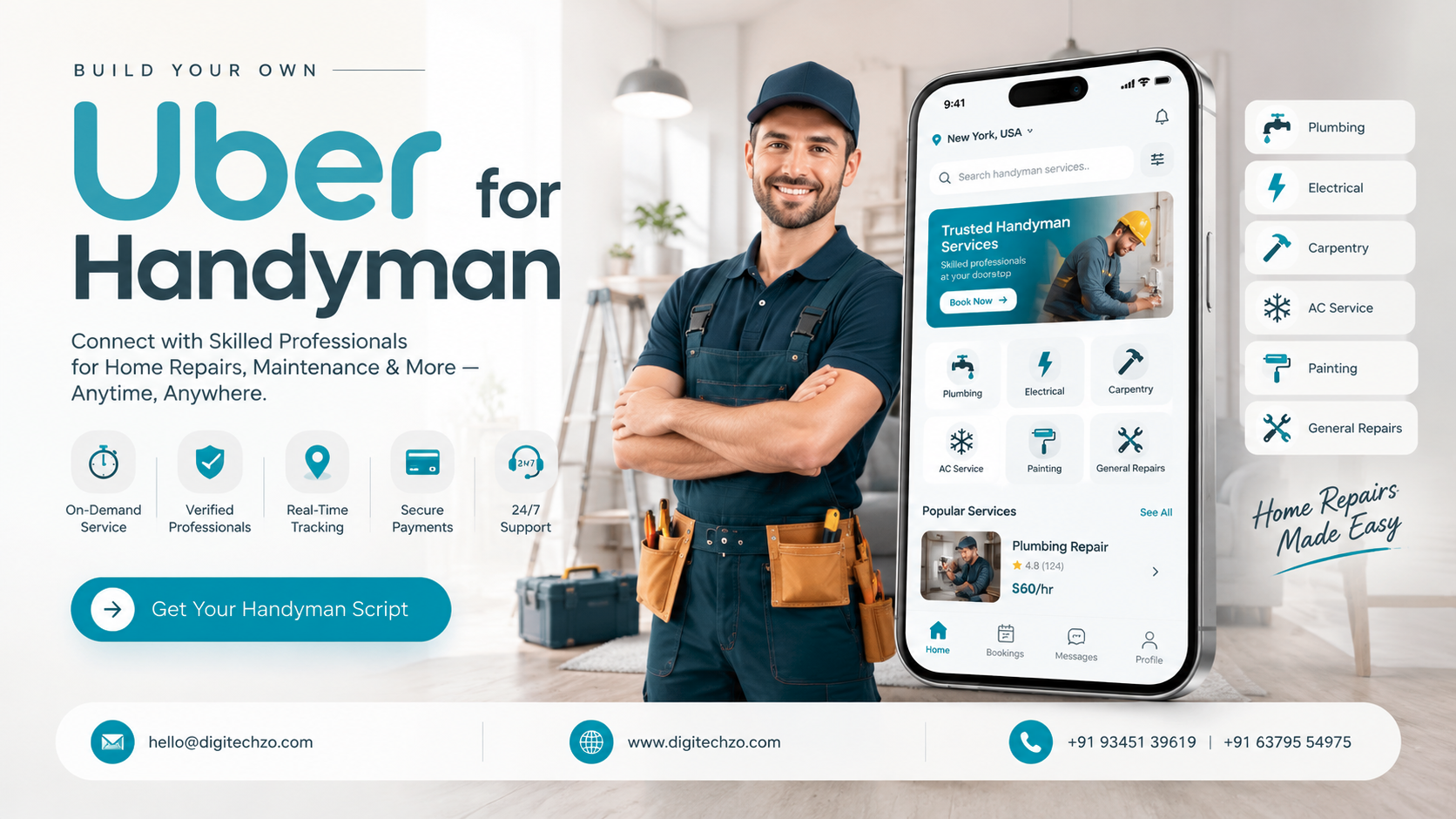
You may have a plumber, an electrician and a carpenter in your phone contacts, or run a small repair crew that gets jobs through calls and WhatsApp messages. Customers can't see availability, you can't see where your people are, and nobody has a clear record of what was quoted versus what was paid. You want one system that takes the request, matches a skilled person, collects payment and keeps everyone informed. That is what an Uber for Handyman app is meant to provide.
The model looks simple from the outside. Behind it are decisions about dispatch, pricing, trust, payments and operations that determine whether a platform works. This guide covers how the model works, what a launch-ready platform contains, and what to verify before you choose a development partner.
An Uber for Handyman app is an on-demand home service platform where customers book repair, maintenance or installation work and verified professionals accept and complete the jobs. It is typically built from a customer app, a service provider app and an admin dashboard. You can start from a ready-to-customize product foundation or build fully custom software. In either case your platform needs its own brand, pricing rules, provider vetting and operating processes. Costs and timelines depend on scope, so request estimates against a written feature list.
What Is an Uber for Handyman App?
An Uber for Handyman app is a two-sided marketplace. Customers post a job such as a leaking tap, a mounted TV or a broken lock. Nearby professionals with the right skills receive the request, and the platform handles booking, communication, payment and ratings.
The "Uber" part describes the interaction pattern: location-aware matching, real-time status, in-app payment and mutual ratings. It does not describe a particular company's code, name or interface.
Business-model-inspired, not copied
Search results often use "clone" to mean a reskinned copy. A sound approach is a business-model-inspired platform built on a ready-to-customize foundation, then independently branded and configured. Do not copy another company's logo, interface, content, or proprietary code, and do not imply any affiliation. Your platform should have its own brand, UX, business rules, service catalog and operating processes. If you have questions about intellectual property in your market, ask a qualified lawyer. This article is technical and business guidance, not legal advice.
How an On-Demand Handyman Platform Works
A typical job runs through these steps:
- Request: The customer picks a service category, describes the problem (often with photos), and chooses a time.
- Pricing: The platform shows a fixed price, an estimate range, or asks for a quote, depending on your model.
- Matching: The system offers the job to eligible providers by skill, distance, availability and rating, or an admin assigns it manually.
- Acceptance: A provider accepts, and the customer sees the profile, ETA and status.
- Service: The provider travels, arrives, completes the work and may add approved extras.
- Payment: The customer pays in-app (or by cash if you allow it), and the platform splits the money between provider and platform.
- Review: Both sides rate the job, and the admin team tracks quality.
Where the Uber Analogy Breaks Down
Handyman work behaves differently from ride-hailing, and many articles skip this. Planning for these differences is what separates a workable platform from a reskinned taxi app.
| Factor | Ride-hailing | Handyman services |
|---|---|---|
| Timing | Mostly immediate | Often scheduled; sometimes urgent |
| Job scope | Known (A to B) | Often unclear until diagnosed |
| Price certainty | Fare estimate from distance and time | Varies by scope, parts and time |
| Provider skills | One common skill | Many trades, certifications and tools |
| Trust risk | Short ride in a vehicle | Stranger entering a home |
| Duration | Minutes | Hours or multiple visits |
| Leakage risk | Low (one-time ride) | Higher (customer may rehire privately) |
These differences shape the product. You will likely need scheduling alongside instant booking, photo-based job descriptions, skill-based matching, quote or extra-charge approval flows, stronger provider vetting and policies on repeat bookings.
Core Components: Three Roles, One System
Customer app. Customers browse services, book, track the provider, pay, chat and rate. A responsive web version helps people who won't install an app.
Service provider app. Providers manage their profile, skills, service areas and availability, accept or decline jobs, navigate to the address, update job status and see earnings. Providers are often independent professionals, so the app has to be quick to use between jobs.
Admin dashboard. This is the operations control center. Admins onboard and verify providers, manage categories and pricing, monitor jobs, handle disputes and refunds, configure commissions and payouts, send notifications and review reports. Founders often underestimate this panel, and weak admin tooling creates daily operational pain.
Essential Features: MVP vs Later Phases
Build the minimum set that completes a trusted job end to end, then add depth based on real usage.
| Area | MVP (launch) | Later phases |
|---|---|---|
| Accounts | OTP or email login, profiles | Social login, multi-address, team accounts |
| Booking | Service selection, scheduling, photo upload | Recurring service, multi-visit jobs |
| Matching | Skill, distance, availability | Auto-dispatch ranking, surge or priority rules |
| Pricing | Fixed menu prices or estimates | Quote requests, dynamic pricing, promos |
| Payments | Online payment, commission split, payout records | Wallets, tips, subscriptions, invoicing |
| Tracking | Status updates, ETA | Live map tracking |
| Trust | Document upload, admin approval, ratings | Background check integration, insurance records |
| Communication | Push notifications, in-app chat | Masked calling, SMS fallback |
| Operations | Provider management, job oversight, refunds | Analytics, fraud signals, multi-city controls |
| Support | Basic dispute workflow | Ticketing, SLA tracking |
Prioritize the workflows that affect trust and revenue: verification, payments and dispute handling. Cosmetic features can wait.
How a Handyman App Makes Money
Possible revenue models include:
- Commission per job: The platform keeps a percentage of each completed booking.
- Booking or service fee: The customer pays a small platform fee on top of the job price.
- Provider subscription: Providers pay a monthly fee for leads and visibility.
- Lead fees: Providers pay per accepted or qualified request.
- Featured placement: Providers pay for higher visibility, which needs clear labeling to keep trust.
- Membership plans: Customers pay for priority booking or discounted service.
These are options, not predictions. Profitability depends on your market, acquisition costs, provider supply, pricing and how well you keep repeat business on the platform.
Pricing models for jobs
| Model | Best for | Watch out for |
|---|---|---|
| Fixed price per task | Standard jobs (TV mounting, tap replacement) | Underpricing complex cases |
| Hourly rate | Variable-duration work | Customer anxiety about final cost |
| Estimate range with approval | Moderately uncertain jobs | Needs clear extra-charge approval flow |
| Quote on request | Complex or large projects | Slower conversion |
Many platforms combine these: fixed pricing for common tasks and quotes for larger jobs.
Technology and Integrations
Exact choices depend on your region, budget and team, but a handyman platform usually involves:
- Mobile apps: Native (Swift, Kotlin) or cross-platform (Flutter, React Native), plus an admin web panel.
- Backend and database: An API layer, a relational database for jobs and payments, and cloud hosting.
- Maps and location: A maps provider for geocoding, distance and routing, such as Google Maps Platform or alternatives.
- Payments: A gateway that supports marketplace-style split payments and payouts. Options such as Stripe Connect or Razorpay Route exist, but availability and rules vary by country, so confirm for your market. Using a gateway-hosted checkout generally keeps card data off your servers (PCI DSS scope should be verified with your provider).
- Notifications: Push (FCM, APNs), SMS and email.
- Communication: In-app chat, plus masked calling so customers and providers don't need each other's numbers.
- Verification: Document upload with admin review, and optionally a background-check provider where available.
- Security and privacy: Encrypted transport, role-based access, audit logs and a data policy that follows applicable laws, such as GDPR or India's DPDP Act.
- Scalability: Design for more cities and service categories from the start. A few architecture decisions, like multi-city configuration and modular services, are cheap early and costly later.
Ready Foundation vs Fully Custom Development
| Factor | Ready-to-customize foundation | Fully custom build |
|---|---|---|
| Starting point | Pre-built modules (booking, roles, admin) | Requirements and architecture from zero |
| Customization | Branding, flows and features adapted, within the foundation's limits | Maximum freedom |
| Time to first version | Often shorter, but depends on how much you change | Typically longer |
| Uniqueness | Requires deliberate differentiation | Built around your model |
| Architecture control | Depends on the foundation's design | Full |
| Ownership and licensing | Must be clarified in the contract | Usually clearer, but still contractual |
| Maintenance | Depends on code quality and documentation | Depends on your team and partner |
| Best for | Validating a known model quickly | Novel workflows or complex integrations |
Neither approach is automatically cheaper or faster. A foundation that needs heavy rework can cost as much as a custom build. Ask which parts will be reused and which rebuilt, and how updates will be handled.
Launch Roadmap: Operations Before Code
- Pick a narrow start. Choose one city and a short list of high-frequency services (plumbing, electrical, appliance repair, furniture assembly) instead of covering everything.
- Define supply rules. Decide qualifications, documents, vetting steps, service areas and what a provider can and cannot do.
- Set pricing and commission. Model what customers will pay, what providers earn and what the platform keeps.
- Write policies. Cover cancellation, rescheduling, no-shows, refunds, damage claims and disputes before the first booking.
- Prepare supply. Recruit and onboard providers before marketing to customers, because an app with no available professionals loses early users.
- Build the MVP and test with real jobs. Run a small pilot and refine the flows that cause friction.
- Measure and iterate. Watch completion rate, response time, repeat bookings, disputes and provider retention.
What to Look for in a Development Partner
Whoever you choose, evaluate:
- Marketplace experience: Have they built multi-role, location-based or booking platforms? Ask to see the type of work, not just screenshots.
- Architecture and customization: How modular is the foundation, and which of your requirements need custom work?
- Integrations: Payments, maps, notifications and verification services relevant to your country.
- Security and privacy: How they handle data, access control and testing.
- Ownership terms: Who owns the source code, designs and data, and what third-party licenses are included?
- Documentation and testing: QA process, release process and technical documentation.
- Deployment and maintenance: Hosting, monitoring, bug fixes, support terms and costs after launch.
- Scalability: How the system will handle new cities, services and higher volumes.
- Business understanding: Do they ask about operations, vetting and pricing, or only about screens?
- Transparent estimates: Written scope, milestones and change-request handling.
Be cautious of anyone promising a finished product in days, guaranteed profits, or "identical" copies of an existing app.
Common Mistakes to Avoid
- Treating it as a taxi app with new icons. Scope uncertainty, scheduling and in-home trust need their own design.
- Launching without enough providers. Supply-first onboarding matters more than launch-day marketing.
- Weak vetting. Verification and ratings are central to a service that enters people's homes.
- Ignoring the admin panel. Without good tooling, support and dispute handling will not scale.
- Overbuilding the MVP. Extra features delay learning.
- No leakage strategy. Offer value that keeps repeat work on the platform, such as warranties, reliable scheduling, payment protection and rewards.
- Unclear commission communication. Be transparent with providers about fees and payout timing.
- Skipping local rules. Licensing, tax, insurance and worker-classification requirements vary by place. Get qualified legal and tax advice.
Why Choose DigiTechzo for Handyman App Development?
Choosing a partner matters here because a handyman marketplace is more than an app. It is a connected system of roles, payments, location services and operations. A partner who only builds screens leaves you to solve the hard parts yourself.
According to its website, DigiTechzo provides AI development, websites, mobile apps, blockchain, software and growth marketing. That combination is relevant to a platform that needs mobile apps for customers and providers, back-end software for operations, and customer acquisition after launch.the place to explore how a handyman platform could be scoped and built around your business model.
As you evaluate any provider, DigiTechzo included, ask for a written scope, integration plan, ownership terms and support model, and verify specific experience directly.
FAQs
Is an Uber for Handyman app the same as a handyman clone app?
They overlap. "Clone" usually refers to a ready-to-customize foundation based on a familiar business model. Your platform should still be independently branded and must not copy another company's proprietary code, branding or content.
What features does a handyman booking app need first?
Customer and provider sign-up, service selection, scheduling, provider verification, in-app payments, status updates, ratings and an admin dashboard.
How does an on-demand handyman app make money?
Common models are commission per job, customer service fees, provider subscriptions, lead fees and featured listings. Outcomes depend on your market and operations.
How much does handyman app development cost?
It varies with features, platforms, integrations, design and the team's location. Published ranges differ widely, so request an itemized estimate against a defined feature list.
Should I use a ready foundation or build from scratch?
A foundation can help you validate a known model, while custom development suits unusual workflows or complex integrations. Compare based on customization limits, ownership terms and maintenance, not on promised speed.
Do I need separate apps for customers and providers?
Usually yes, because their needs differ. Customers book and pay, and providers manage jobs and earnings. Both connect to one admin dashboard.
How do I keep customers from booking providers outside the app?
You can't fully prevent it, but you can reduce it with payment protection, warranties, reliable scheduling, loyalty rewards and clear terms.
Is a handyman app legal in my country?
Rules on licensing, insurance, taxes and worker classification differ by region. Consult a qualified professional before launching.
