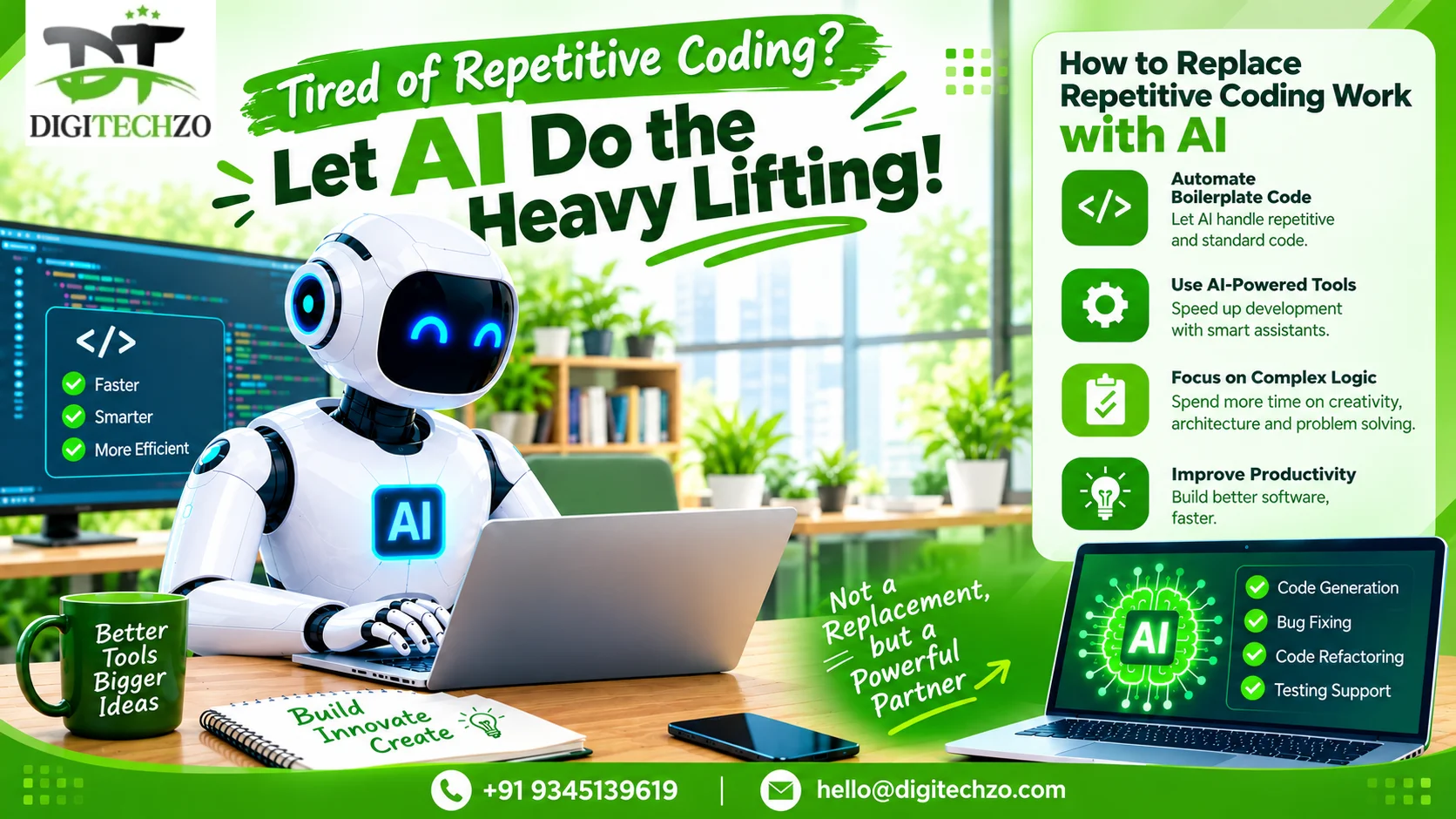
Artificial intelligence can now generate code, explain unfamiliar projects, draft tests, suggest fixes and help build early software prototypes. For business owners trying to reduce development costs or launch products faster, this raises a direct question: will AI replace software developers?
The more useful question is what parts of software development can be automated safely today—and what still requires experienced human judgment. If your goal is to learn how to replace software developers with AI, the practical approach is not to hand an entire product to an AI tool and hope it works. It is to redesign the development workflow so AI handles well-defined, repeatable tasks while a responsible person validates requirements, architecture, security and production readiness.
Research reflects this mixed picture. In Stack Overflow’s 2025 Developer Survey, 84% of respondents said they were using or planning to use AI tools in their development process, but 46% distrusted the accuracy of AI output compared with 33% who trusted it. Google’s DORA research also describes AI as an amplifier of an organisation’s existing strengths and weaknesses—not a substitute for sound engineering practices. These findings support adoption with verification, not blind automation. [1][2]
Will AI replace software developers completely?
AI is likely to automate more individual development tasks and change how teams are staffed, but it is not reliable to claim that it can completely replace software developers across all projects. Software development includes much more than producing code: understanding a business problem, resolving conflicting requirements, choosing trade-offs, managing data, securing systems, handling incidents and being accountable for outcomes.
For simple, clearly defined tasks—such as generating a basic form, creating a script, writing routine unit tests or drafting documentation—AI can often produce a useful first version. Complex applications are different. They contain hidden dependencies, changing requirements, legacy behaviour, integration constraints and risks that may not be visible in a prompt. AI-generated code can compile and still be insecure, incorrect or unsuitable for the business.
The likely direction is a shift from developers writing every line manually toward smaller teams directing AI-assisted workflows. Some organisations may need fewer people for certain repetitive tasks; others may use the same team to deliver more features. The outcome depends on product complexity, engineering discipline, tool capability and the cost of mistakes.
What software development tasks can AI replace or automate?
Boilerplate and repetitive code
AI can draft common structures, CRUD endpoints, data models, forms and repetitive glue code when requirements and project conventions are clear.
Prototype and MVP scaffolding
AI can help create an initial interface, simple workflows, demo data and a basic application skeleton. A prototype still needs review before it becomes a production system.
Unit-test drafts
AI can suggest test cases and write initial unit tests from expected behaviour. Developers must confirm that tests cover meaningful edge cases and do not simply repeat the implementation’s assumptions.
Code explanation and documentation
AI can summarise unfamiliar functions, draft README files, explain errors and help document APIs. Always verify explanations against the actual repository.
Bug investigation support
AI can propose likely causes, identify suspicious code paths and suggest fixes. The proposed change should be reproduced, tested and reviewed before merging.
Refactoring suggestions
AI can help simplify functions, reduce duplication or migrate patterns. Automated tests and small changes are important to catch unintended behaviour.
Data transformation and scripts
For bounded tasks, AI can draft CSV transformations, internal scripts, SQL queries and one-off utilities. Review data-loss risks and test with non-production data first.
Test-case generation and QA support
AI can propose scenarios, edge cases and browser test scripts. Human testers should still check real user journeys, permissions, accessibility and business rules.
What AI should not own without human oversight
AI assistance does not remove accountability. For business-critical applications, a qualified person should remain responsible for:
Product discovery and deciding what problem the software must solve.
Architecture decisions involving scale, reliability, maintainability, data ownership and vendor lock-in.
Authentication, authorisation, payment flows, sensitive data handling and security boundaries.
Database migrations, production data changes, backups and recovery plans.
Reviewing third-party dependencies, licences, secrets and supply-chain risks.
Production deployment, monitoring, incident response and rollback decisions.
Validating that the application meets legal, contractual, accessibility and industry-specific requirements.
AI can assist with each of these areas, but assistance is not the same as independent approval. The higher the potential impact of failure, the stronger the need for expert review, controlled permissions and auditable decisions.
How to replace repetitive software development work with AI: a practical workflow
If your goal is to reduce dependence on a large development team, start by automating specific tasks rather than trying to remove every developer role at once. The following workflow can help a small business or startup test AI-powered software development in a controlled way.
Step 1: Choose one bounded feature
Select a small feature with clear inputs, outputs and acceptance criteria—for example, an admin table, CSV import, notification template or report filter. Avoid starting with authentication, payment processing or a complete rewrite of a production platform.
Step 2: Give AI the real project context
Provide the relevant repository files, framework versions, architecture notes, coding conventions, data model and existing tests through an approved tool. Do not paste secrets, production credentials or sensitive customer data into an unapproved service.
Step 3: Write acceptance criteria before code
Describe the expected user behaviour, validation rules, error states, permissions and edge cases. Ask the AI to identify ambiguities and propose a plan before it edits files.
Step 4: Ask for a small implementation plan
Require the tool to name the files it expects to change, explain the approach and identify risks. Review the plan before allowing a large set of changes.
Step 5: Generate code in small, reviewable changes
Use a branch or isolated working copy. Ask for one logical change at a time and require a concise summary of modifications. Avoid letting an agent make broad, irreversible changes without checkpoints.
Step 6: Run tests and static checks
Run the existing test suite, linting, type checks, dependency checks and relevant security scans. Ask AI to draft missing tests, but verify that they test the requirements rather than merely pass.
Step 7: Review the diff and challenge assumptions
Inspect every change for unexpected behaviour, hard-coded values, insecure access, missing error handling, unnecessary dependencies and accidental edits. Have a qualified engineer review high-risk changes.
Step 8: Test in staging before production
Use test accounts and non-production data. Verify key user journeys, permissions, integration failures, performance and rollback procedures before deployment.
Step 9: Measure outcomes
Track cycle time, escaped defects, rework, review time, incidents and cost per accepted feature. Faster code generation alone does not prove that the overall delivery process improved.
Step 10: Expand only after evidence
If the pilot is reliable, apply the workflow to similar low-risk tasks. Document reusable prompts, test requirements, review rules and access permissions.
A practical AI-assisted development team for a small business
A company does not necessarily need to choose between a large traditional team and zero developers. For a small product, a lean model can combine AI tools with a small amount of accountable human expertise:
Founder or product owner: defines customer problems, priorities and acceptance criteria.
AI coding tools or agents: draft code, tests, documentation and routine changes within approved boundaries.
Senior engineer or technical reviewer: checks architecture, code quality, security, data handling and release readiness.
QA owner: verifies critical user journeys, regression behaviour and acceptance criteria; AI can help prepare test cases.
Operations owner: manages monitoring, backups, access control, deployment and incident response.
The exact roles may be combined in a very small team, but the responsibilities should not disappear. If a founder is not technically experienced, paying for periodic senior engineering review can be less risky than relying entirely on AI-generated code that nobody can independently assess.
AI vs software developers: what is the difference?
| Evaluation Parameter | AI Coding Assistants | Autonomous AI Agents | Human Software Developers |
|---|---|---|---|
| Primary Strength | Fast syntax drafting, autocomplete, and boilerplate generation. | Multi-file task execution, scaffold generation, automated test runs. | System architecture, business domain logic, and trade-off decisions. |
| Context Window & Scope | Single file / active function snippet context. | Multi-file task scope bounded by prompt context. | Holistic codebase, production infrastructure, and business objectives. |
| Business Domain Alignment | None (relies strictly on user prompts). | Prompt-directed goals with iterative tool calls. | Deep understanding of user empathy, commercial value, and ROI. |
| Code Correctness & Verification | Requires constant developer review and line verification. | Moderate (risk of hallucinated packages or subtle regressions). | Production-grade correctness, edge-case validation, and QA standards. |
| Security & Data Compliance | Risks exposing intellectual property without enterprise opt-outs. | Automated static checks with heuristic vulnerability scans. | Threat modeling, cryptographic keys, penetration tests & compliance. |
| Deployment & Live Operations | Scaffolding only (no production ownership). | Limited staging deployment and sandbox testing. | Full end-to-end production deployment, incident response & uptime SLA. |
Which AI coding tools should a business evaluate?
Tool selection should be based on the workflow, repository size, privacy needs, integration requirements, budget and review controls—not on marketing claims alone. Businesses commonly evaluate AI coding assistants integrated into an IDE, repository-aware coding agents, general-purpose AI assistants for planning and debugging, and automated testing or code-review tools.
Before approving a tool, check whether it can access private repositories, how prompts and code are retained, what enterprise controls are available, whether it can run commands or modify files, and how changes can be reviewed. Start with limited repository permissions and a test project. Do not grant unrestricted production access just because a tool can execute tasks autonomously.
The risks of trying to replace developers entirely with AI
Almost-correct code
AI can produce plausible code with subtle defects. Debugging may take longer than expected if the generated changes are poorly understood.
Security and privacy exposure
Prompts, repository access, secrets and generated dependencies can create risks if controls are weak.
Loss of system knowledge
If nobody understands the architecture, a team may struggle to fix outages or maintain the product after the AI-generated implementation grows.
Hidden maintenance costs
Fast initial generation can create duplicated logic, brittle tests, poor documentation or difficult upgrades.
Incorrect assumptions
AI may fill gaps with invented requirements or outdated APIs. The team must verify claims against project documentation and actual behaviour.
Unclear accountability
A business still needs an owner for customer data, outages, defects and release decisions.
What does research say about AI developer productivity?
Use survey results as context rather than a guarantee for your own team. Stack Overflow’s 2025 Developer Survey reported that 84% of respondents were using or planning to use AI tools in their development process. At the same time, 46% distrusted the accuracy of AI output, compared with 33% who trusted it. The survey also reported that 66% were frustrated by AI solutions that were close to correct but not quite right. [1]
Google’s DORA 2025 research, based on responses from nearly 5,000 technology professionals and qualitative research, concluded that AI amplifies the strengths and weaknesses of an organisation. Its implication for businesses is important: AI tools do not automatically fix unclear requirements, weak testing, fragmented systems or poor collaboration. Teams need a healthy engineering foundation to convert local speed gains into reliable delivery. [2]
Therefore, measure AI developer productivity using end-to-end outcomes: accepted features delivered, lead time, defects after release, rework, review burden, reliability and total cost. Do not assume that generating more lines of code or finishing a first draft faster means the business is shipping better software.
A 30-day plan to introduce AI into software development
Week 1 — Audit and select a pilot
List recurring development tasks, classify them by risk, choose one low-risk feature and set a baseline for time, defects and review effort.
Week 2 — Build a controlled workflow
Choose an approved tool, prepare project instructions, define access boundaries, write acceptance criteria and create a test branch.
Week 3 — Run the pilot
Use AI to draft implementation, tests and documentation. Review every change, run automated checks and record the time spent on generation, correction and review.
Week 4 — Evaluate and decide
Compare the pilot with the baseline. Check quality, rework, maintainability and total cost. Expand only if the evidence shows a reliable benefit.
Conclusion: will AI replace software developers?
AI will change software development, automate many repetitive tasks and allow small teams to build prototypes and deliver selected features faster. But the evidence does not justify treating AI as a universally reliable replacement for software developers. Requirements, architecture, security, integration, testing and production accountability remain critical.
If your business wants to replace repetitive developer work with AI, start with a small, measurable workflow: define the task, provide controlled context, generate changes incrementally, test thoroughly and require human approval for risky decisions. The goal should be fewer hours wasted on routine work and more reliable software—not simply eliminating people.
Digitechzo can help businesses assess an AI-assisted development workflow, define an MVP, map integrations and plan a controlled implementation. The right solution depends on the existing codebase, technical risk, business requirements and the level of engineering oversight available.
4. Frequently Asked Questions
Will AI replace software developers in the future?
AI is likely to automate more coding and testing tasks and change developer roles. Complete replacement across all software projects is not a reliable assumption because software work also requires requirements analysis, system design, security, validation and operational accountability.
How to replace software developers with AI?
Start by automating bounded, repetitive tasks such as boilerplate code, documentation, test drafts and simple internal tools. Define acceptance criteria, use an approved coding assistant, make small changes, run tests and require human review before production. Do not begin by handing over a complex production system without oversight.
Can AI build a complete application?
AI can help produce prototypes and parts of an application, and may complete simple applications when the requirements are narrow. Complex, secure and production-ready applications usually require human decisions, integration work, testing, deployment and ongoing maintenance.
Can a non-technical founder build software using AI?
A non-technical founder can use AI to prototype ideas and build simple workflows, but should obtain experienced technical review before handling sensitive data, payments, authentication, complex integrations or production systems.
What are the best AI coding tools for businesses?
The best tool depends on your stack, repository, privacy requirements, workflow and budget. Evaluate repository context, code-editing controls, test integration, access permissions, data-retention terms and the quality of review workflows before standardising on a tool.
Is AI-generated code safe to use in production?
It can be used when it passes the same engineering standards as human-written code: code review, tests, security checks, dependency review, staging validation, monitoring and rollback planning. AI output should not be considered safe simply because it runs.
Will AI reduce software development costs?
It may reduce time spent on selected tasks, but total cost also includes tool subscriptions, review, debugging, security, integration and maintenance. Measure cost per accepted, reliable feature rather than assuming a fixed percentage saving.
What is the difference between AI coding tools and AI agents for coding?
Coding assistants usually help a person with suggestions, explanations or edits. Coding agents may plan and execute multi-step tasks, use tools and modify files with less continuous input. Agents need stronger permissions, checkpoints, logging and review because they can make broader changes.
Frequently Asked Questions
What is Will AI Replace Software Developers? How to Replace Repetitive Coding Work with AI and how does it work?
Artificial intelligence can now generate code, explain unfamiliar projects, draft tests, suggest fixes and help build early software prototypes. For business owners trying to reduce development costs or launch products faster, this raises a direct question: will AI replace software developers?
How does scalable digital infrastructure support long-term business growth?
The more useful question is what parts of software development can be automated safely today—and what still requires experienced human judgment. If your goal is to learn how to replace software developers with AI, the practical approach is not to hand an entire product to an AI tool and hope it works.
What are key considerations when planning deployment and ongoing maintenance?
Research reflects this mixed picture. In Stack Overflow’s 2025 Developer Survey, 84% of respondents said they were using or planning to use AI tools in their development process, but 46% distrusted the accuracy of AI output compared with 33% who trusted it. Google’s DORA research also describes AI as an amplifier of an organisation’s existing strengths and weaknesses—not a substitute for sound engineering practices.
Explore DigiTechzo's Enterprise AI Engineering Practice
Accelerate operational intelligence with autonomous multi-agent workflows, custom LLM fine-tuning, and predictive analytics on our AI Development Company page.
