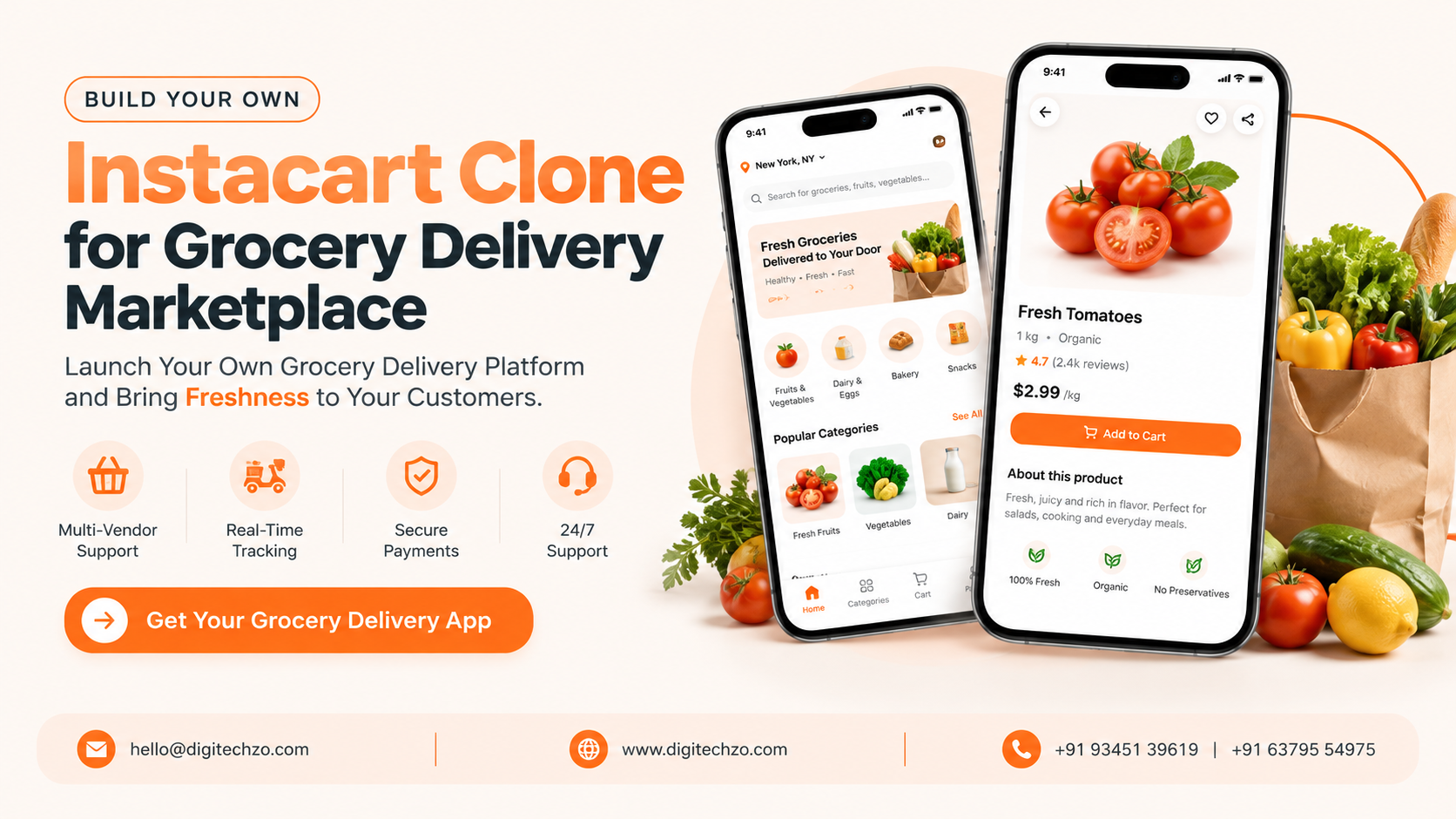
You may run a supermarket that customers keep asking to order from online, or you may want to connect local grocers with shoppers in your city. Either way, you want a platform that lists thousands of products, lets customers pick delivery times, assigns someone to collect the groceries, handles out-of-stock items, and charges the right amount at the end. Designing every part of that from zero is a large project. That is why many founders look at an Instacart clone as a starting point.
This guide explains how the model works, which operating model to choose, what the platform actually contains, and what to verify before you pick a development partner.
An Instacart clone is a business-model-inspired grocery delivery platform that connects customers, partner stores, shoppers or pickers, delivery partners and an admin team. It is usually built from a ready-to-customize product foundation, then branded and configured as your own platform. The key decision is your operating model: a multi-retailer marketplace, a single-store app, or a dark-store setup. Features like substitutions, accurate inventory, delivery slots and flexible payments matter more than copying another app's look.
What Is an Instacart Clone?
Instacart is a well-known grocery delivery marketplace where customers order from local stores and a shopper collects and delivers the items. An Instacart clone refers to a platform built on that same workflow: browse a store catalog, build a cart, choose a delivery slot, have someone pick and deliver the order, and pay online.
Business-model-inspired, not copied
A clone should not mean copying another company's brand, interface, content or proprietary code, or implying any affiliation. A sound approach is a ready-to-customize foundation that becomes an independently branded platform with its own design, business rules, store partnerships, pricing, integrations and operations. If you have intellectual property questions in your market, consult a qualified lawyer. This article is technical and business guidance, not legal advice.
Choose Your Operating Model First
Most "Instacart clone" pages jump straight to features. In practice your operating model decides your architecture, staffing and economics.
| Model | How it works | Best for | Key challenge |
|---|---|---|---|
| Multi-retailer marketplace | You partner with existing stores. Shoppers pick items in the store. | Entrepreneurs without inventory | Retailer onboarding, catalog accuracy, thin margins |
| Single-store or chain app | One retailer sells through its own app. Store staff pick and pack. | Supermarkets and grocery chains | Staffing, order volume at peak times |
| Dark store or inventory-owned | You stock a warehouse-style store built for online orders. | Operators ready to hold stock | Capital, inventory management, waste |
The platform for each model is different. A marketplace needs retailer management and shopper tools. A single-store app needs store-staff picking tools and integration with its own inventory. A dark-store model needs warehouse and stock workflows.
The Five Roles on the Platform
- Customer. Browses products, builds a cart, chooses delivery or pickup, approves substitutions, pays and tracks the order.
- Store or retailer. Manages catalog, prices, stock and availability. In a single-store setup, this is your own team.
- Shopper or picker. Receives the order, picks items in the store, marks unavailable products, proposes substitutes and scans or confirms items.
- Delivery partner. Collects the packed order and delivers it. In some setups the shopper also delivers.
- Admin and operations team. Onboards stores and shoppers, manages catalogs and categories, configures fees and commissions, monitors orders, resolves complaints and issues refunds.
The shopper's workflow is the part most generic guides underexplain. It needs fast item search, clear picking lists, barcode support where available and an easy way to communicate with the customer.
How a Grocery Order Flows
- Browse and cart. The customer selects a store and adds items, with search, categories and past orders to speed up repeat shopping.
- Slot and preferences. The customer picks a delivery window and sets substitution preferences per item.
- Authorization. The platform places a payment authorization, often for an amount that leaves room for price or weight adjustments.
- Assignment. The order goes to a shopper or store picker based on location, capacity and slot.
- Picking. The shopper marks items found or unavailable, and the customer approves or rejects suggested replacements.
- Final bill. Weighted items, substitutions and removed items change the total, and the final amount is calculated.
- Delivery. A delivery partner or the shopper delivers, and the customer follows progress.
- Settlement and feedback. The platform captures payment, splits earnings, and records ratings and any issues.
Why Grocery Is Harder Than Food Delivery
| Factor | Restaurant food delivery | Grocery delivery |
|---|---|---|
| Catalog size | Dozens of menu items | Thousands of SKUs per store |
| Inventory accuracy | Menu items usually available | Stock changes constantly; mismatches cause missing items |
| Substitutions | Rare | Core workflow |
| Pricing | Fixed menu prices | Weight-based items, promotions, store price differences |
| Handling | Hot food, short trips | Mixed temperatures and fragile items |
| Order size | Small | Often large and complex |
| Scheduling | Mostly immediate | Often slot-based |
| Compliance | Food handling | Food handling plus age-restricted items such as alcohol, where applicable |
These differences explain why a grocery platform is not just a restaurant delivery app with a bigger catalog.
Essential Features: MVP vs Later Phases
| Area | MVP (launch) | Later phases |
|---|---|---|
| Accounts | Phone or email login, address book | Household accounts, saved lists |
| Catalog | Categories, search, filters, product details | Barcode scanning, personalized recommendations |
| Cart and checkout | Cart, delivery slots, coupons | Recurring orders, subscriptions |
| Substitutions | Item-level preference, shopper suggestions | Smarter replacement suggestions |
| Picking | Picker app with item list and status | Batching, route-through-store guidance |
| Payments | Online payment, authorization then final capture, refunds | Wallets, tips, gift cards |
| Delivery | Assignment, status updates, ETA | Live tracking, route optimization |
| Store management | Catalog and price upload, availability toggles | Real-time sync with store inventory systems |
| Admin | Orders, users, stores, fees, refunds | Analytics, fraud signals, multi-city controls |
| Communication | Push notifications, order chat | Masked calling, SMS fallback |
| Support | Issue reporting, refunds | Ticketing and service-level tracking |
If you can only perfect a few workflows at launch, make them catalog accuracy, substitutions, payment adjustments and refunds. Those are where grocery orders most often go wrong.
How a Grocery Delivery Marketplace Makes Money
Possible revenue sources include:
- Delivery fees: Charged per order, sometimes based on distance, size or slot.
- Service fees: A percentage or flat fee on the basket.
- Retailer commission: A share of sales from partner stores.
- Subscriptions or memberships: Customers pay for reduced fees or priority slots.
- Retailer promotions: Stores or brands pay for visibility. These should be clearly labeled.
- Item markups: Some models adjust item prices, which needs transparent communication and attention to local consumer rules.
These are possible models, not guarantees. Grocery margins can be thin, so profitability depends on basket size, order density, delivery cost, retailer terms and acquisition cost. Model the unit economics for your own city before you build.
Technology and Integrations
Choices vary by region and budget, but a grocery platform typically includes:
- Apps: Customer app (iOS, Android and web), picker or shopper app, delivery partner app, retailer dashboard and admin panel. Native or cross-platform frameworks both work.
- Backend: An API layer, a relational database for orders and payments, search for large catalogs, and cloud hosting that scales with peak times.
- Catalog and inventory: Bulk upload tools, APIs or POS integrations to keep availability and prices current. This is often the hardest integration.
- Maps and routing: Geocoding, delivery zones, distance and ETA from a maps provider.
- Payments: A gateway that supports marketplace payouts and authorization followed by capture of a different final amount. Confirm what your gateway and country support.
- Notifications: Push, SMS and email for substitutions, delays and delivery updates.
- Security and privacy: Encrypted transport, role-based access, audit trails and data practices aligned with applicable laws such as GDPR or India's DPDP Act.
- Scalability: Design for more stores, zones and cities from the start, with configurable fees, slots and taxes.
Ready Foundation vs Fully Custom Development
| Factor | Ready-to-customize foundation | Fully custom build |
|---|---|---|
| Starting point | Existing modules for orders, roles and admin | Requirements and architecture from zero |
| Fit with your model | Good if your model matches the foundation | Built around your model |
| Customization limits | Defined by the foundation's design | Few limits |
| Time to first version | Can be shorter, but depends on changes needed | Usually longer |
| Differentiation | Must be added deliberately | Built in from the start |
| Retailer and POS integrations | Often custom work either way | Designed in from day one |
| Ownership | Needs clear contract terms | Usually clearer, still contractual |
| Maintenance | Depends on code quality and documentation | Depends on your partner or team |
| Best for | Validating a known model | Novel workflows or deep integrations |
Neither route is automatically cheaper or faster. If a foundation needs heavy rework for your model, the advantage shrinks. Ask which modules will be reused, which rebuilt, and how updates will work.
Launch Roadmap
- Pick your model and area. Choose marketplace, single-store or dark-store, and start with one city or set of zones.
- Secure supply. Sign store partners or prepare your own inventory, and agree on catalog and price update methods.
- Define operations. Set picking rules, substitution policy, delivery slots, cold-chain handling, cancellation and refund rules.
- Model economics. Work out delivery cost, fees, commissions and break-even order volume.
- Build the MVP. Focus on the order lifecycle for all five roles.
- Pilot. Run a limited launch, measure missing-item rates, substitution acceptance, delivery times and complaints.
- Expand. Add stores, zones and features based on real data.
What to Look for in a Clone Development Partner
- Marketplace and logistics experience: Ask about multi-role platforms with location services, not just app screens.
- Architecture and customization: How modular is the foundation, and which requirements need custom work?
- Grocery-specific capability: Substitutions, weighted pricing, slots, picker tools and catalog sync.
- Integrations: Payments, maps, notifications, and retailer or POS systems relevant to your market.
- Security and privacy: Data handling, access control, testing and incident process.
- Ownership and licensing: Source code, design assets, data and third-party licenses.
- Documentation and testing: QA process, release management and technical documentation.
- Deployment and support: Hosting, monitoring, maintenance terms and response times.
- Scalability: How the system handles peak hours, new cities and more catalogs.
- Business understanding: Do they ask about operations and economics or only features?
- Transparent scope: Written estimates, milestones and a clear change-request process.
Be cautious of promises such as guaranteed profits, a finished platform in days, or "identical" copies of an existing app.
Common Mistakes to Avoid
- Choosing features before choosing the model. A marketplace and a single-store app need different tools.
- Underestimating catalog work. Poor product data and stale stock cause missing items and refunds.
- Treating substitutions as an afterthought. Customers need control, and shoppers need a fast way to propose replacements.
- Ignoring payment mechanics. Weighted items and removed products change the final amount.
- Launching without retailer or inventory commitments. An empty catalog drives users away.
- Overbuilding the first version. Extra features delay learning from real orders.
- Skipping local rules. Food safety, age-restricted sales, tax and consumer protection vary by region. Get qualified legal and tax advice.
- Assuming a clone guarantees profit. The model is proven in concept, but results depend on execution and economics.
Why Choose DigiTechzo for Instacart Clone Development?
A grocery platform joins several systems: customer, picker, delivery and store apps, plus payments, location services and catalog management. A partner that only produces screens leaves the hardest operational pieces to you.
According to its website, DigiTechzo provides AI development, websites, mobile apps, blockchain, software and growth marketing. That range is relevant because a grocery marketplace needs multiple mobile apps and back-end software, and it needs customer acquisition once it is live. the place to explore how a platform like this could be scoped around your operating model.
Whichever provider you consider, ask for a written scope, integration plan, ownership terms and support model, and verify relevant experience directly.
FAQs
What is an Instacart clone app?
It is a grocery delivery platform based on the Instacart-style workflow of browsing local store catalogs, ordering, having items picked and delivered, and paying online. It should be independently branded and not copy another company's proprietary assets.
Which operating model should I choose?
Choose a multi-retailer marketplace if you want to partner with existing stores, a single-store app if you are a retailer, and a dark-store model if you plan to hold your own stock.
What features does a grocery delivery app need first?
Catalog search, cart, delivery slots, substitution handling, picker tools, online payments with adjustable final totals, delivery tracking, a store dashboard and an admin panel.
How do substitutions work?
Customers set preferences per item, the shopper suggests replacements when something is unavailable, and the customer approves or rejects them before the final total is calculated.
How does a grocery marketplace make money?
Common sources are delivery fees, service fees, retailer commissions, subscriptions and promoted placements. Margins can be thin, so model your unit economics first.
Is a ready foundation better than a custom build?
It depends on how closely your model matches the foundation. Compare customization limits, ownership terms and maintenance rather than relying on speed claims.
How much does it cost to build an app like Instacart?
Cost depends on the number of apps, features, integrations, design and team location. Ask for an itemized estimate against a written scope.
Do I need a separate app for shoppers?
Usually yes. Pickers need tools for item lists, availability and customer communication that a customer app does not provide.
Is launching a grocery delivery platform subject to regulation?
Often yes. Food handling, age-restricted items, taxes and consumer protection differ by region, so consult qualified professionals.
