Imagine losing three qualified leads before your team even wakes up — because nobody was there to answer a 2 AM inquiry, follow up on an abandoned cart, or schedule a demo call. This isn't a hypothetical. It's the daily reality for thousands of growing businesses that rely on human-only teams to handle work that never actually stops.
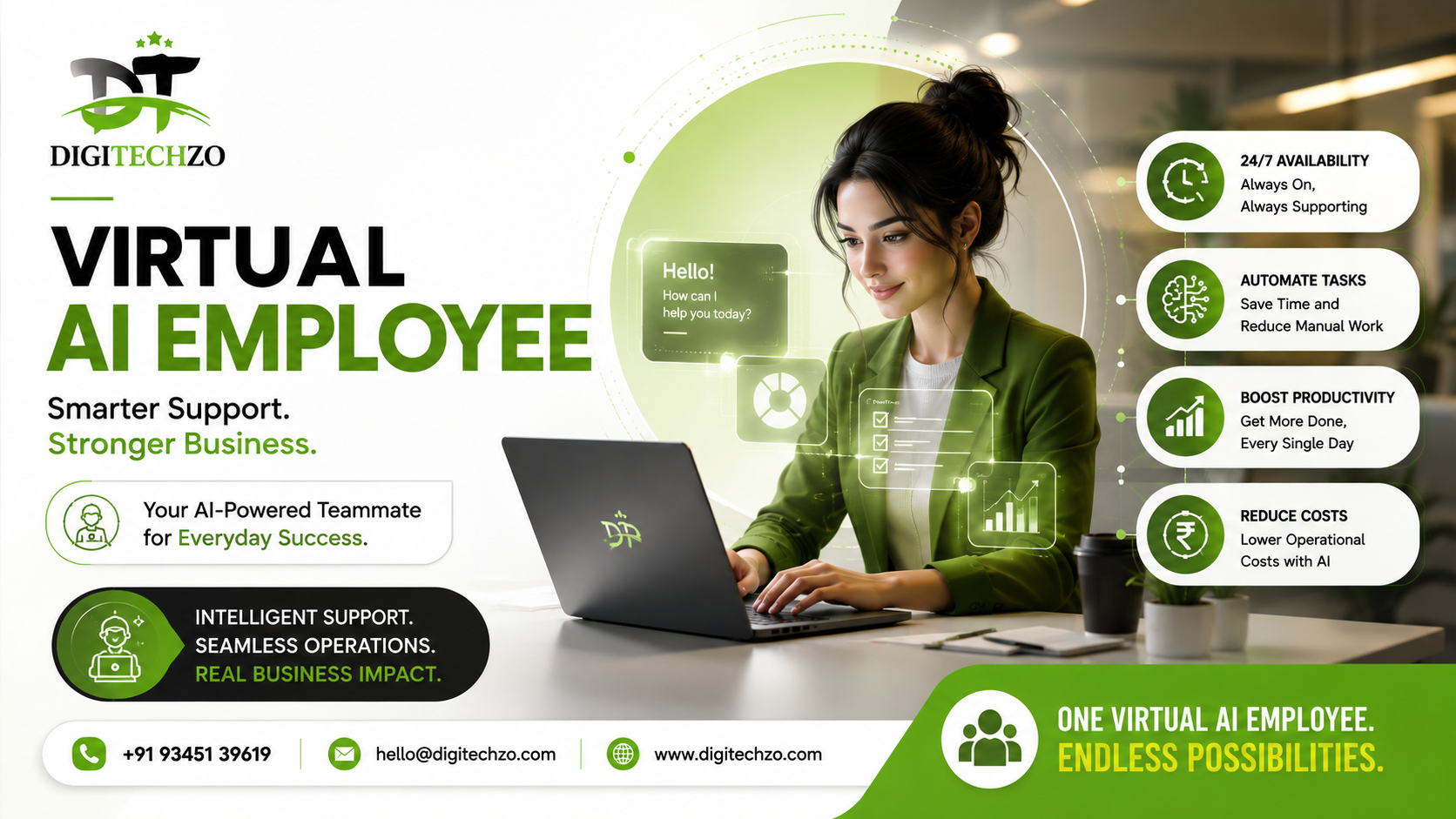
That gap — between when customers need a response and when your team can give one — is exactly what a virtual AI employee is built to close. It's not another chatbot bolted onto your website. It's a purpose-trained digital worker that handles real tasks: qualifying leads, answering support tickets, booking meetings, updating your CRM, and following up — all without needing sleep, sick days, or supervision.
At digitechzo, we've spent the last few years helping businesses design and deploy these systems, and one pattern shows up again and again: companies that adopt virtual AI employees early don't just save money — they capture revenue that was previously walking out the door. This guide breaks down exactly what a virtual AI employee is, how it actually works, where it fits in your business, and how to avoid the mistakes that sink most implementations.
A virtual AI employee is an AI-powered digital worker that performs specific business functions — like sales follow-up, customer support, appointment scheduling, or data entry — autonomously and around the clock. Unlike a basic chatbot, it's trained on your business processes, integrates with your existing tools (CRM, calendar, helpdesk), and can hold context-aware conversations, take actions, and hand off to humans when needed.
What Is a Virtual AI Employee, Really?
A virtual AI employee is a software-based worker built on large language models (LLMs) and automation infrastructure, designed to perform a defined role inside your business — much like a human hire, but digital.
The term gets thrown around loosely, so here's the precise distinction: a virtual AI employee has three things a simple automation script or chatbot doesn't.
- Role-specific training — it's built around a job (SDR, support agent, scheduler), not a generic Q&A script
- System access — it can read and write to your actual tools: CRM, calendar, inbox, helpdesk, spreadsheets
- Decision-making within boundaries — it can qualify a lead, choose a follow-up sequence, or escalate a ticket based on context, not just fixed if/then rules
Think of it less like "AI customer service" and more like hiring someone whose entire job is to never let a lead, ticket, or task fall through the cracks.
Why This Matters Now
Response speed has become a competitive differentiator, not a nice-to-have. Data from sales research firms has repeatedly shown that leads contacted within the first five minutes convert at dramatically higher rates than leads contacted an hour later — yet most businesses take hours, not minutes, to respond outside working hours. A virtual AI employee closes that window by design.
How a Virtual AI Employee Actually Works
Under the hood, a virtual AI employee typically combines four layers of technology working together:
Language Understanding Layer
An LLM (like Claude or GPT-class models) processes incoming messages — emails, chats, voice transcripts — and understands intent, not just keywords. This is what allows it to handle "Can I move my appointment to next week, preferably a morning slot?" instead of only matching rigid commands.
Knowledge & Context Layer
The AI is grounded in your business data: product catalogs, pricing, FAQs, policies, past customer interactions. This is usually done through a technique called retrieval-augmented generation (RAG), which lets the AI pull accurate, up-to-date answers instead of guessing.
Action & Integration Layer
This is what separates a real virtual AI employee from a chat widget. It connects via APIs to tools like HubSpot, Salesforce, Google Calendar, Zendesk, or Slack — so it can actually book the meeting, update the deal stage, or send the invoice, not just describe how to do it.
Guardrails & Escalation Layer
Well-built systems include clear boundaries: what the AI can decide on its own, and when it must hand off to a human. A mature virtual AI employee knows the difference between "reschedule a call" (safe to automate) and "customer is threatening to cancel a $50K contract" (escalate immediately).
Virtual AI Employee vs. Chatbot vs. Human Employee
| Factor | Basic Chatbot | Virtual AI Employee | Human Employee |
|---|---|---|---|
| Availability | 24/7 | 24/7 | Business hours (typically) |
| Handles complex, multi-step tasks | Rarely | Yes | Yes |
| Integrates with CRM/calendar/tools | Rarely | Yes | Yes |
| Learns your specific processes | No | Yes | Yes |
| Cost to scale | Low | Low–Moderate | High (salary, benefits, training) |
| Judgment on ambiguous situations | No | Limited, improving | Yes |
| Best for | FAQs | Repetitive, structured workflows | Strategy, relationship-building, edge cases |
The honest takeaway: a virtual AI employee isn't trying to replace your best salesperson or your most trusted support lead. It's designed to absorb the repetitive 60–80% of tasks that eat their time, so your human team can focus on the conversations that actually need a human.
Real Business Use Cases
Abstract explanations only go so far. Here's where virtual AI employees are delivering measurable results across industries:
Sales & Lead Qualification
An AI employee monitors inbound leads from your website, ads, or LinkedIn, engages them within seconds, asks qualifying questions (budget, timeline, need), and books a call directly onto your sales team's calendar — only handing off once the lead is sales-ready.
Customer Support
Handles tier-1 tickets (order status, refund policy, account issues) instantly, resolves what it can, and routes complex or emotionally charged tickets to a human agent with full context already attached — no "please repeat your issue."
Appointment Scheduling & Reminders
For clinics, salons, consultancies, and service businesses, an AI employee manages the entire booking lifecycle: confirming slots, sending reminders, handling reschedules, and reducing no-shows.
Recruitment & HR Screening
Screens incoming applications, answers candidate FAQs about the role, schedules first-round interviews, and flags top candidates — cutting recruiter admin time significantly.
Real Estate & Property Inquiries
Answers property questions instantly, qualifies buyer/renter intent, and schedules site visits, even when the listing agent is with another client.
E-commerce Order & Cart Recovery
Follows up on abandoned carts, answers shipping/product questions, and processes simple return requests — all inside the same conversation thread.
Pros and Cons of Virtual AI Employees
Pros
- Operates 24/7 without breaks, shifts, or time zone limitations
- Scales instantly during demand spikes (launches, seasonal traffic) without hiring
- Reduces average response time from hours to seconds
- Frees human staff to focus on high-value, relationship-driven work
- Consistent, on-brand communication every single time
- Lower cost per interaction compared to expanding headcount
Cons
- Requires upfront setup and process mapping to work well
- Not a fit for highly nuanced, emotionally sensitive, or high-stakes negotiations without human oversight
- Needs periodic review and retraining as your business evolves
- Poor implementation (weak guardrails, bad data) can damage customer trust
- Integration complexity depends on how modern your existing tech stack is
How to Implement a Virtual AI Employee in Your Business
Step 1: Pick One High-Friction Process First
Don't try to automate everything at once. Start with the single workflow costing you the most — usually lead response time or support ticket backlog.
Step 2: Map the Process Before You Automate It
Document every step a human currently takes, including edge cases. An AI employee is only as good as the process it's trained on.
Step 3: Connect Your Core Tools
CRM, calendar, helpdesk, and payment systems should be integrated from day one — this is where most of the "magic" actually happens.
Step 4: Define Escalation Rules Clearly
Decide explicitly what the AI can resolve alone and what must go to a human, and build that logic in from the start rather than patching it later.
Step 5: Run a Pilot, Then Scale
Launch with one team, one workflow, or one channel. Measure response time, resolution rate, and customer satisfaction before rolling it out company-wide.
Common Mistakes Businesses Make
- Treating it like a chatbot project instead of a hiring decision. The businesses that succeed approach this like onboarding a new team member — with training, KPIs, and review cycles — not a one-time software install.
- Skipping the process-mapping step. Feeding an AI a vague instruction like "handle support" without documented workflows leads to inconsistent, unreliable output.
- No escalation path. Letting the AI handle everything, including situations it isn't equipped for, is the single fastest way to lose customer trust.
- Ignoring integration quality. An AI employee that can't actually update your CRM or calendar is just an expensive chat widget.
- Never reviewing conversation logs. Businesses that treat deployment as "set and forget" miss early signs of drift or errors that compound over time.
- Underestimating data readiness. If your product info, pricing, or policies are outdated or scattered, the AI will confidently repeat those same errors — fast.
Expert Tips for Getting the Most Out of a Virtual AI Employee
- Start narrow, then expand. A virtual AI employee that does one job extremely well builds more trust — internally and with customers — than one that does five jobs poorly.
- Give it a real personality guide. Tone, phrasing, and brand voice should be documented the same way you'd brief a new hire, not left to default settings.
- Review transcripts weekly in month one. Early oversight catches gaps in knowledge or logic before they become recurring customer complaints.
- Pair it with a human "manager." Assign one team member to own the AI employee's performance — treat it like a direct report, not a set-it-and-forget-it tool.
- Track business outcomes, not just automation metrics. Response time is nice; the number that matters is leads converted, tickets resolved, or revenue recovered.
Why Choose DigiTechzo for Virtual AI Employee Solutions?
Building a virtual AI employee requires more than conversational capabilities; it needs intelligent automation, contextual decision-making, and integration with existing business workflows. Digitechzo can align these elements to create AI-powered solutions designed around specific operational requirements.
The team’s focus on AI strategy, machine learning, generative AI, AI automation, AI agents, LLM integrations, and scalable AI architecture supports the development of intelligent systems that can handle tasks while maintaining the flexibility needed for real-world business processes. This makes Digitechzo a practical technology partner when businesses need AI that can move beyond basic chatbot functionality.
For organizations exploring intelligent digital workers, Digitechzo’s expertise as an AI DEVELOPMENT COMPANY provides a relevant foundation for developing AI solutions that integrate automation, intelligence, and business workflows.
FAQs
Is a virtual AI employee the same as a chatbot?
No. A chatbot typically answers scripted FAQs on a single channel. A virtual AI employee performs an end-to-end role — qualifying leads, updating systems, scheduling, and escalating — across multiple channels and tools.
How much does a virtual AI employee cost compared to a human hire?
Costs vary by scope and complexity, but most businesses see meaningfully lower cost-per-interaction than hiring additional staff, especially for repetitive, high-volume tasks, since there's no salary, benefits, or training overhead per unit of work.
Can a virtual AI employee replace my entire team?
No, and it shouldn't try to. It's most effective handling structured, repetitive, high-volume tasks, freeing your human team to focus on strategy, relationship-building, and complex decisions that require judgment.
Which businesses benefit most from a virtual AI employee?
Businesses with high inbound volume and time-sensitive response needs — sales teams, support desks, clinics, agencies, e-commerce brands, and recruiters — see the fastest, most measurable returns.
How long does it take to set one up?
A focused, single-workflow deployment can often go live in a few weeks, depending on how ready your existing systems and data are for integration.
