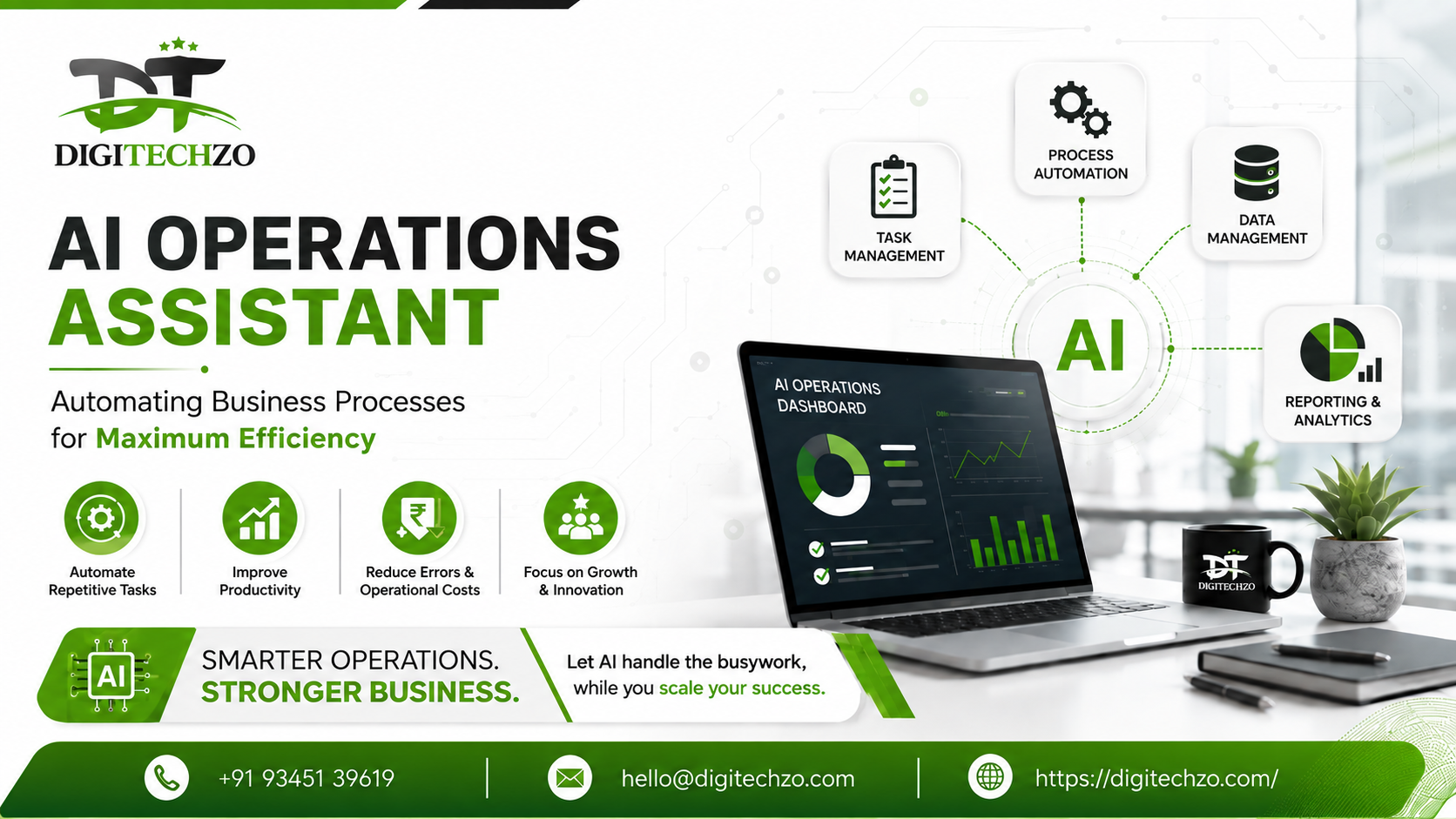
Your team is drowning in repetitive work. Someone is manually copying data between spreadsheets and your CRM. Another person spends three hours a week reconciling invoices that a script could handle in three minutes. Meanwhile, your competitors have already automated half of this — and they're shipping faster, cheaper, and with fewer errors.
This is the exact gap an AI operations assistant is built to close. Not a chatbot that answers FAQs. A working system that watches your processes, takes action, and gets smarter the more it runs.
At digitechzo, we've spent the last several years building automation and AI systems for operations teams — from logistics coordination to finance workflows to customer support triage. What follows isn't theory. It's a practical breakdown of what an AI operations assistant actually is, how it works, where it delivers real ROI, and how to avoid the mistakes that sink most automation projects before they scale.
An AI operations assistant is a software system that uses artificial intelligence — typically large language models combined with automation tooling — to execute, monitor, and optimize recurring business processes such as data entry, scheduling, reporting, approvals, and customer communication, with minimal human intervention. Unlike basic automation (RPA), it can interpret unstructured data, make context-aware decisions, and adapt to exceptions without needing every rule pre-programmed.
What Is an AI Operations Assistant?
An AI operations assistant sits between your business systems — CRM, ERP, spreadsheets, email, Slack, project management tools — and acts as a coordinating layer that executes tasks a human would otherwise do manually.
The core difference from older automation tools is judgment. A traditional workflow tool can move a file from folder A to folder B when triggered. An AI operations assistant can read an incoming invoice, recognize it doesn't match the purchase order, flag the discrepancy, draft an explanation, and route it to the right approver — without a human writing rules for every possible scenario in advance.
Gartner has projected that by 2027, a significant share of large enterprises will use AI-driven automation to manage a majority of routine operational decisions — a trend already visible in finance, supply chain, and customer operations functions adopting agentic AI tools.
Core Components of an AI Operations Assistant
- Language understanding layer – reads emails, documents, tickets, and messages in plain language
- Decision engine – applies business logic, historical patterns, and configured rules to decide the next action
- Integration layer – connects to your existing software stack via APIs (Slack, HubSpot, QuickBooks, Salesforce, Google Workspace, etc.)
- Execution layer – actually performs the task: sends the email, updates the record, schedules the meeting, generates the report
- Feedback loop – learns from corrections and outcomes to improve accuracy over time
How AI Operations Assistants Actually Work
Here's the practical flow, using a real example we've implemented for a mid-sized logistics client:
- A customer emails a delivery delay complaint.
- The AI assistant reads the email, identifies the order number and issue type.
- It cross-references the shipment tracking system and warehouse status.
- It determines whether this is a known delay pattern (e.g., carrier backlog) or a genuine anomaly.
- If known, it drafts a response with the correct ETA and sends it — or routes it for one-click human approval.
- If unknown, it escalates to a human agent with full context already compiled.
That last step matters. Most failed AI automation projects try to remove humans entirely. The ones that actually work keep a human in the loop for edge cases while automating the 80% that's repetitive and predictable.
Where the "Intelligence" Comes From
Modern AI operations assistants are typically built on:
- Large language models (LLMs) for understanding and generating natural language
- Retrieval-augmented generation (RAG) to pull accurate, company-specific data instead of relying on generic model knowledge
- Workflow orchestration tools to sequence multi-step actions reliably
- Structured business rules layered on top so the AI operates within guardrails, not freely
AI Operations Assistant vs. Traditional Automation (RPA)
This is where most buyers get confused, so here's a direct comparison.
| Factor | Traditional RPA | AI Operations Assistant |
|---|---|---|
| Handles unstructured data (emails, PDFs, chat) | Poorly | Well |
| Requires rule for every scenario | Yes | No — infers from context |
| Adapts to new formats/exceptions | No, breaks easily | Yes, degrades gracefully |
| Setup time | Faster for simple, fixed tasks | Slower upfront, more flexible long-term |
| Best for | High-volume, identical, rule-based tasks | Variable, judgment-based, cross-system tasks |
| Maintenance cost as processes change | High (rules need rewriting) | Lower (model adapts, prompts get refined) |
In practice: most businesses that scale well use both. RPA for the rigid, high-volume, zero-variance tasks (like data migration), and an AI operations assistant for anything involving interpretation, communication, or exception handling.
Real-World Use Cases by Department
Finance & Accounting
- Reading and categorizing invoices, matching them to POs, flagging mismatches
- Drafting collections emails based on payment history and tone preferences
- Summarizing weekly cash flow anomalies for the CFO instead of a raw spreadsheet dump
Customer Operations
- Triaging support tickets by urgency and topic before a human ever sees them
- Drafting first-response replies using past resolutions as context
- Detecting churn-risk language in customer emails and alerting account managers
HR & People Ops
- Screening resumes against role criteria and surfacing top candidates with reasoning
- Auto-scheduling interviews across multiple calendars
- Drafting onboarding checklists customized to role and department
Sales & Marketing Ops
- Enriching inbound leads with firmographic data before they hit the CRM
- Prioritizing leads by intent signals instead of manual scoring
- Auto-generating call summaries and next-step tasks after every sales call
Supply Chain & Logistics
- Monitoring shipment status across carriers and flagging delays before customers notice
- Reconciling inventory counts across warehouses
- Predicting reorder points based on demand patterns
Benefits: What You Actually Gain
- Time reclaimed — teams we've worked with typically report 10–20 hours per week returned per operations role after automating recurring tasks, depending on process complexity
- Fewer errors — manual data entry is one of the leading causes of operational rework; removing the human copy-paste step removes most of that risk
- Faster response times — customer-facing processes that took hours can drop to minutes
- Scalability without headcount — handle 3x the volume without hiring 3x the staff
- Better data for decisions — an AI assistant that touches every transaction can surface patterns a human reviewing samples would miss
Pros and Cons
Pros
- Handles messy, real-world, unstructured inputs (not just clean structured data)
- Scales instantly during demand spikes without hiring
- Improves consistency — no "bad day" variance in output quality
- Frees skilled employees for judgment-heavy, strategic work
Cons
- Requires clean access to your existing systems (poor integrations = poor results)
- Needs human oversight initially to catch and correct errors
- Upfront setup and process-mapping takes real time and expertise
- Not a fit for highly sensitive, high-stakes decisions without a human checkpoint
How to Implement One in Your Business
Step 1: Map Your Highest-Friction Processes
Don't automate everything at once. Identify the 2–3 processes that are high-volume, repetitive, and currently eating the most staff hours.
Step 2: Audit Your Data and System Access
An AI operations assistant is only as good as the data and systems it can reach. If your CRM data is messy or your tools don't have APIs, fix that first.
Step 3: Start With a Human-in-the-Loop Model
Launch with the AI drafting or recommending actions, and a human approving. Once accuracy is proven over 2–4 weeks, expand autonomy.
Step 4: Measure Against a Baseline
Track time-per-task, error rate, and turnaround time before and after. Without a baseline, you can't prove ROI.
Step 5: Expand Gradually
Once one workflow is stable, extend the same assistant to adjacent processes rather than starting from scratch.
Common Mistakes Businesses Make
- Automating a broken process — if the underlying workflow is inefficient, AI just makes the mess move faster
- Trying to automate everything on day one — leads to poor accuracy, frustrated teams, and abandoned projects
- Ignoring change management — employees who fear replacement will quietly resist adoption; involve them early
- Skipping the human review phase — launching a fully autonomous assistant without a trust-building period increases risk of costly errors
- Choosing a generic tool over a process-specific setup — off-the-shelf AI assistants often can't handle company-specific exceptions without customization
Expert Tips for Getting It Right
- Start with the process that has the clearest "correct answer" — it's easiest to measure and build trust fast
- Give the assistant access to historical examples of good outcomes; context quality drives accuracy more than model choice
- Build an escalation path from day one — every AI system needs a clear "when in doubt, ask a human" rule
- Review error logs weekly in the first two months; most accuracy gains come from early tuning, not the initial build
- Treat it as an ongoing system, not a one-time project — processes change, and the assistant needs updates to match.
Why Choose DigiTechzo To Develop Your AI Operations Assistant?
Building an AI operations assistant requires more than adding automation to routine workflows. It needs the right combination of AI capabilities, contextual decision-making, integrations, and scalable architecture to handle real business processes effectively. Digitechzo approaches these requirements with a focus on practical AI automation and business-oriented solutions, helping organizations move beyond basic rule-based workflows toward more intelligent operations.
For businesses exploring AI-powered applications, Digitechzo can support requirements involving machine learning, generative AI, AI agents, LLM integrations, and data-driven automation. This makes it possible to design an AI operations assistant around specific processes rather than forcing operations into a generic automation model.
Organizations evaluating an AI DEVELOPMENT COMPANY can explore Digitechzo’s capabilities to identify the right AI approach for their operational requirements.
FAQs
What is an AI operations assistant used for?
An AI operations assistant is used to automate recurring business tasks such as data entry, invoice processing, customer response drafting, scheduling, and reporting — handling both structured and unstructured data with minimal human input.
How is an AI operations assistant different from a chatbot?
A chatbot primarily answers questions through conversation. An AI operations assistant takes action inside your business systems — updating records, sending communications, and executing multi-step workflows, often without direct user interaction.
Is an AI operations assistant expensive to implement?
Cost varies by complexity. Simple single-process automations can be deployed affordably within weeks, while enterprise-wide, multi-system implementations require larger upfront investment. Most businesses see positive ROI within 2–4 months once fully deployed.
Can small businesses use an AI operations assistant?
Yes. Many small and mid-sized businesses start with a single high-friction process — like lead follow-up or invoice processing — and expand from there, avoiding the cost of a full enterprise rollout.
Does an AI operations assistant replace employees?
In most successful implementations, it replaces repetitive manual tasks, not roles. Employees shift toward judgment-based, strategic, and relationship-driven work while the assistant handles volume.
