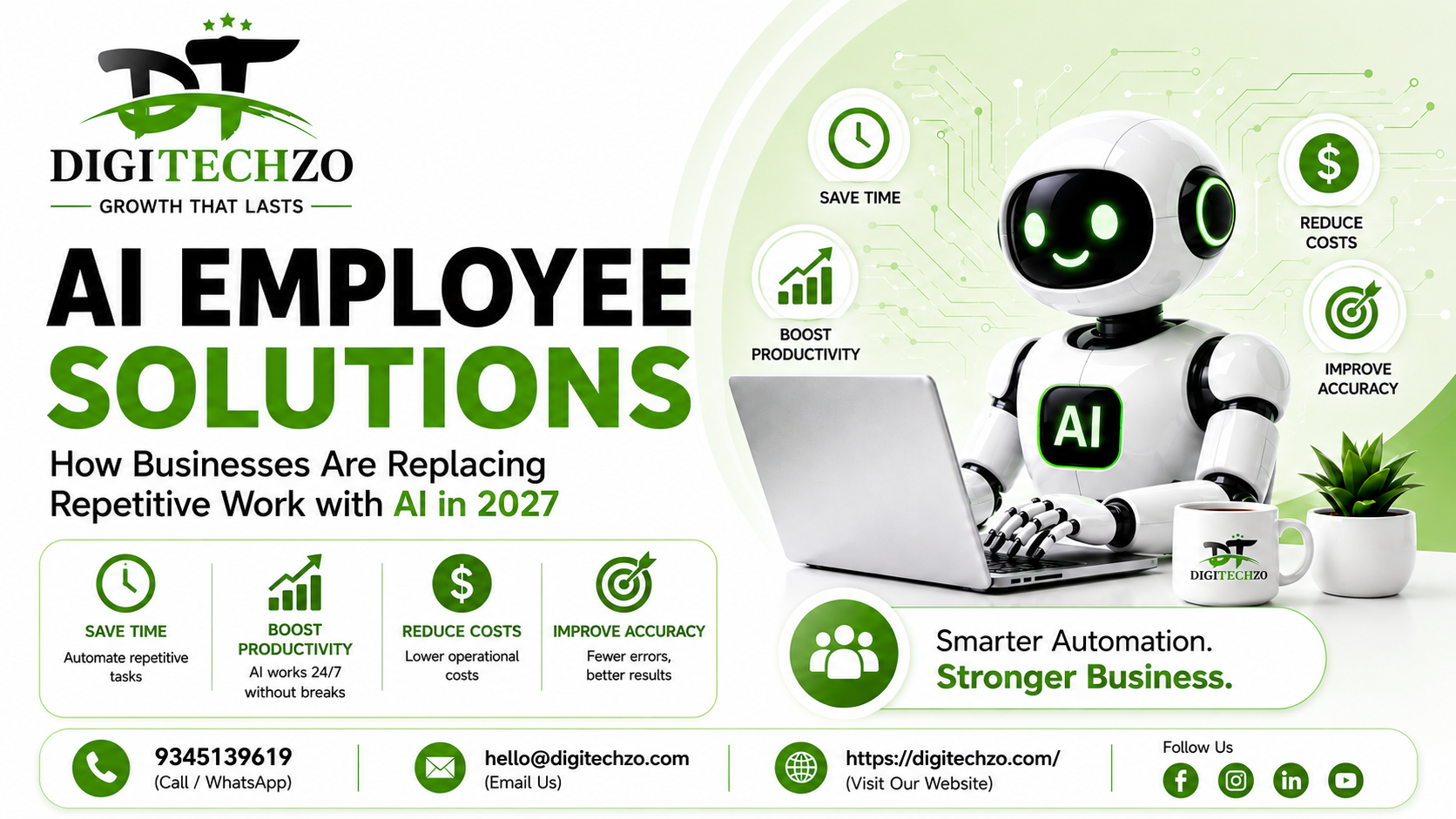
Every business owner has felt it: the moment you realize half your team's day is spent on work a machine could do faster, cheaper, and without complaint. Data entry that never ends. Customer emails that repeat the same five questions. Invoices that need the same three checks every single time.
This is exactly the gap AI Employee Solutions are built to close. Instead of hiring more people to handle repetitive, rules-based tasks, businesses are now deploying AI-powered "digital employees" — software agents trained to execute specific job functions, 24/7, without burnout or turnover.
At Digitechzo, we've spent the last few years helping businesses across support, operations, and sales departments identify exactly where repetitive work is quietly draining time and money — and then building AI systems to take that work off their plate. What we've learned building these systems in the field is different from what most theoretical guides tell you, and that's what this article covers.
AI Employee Solutions are AI-powered digital workers that handle repetitive, rules-based business tasks — such as data entry, customer support, scheduling, and reporting — with minimal human oversight. Unlike basic automation tools, they use large language models and workflow logic to make decisions, not just follow static scripts. Businesses typically deploy them to cut operational costs by 20-40% while freeing human employees for higher-value, judgment-based work.
What Are AI Employee Solutions, Really?
An AI employee isn't just a chatbot with a friendlier name. It's a purpose-built AI agent assigned to a specific role — think "AI Support Rep," "AI Sales Development Rep," or "AI Bookkeeper" — with defined responsibilities, access to relevant tools and data, and the ability to complete multi-step tasks independently.
The key difference from older automation is reasoning. Traditional automation (like a Zapier workflow) follows rigid if-this-then-that logic. An AI employee, built on large language models, can interpret ambiguous requests, pull context from multiple sources, and decide the next best action — much closer to how a junior employee would think through a task.
Core Components of an AI Employee System
- A defined role and scope — what tasks it owns, and what it escalates to humans
- Access to business tools — CRM, helpdesk, spreadsheets, email, calendars
- A knowledge base — company policies, FAQs, product data it references before acting
- Guardrails — rules preventing it from taking irreversible actions without approval
- A feedback loop — a way for humans to correct and improve its performance over time
Without these five components, what you have isn't an AI employee — it's a glorified chatbot that will frustrate customers and create more cleanup work than it saves.
Why Businesses Are Adopting Them Now
Three forces are converging to make this shift happen faster than most industries expected:
- Labor costs and hiring friction. Backfilling repetitive roles has become slower and more expensive, especially for support and back-office functions.
- LLM capability jumped, not crept. Models released in the past two years can now hold context across long conversations, use tools, and follow multi-step instructions reliably enough for real operational work — a threshold earlier chatbot technology never crossed.
- Margin pressure. Businesses are under pressure to do more with the same headcount, and repetitive tasks are the easiest place to reclaim hours without cutting service quality.
In practice, the businesses moving fastest aren't necessarily the biggest — they're the ones with clearly repeatable processes: agencies, e-commerce brands, clinics, real estate teams, and B2B service providers with high inbound volume.
AI Employees vs. Traditional Automation vs. Human Staff
This is the comparison most guides skip — and it's the one that actually determines ROI.
| Factor | Traditional Automation (RPA/Zapier) | AI Employee Solutions | Human Staff |
|---|---|---|---|
| Handles ambiguity | No — breaks on unexpected input | Yes — reasons through variation | Yes |
| Setup complexity | Low to medium | Medium (needs training data, guardrails) | Onboarding time |
| Cost over time | Low, but limited scope | Low-medium, scales with usage | High (salary, benefits, turnover) |
| Availability | 24/7 | 24/7 | Business hours |
| Judgment on edge cases | None | Limited, improving | Strong |
| Best for | Fixed, predictable steps | Repetitive but variable tasks | Complex, relationship-driven work |
The honest takeaway: AI employees aren't a replacement for your best people — they're a replacement for the parts of every role that shouldn't require a person in the first place.
Where AI Employees Deliver the Most Value
Not every task is a good candidate. Based on implementations we've run, the highest-ROI use cases share three traits: high repetition, clear rules, and measurable outcomes.
Customer Support & Query Resolution
AI support employees handle tier-1 tickets — order status, refund policy questions, account changes — and escalate only genuine exceptions. This typically cuts first-response time from hours to seconds and reduces the tier-1 ticket load on human agents significantly.
Sales Development & Lead Qualification
An AI SDR can respond to inbound leads instantly, ask qualifying questions, score the lead, and book a meeting directly on a rep's calendar — before the prospect's interest cools off. Response speed is one of the strongest predictors of lead conversion, and AI employees remove the delay entirely.
Back-Office Operations
Invoice processing, data reconciliation, appointment scheduling, and report generation are ideal because the rules rarely change and errors are easy to define and catch.
Internal Knowledge & HR Support
Employees asking "what's our leave policy" or "how do I submit an expense report" can get instant, accurate answers instead of pinging HR — freeing that team for actual people-management work.
Real-World Scenario
A mid-sized e-commerce brand we worked with was losing roughly 15 hours a week to manual order-status replies during peak season. Deploying an AI support employee trained on their order database and return policy resolved this — the team redirected that time toward proactive customer retention campaigns instead, which is where a human's judgment actually matters.
How to Implement AI Employee Solutions (Step-by-Step)
Step 1: Audit Repetitive Tasks
List every task done more than 10 times a week that follows a predictable pattern. This is your candidate pool.
Step 2: Prioritize by Impact and Risk
Score each task on time saved vs. consequence of an error. Start with high time-saved, low-risk tasks (like FAQ handling) before touching anything financial or irreversible.
Step 3: Define the Role Narrowly
Don't build "an AI that does everything." Build "an AI that handles order-status inquiries" first. Narrow scope means faster deployment and fewer failure points.
Step 4: Connect the Right Data and Tools
The AI employee needs read/write access to the systems it's replacing manual work in — CRM, helpdesk, inventory system, calendar — with permissions scoped to exactly what it needs.
Step 5: Set Escalation Rules
Decide explicitly what it should never do without a human — refunds above a threshold, contract changes, anything involving legal or medical advice.
Step 6: Test With Real (Not Synthetic) Data
Run it against your actual historical tickets or queries before going live. Synthetic test cases rarely surface the edge cases that matter.
Step 7: Monitor, Correct, Expand
Review its decisions weekly for the first month. Once accuracy stabilizes, expand its scope to adjacent tasks.
Pros and Cons of AI Employee Solutions
Pros
- Operates continuously without shifts, breaks, or turnover
- Cuts response times from hours to seconds on repetitive queries
- Scales instantly during demand spikes without hiring
- Frees skilled staff for judgment-heavy, relationship-based work
- Creates a consistent, auditable record of every interaction
Cons
- Requires clean, structured data to perform well — garbage in, garbage out
- Struggles with genuinely novel or emotionally sensitive situations
- Needs ongoing monitoring and retraining, not a "set and forget" deployment
- Poor implementation can damage customer trust faster than no automation at all
Common Mistakes Businesses Make
- Deploying without narrow scope. Trying to automate an entire department at once instead of one task first.
- Skipping escalation rules. Letting the AI attempt tasks it has no business handling, like disputes or refunds above policy limits.
- Ignoring the feedback loop. Treating the AI employee as "done" after launch instead of reviewing its outputs regularly.
- Using messy source data. Feeding it outdated policy documents or inconsistent CRM data, which guarantees inconsistent answers.
- No human-in-the-loop for edge cases. Assuming 100% automation from day one instead of a gradual handoff.
Expert Tips for a Successful Rollout
- Start with the task your team complains about most — it's usually both high-volume and low-complexity.
- Measure a baseline (time spent, error rate, response time) before deployment so you can actually prove ROI afterward.
- Keep a human reviewing a sample of AI decisions weekly, even after it's performing well — accuracy can drift as inputs change.
- Give the AI employee a name and a clear job description internally. Teams adopt and trust systems faster when they're framed as a role, not a black box.
- Don't chase full automation. The best-performing deployments we've seen keep humans on the 10-20% of cases that need judgment, and let AI own the rest.
Why Choose DigiTechzo for AI Employee Solutions?
Implementing AI employees effectively requires more than automating repetitive tasks. Businesses need intelligent systems that can understand workflows, process information, make context-aware decisions, and integrate smoothly with existing operations. Digitechzo focuses on practical AI capabilities that can help organizations apply machine learning, AI automation, generative AI, and intelligent agents to real business processes.
For companies transitioning repetitive work from manual teams to AI-powered digital workers, technical architecture and business requirements must work together. Digitechzo can support the development of AI solutions designed around specific operational needs, including automation, intelligent decision-making, and scalable AI applications. Businesses exploring these capabilities can connect with Digitechzo, an AI DEVELOPMENT COMPANY, to evaluate how AI can be developed and integrated into their workflows.
FAQs
What is an AI employee solution?
An AI employee solution is an AI-powered software agent assigned to handle a specific business role or task — such as customer support, lead qualification, or data entry — using reasoning and tool access rather than fixed rule-based scripts.
How is an AI employee different from a chatbot?
A chatbot typically answers questions within a conversation. An AI employee completes end-to-end tasks — like updating a CRM record, booking a meeting, or processing a refund — often across multiple systems, with defined responsibilities and escalation rules.
Is AI employee software expensive to implement?
Costs vary by scope and complexity, but most businesses start with a single narrow use case, which keeps upfront investment manageable and lets ROI be measured before scaling further.
Can AI employees fully replace human staff?
For most businesses, no — and that's not the goal. AI employees are best suited to repetitive, rules-based work, while humans remain essential for complex judgment, relationship management, and exception handling.
Which departments benefit most from AI employee solutions?
Customer support, sales development, back-office operations, and internal HR/IT support see the fastest and clearest ROI, since these functions handle high volumes of repetitive, well-defined tasks.
