Most growing businesses don't have an ERP problem. They have a connection problem. Finance works in one tool, inventory in a spreadsheet, field staff in WhatsApp, and sales in a CRM that nobody trusts. Every report becomes a manual reconciliation exercise, and every decision is made on data that is already a few days old.
ERP app development solves this by building the applications your teams actually use, on web and mobile, around one shared business database. At Digitechzo, we see the same pattern across growing companies: the software is rarely the real obstacle, but the gap between how work actually happens and how the system expects it to happen is.
This guide explains what ERP app development involves, which features and technologies matter, how custom builds compare with off-the-shelf options, what drives cost and timeline, and how to evaluate an ERP application development company before you commit.
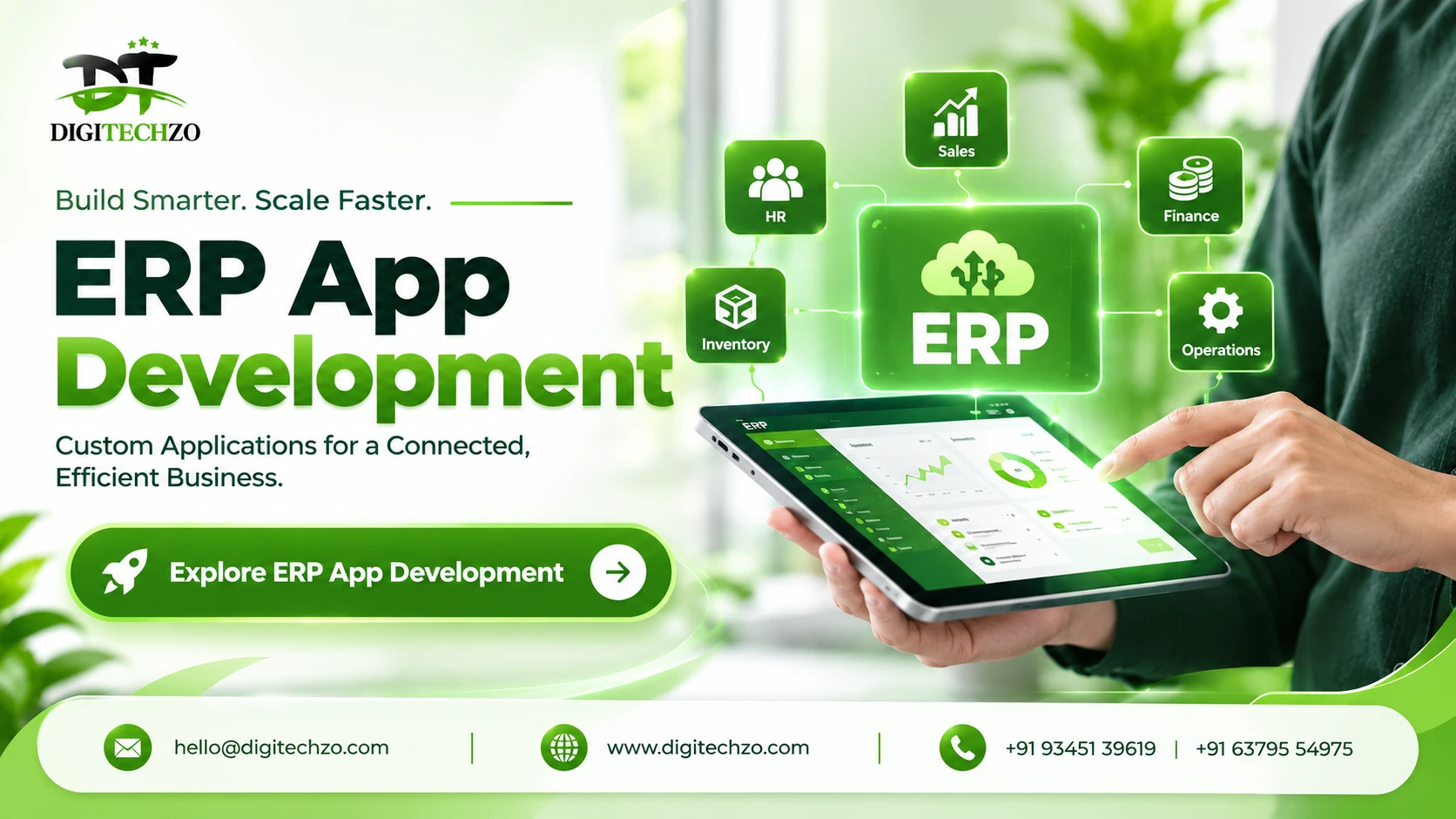
ERP app development is the process of designing and building custom web and mobile applications that connect finance, inventory, HR, sales and operations on a single data foundation. A custom ERP app fits your exact workflows, integrates with your existing tools and scales with your business. The right approach is to start with the highest-impact modules, build for the roles that use them daily, and choose a partner that provides integration, security and long-term support.
What Is ERP App Development?
ERP app development is the design, engineering and deployment of applications that run core business processes such as accounting, procurement, inventory, payroll, order management and reporting. Unlike a generic package, a custom ERP app is built around your approval chains, your data structures and the way your teams actually work.
ERP App vs ERP Software vs Mobile ERP App
These terms overlap, and mixing them up causes scoping mistakes.
| Term | What it means | Typical user |
|---|---|---|
| ERP software | The complete system of record: database, business logic, modules | Whole organization |
| ERP app | A user-facing application on top of that system, web or mobile, often role-specific | A specific team or role |
| ERP mobile app | An iOS/Android app that extends the ERP to phones and tablets | Field staff, warehouse, sales, managers |
A mobile ERP app is not a separate product. It is a connected extension of the same system of record. If it keeps its own copy of the data, you have created another silo instead of removing one.
Why Businesses Move to Custom ERP Apps
The usual triggers are practical, not strategic:
- Disconnected tools. Data is retyped between systems, so errors and delays are built in.
- Slow reporting. Month-end close depends on people collecting spreadsheets.
- Limited visibility. Managers can't see stock, cash position or order status without asking someone.
- Workflow mismatch. Packaged software forces your process to change, even when your process is a competitive advantage.
- Field blind spots. Technicians, drivers and sales teams record work on paper or chat and enter it later.
- Scaling pain. More users, locations or entities break processes that worked at smaller size.
If three or more of these sound familiar, a custom or heavily tailored ERP app is worth evaluating seriously.
Types of ERP Apps You Can Build
| App type | Best for | Key consideration |
|---|---|---|
| Web ERP application | Back-office teams: finance, HR, procurement | Fast to roll out, easy to update |
| Mobile ERP app (native or cross-platform) | Field, warehouse, sales, approvals on the go | Needs offline handling and device features |
| Progressive web app (PWA) | Lightweight access with minimal install friction | Limited access to some device features |
| Role-specific portals | Customers, vendors, distributors | Needs strict permission design |
| Dashboard and analytics apps | Leadership reporting | Depends on clean underlying data |
Many businesses do not need everything on day one. A sensible starting point is often a web core for back-office teams plus a focused mobile app for the one or two roles that lose the most time today.
Core Features and Modules of a Business ERP App
The right module list depends on your industry, but most business ERP apps are built from these building blocks:
- Finance and accounting: ledgers, invoicing, payment matching, tax handling, multi-currency
- Inventory and supply chain: stock tracking, multi-warehouse, purchase orders, barcode and QR scanning
- HR and payroll: attendance, leave, claims, payroll runs, role hierarchy
- Sales and CRM: quotes, orders, pipeline, customer history linked to fulfilment
- Operations and production: work orders, scheduling, dispatch, milestone tracking
- Reporting and analytics: live dashboards, drill-down reports, scheduled exports
- Access control and audit: role-based permissions, approval workflows, activity logs
For mobile specifically, the features that earn their place are usually barcode scanning, photo capture, push approvals, GPS-tagged check-ins and offline data entry. Features that merely copy the desktop screen onto a phone tend to go unused.
Custom ERP App vs Off-the-Shelf vs Low-Code
| Factor | Custom ERP app | Off-the-shelf ERP | Low-code platform |
|---|---|---|---|
| Workflow fit | Built around your process | You adapt to the product | Good for standard flows |
| Upfront cost | Higher | Lower | Lower |
| Ongoing cost | Maintenance and enhancements | Recurring per-user licensing | Platform fees |
| Customization ceiling | Very high | Limited or paid add-ons | Moderate, platform-bound |
| Ownership and lock-in | Strong ownership | Vendor-dependent | Platform lock-in risk |
| Time to first use | Longer | Faster | Fast for simple apps |
| Best for | Unique processes, scale plans | Standard processes | Departmental tools |
When off-the-shelf is enough: your processes are standard and your team is willing to adopt the vendor's way of working.
When custom makes sense: your workflows are a differentiator, you need deep integration across systems, or licensing costs grow faster than your headcount.
A middle path: many businesses keep a packaged core for accounting and build custom apps around it for the workflows that don't fit. That is often cheaper and less risky than a full replacement.
Technology and Architecture Choices
Native, Cross-Platform or Web
| Approach | Strengths | Trade-offs |
|---|---|---|
| Native (Swift, Kotlin) | Best performance and device access | Two codebases, higher cost |
| Cross-platform (Flutter, React Native) | One codebase, faster delivery, good performance | Some platform-specific work still needed |
| Web / PWA | Easiest deployment and updates | Limited offline and hardware access |
For most business ERP apps, cross-platform frameworks offer the best balance of cost, speed and maintainability. Native makes sense when you depend heavily on device hardware or extreme performance.
Offline Sync, Integrations and Security
These three areas decide whether an ERP app survives real-world use.
Offline-first design. Warehouses, construction sites and delivery routes have unreliable connectivity. The app must queue changes locally, sync safely and resolve conflicts, for example when two people edit the same stock record. Retrofitting this later is expensive.
Integration architecture. A modern ERP app connects to accounting systems, CRMs, payment gateways, e-commerce platforms, logistics providers and BI tools through APIs and webhooks. Plan the integration map before development starts, because each integration adds scope.
Security and compliance. At minimum, plan for role-based access control, encrypted data in transit and at rest, secure authentication, audit logs, backups and regular security testing. For India-specific operations, also account for GST, e-invoicing and statutory payroll requirements in the design.
Data architecture. A single relational data model across modules is what removes silos. Without it, dashboards disagree and reconciliation never ends.
ERP App Development Process
A structured process protects both budget and timeline.
- Discovery and requirements. Map workflows, pain points, user roles and success measures. Decide what is in the first release and what waits.
- Architecture and design. Define modules, database structure, integrations, security model and user flows before development begins.
- Agile development. Build in sprints so stakeholders can review working modules early and adjust.
- Testing and quality assurance. Test functionality, performance, security, integrations and usability, including real-world conditions such as poor connectivity.
- Data migration and deployment. Move legacy data with validation, run parallel operations where possible, and launch in phases to limit disruption.
- Training and adoption. Train by role, collect feedback early and fix friction quickly. An unused ERP app delivers no value.
- Support and evolution. Plan updates, security patches, performance tuning and new features as the business changes.
ERP App Development Cost and Timeline
Published ERP cost figures vary enormously, from tens of thousands to well over a million dollars, because scope varies enormously. Treat any number without a scope behind it with caution. Instead of chasing a headline figure, understand what drives cost:
| Cost driver | Why it matters |
|---|---|
| Number of modules | Each module adds design, build and testing effort |
| Customization depth | Custom approval chains and industry rules cost more than standard flows |
| Integrations | Every external system adds scope and testing |
| Mobile scope | Native vs cross-platform, offline needs, device features |
| Data migration | Volume and cleanliness of legacy data |
| Security and compliance | Audit, access control and regulatory needs |
| Team location and structure | Rates differ by region and team model |
| UI/UX complexity | Role-specific interfaces take more design effort |
Timeline: a focused first release covering a few modules typically takes a few months, while a broad multi-module rollout takes considerably longer. Scope, integrations and decision speed on your side are the main variables.
Budget beyond the build. Plan separately for hosting, app-store fees, third-party licenses, training and annual maintenance. Maintenance and enhancement are commonly estimated at a meaningful percentage of the initial build each year, so a proposal that ignores them is incomplete.
A practical way to control cost: launch a minimum viable ERP covering the two or three workflows that hurt most, measure the impact, and expand in phases.
Common ERP App Development Mistakes
- Trying to build everything at once. Big-bang scope inflates cost and delays value.
- Skipping requirements work. Unclear scope is the biggest source of overruns.
- Ignoring end users. Apps designed without warehouse, field or finance staff input go unused.
- Treating mobile as a shrunken desktop. Mobile needs focused, task-based design.
- Underestimating data migration. Dirty legacy data causes delays late in the project.
- Leaving security for later. Access control and audit trails are far cheaper to design in than to bolt on.
- No ownership or documentation. Make sure you receive source code, documentation and clear handover terms.
- Forgetting post-launch support. Business needs and regulations change, and the app must change with them.
How to Choose an ERP App Development Company
Use this checklist when comparing providers:
- Relevant experience: have they built business systems in your industry or a similar one?
- Discovery depth: do they start with workflow analysis, or jump straight to a quote?
- Architecture clarity: can they explain how modules, data and integrations will fit together?
- Mobile and offline capability: can they handle offline sync and device features, not just screens?
- Security approach: how do they handle access control, encryption and testing?
- Process transparency: milestones, demos, communication cadence and change handling
- Ownership terms: who owns the code, and what documentation will you receive?
- Support model: what happens after launch, and how are issues handled?
- Proof: ask for relevant references or case discussions rather than relying on claims
Ask every shortlisted vendor the same questions in writing, and compare the answers side by side.
Why Choose DigiTechzo for Custom ERP App Development?
Choosing a partner is the single biggest decision in an ERP project, because the same scope can succeed or fail depending on who builds it. DigiTechzo is a custom software development company that helps businesses connect finance, HR, inventory, sales and operations through tailored ERP solutions. Our ERP development work starts with your workflows rather than a fixed product, so the system fits how your teams actually operate.
Through our custom ERP software development services, we cover custom ERP builds, integration with CRM, accounting, e-commerce and payment tools, cloud ERP solutions, industry-specific modules, legacy data migration and ongoing support. Our process follows clear stages, from discovery and architecture to agile development, testing, deployment, training and maintenance, with security and role-based access designed in from the start.
If you are weighing a custom ERP app against a packaged product, our team can review your workflows and help you decide what to build, what to integrate and what to leave alone. You can request a free ERP consultation to discuss your requirements and roadmap.
FAQs
What is ERP app development?
ERP app development is the process of building custom web and mobile applications that manage core business functions such as finance, inventory, HR, sales and operations on one shared data foundation.
What is the difference between ERP software and an ERP app?
ERP software is the complete system of record. An ERP app is a user-facing application, often role-specific and on web or mobile, that gives a team access to that system.
How much does ERP app development cost?
Cost depends on modules, customization, integrations, mobile scope, data migration, security needs and team structure. Because published figures vary widely, the most reliable method is a scoped estimate after a discovery phase.
How long does it take to build a custom ERP app?
A focused first release usually takes a few months, while a multi-module, multi-integration system takes longer. Phased delivery lets your team start using value earlier.
Should an ERP mobile app be native or cross-platform?
For most business use cases, a cross-platform framework such as Flutter or React Native offers a good balance of cost, speed and performance. Native is better when you need heavy device-hardware integration.
Can an ERP app work offline?
Yes. A well-designed ERP mobile app stores changes locally and syncs when connectivity returns, with rules for resolving conflicts. This should be designed from the start.
Can a custom ERP app integrate with our existing tools?
Yes. Through APIs and webhooks, a custom ERP can connect with CRM, accounting, e-commerce, payment, logistics and BI tools.
Is a custom ERP app better than off-the-shelf ERP?
Neither is always better. Custom fits unique workflows and long-term scaling, while off-the-shelf suits standard processes and faster deployment. Many businesses combine both.
How do I keep ERP data secure?
Use role-based access, encrypted storage and transfer, secure authentication, audit logs, backups and regular security testing.
What support is needed after launch?
Plan for updates, security patches, performance tuning, bug fixes, monitoring and new features as your business evolves.
