Enterprise purchasing rarely breaks in one dramatic moment. It leaks slowly: a purchase request lost in someone's inbox, an invoice paid twice, a department buying from a vendor nobody negotiated with, a contract that renewed automatically at a higher price. Each leak looks small, but across hundreds of requests a month they add up to real money and real risk. Procurement management software exists to close those leaks by turning purchasing from a chain of emails and spreadsheets into one controlled, visible and measurable process.
In this guide, we explain what procurement management software does, how it improves each stage of enterprise purchasing, which features matter most, and how to decide between an off-the-shelf tool and a custom-built platform.
What Is Procurement Management Software?
Procurement management software is a digital system that manages the full purchasing cycle of an organization, from the moment an employee identifies a need to the moment the supplier is paid and the record is archived. This cycle is often called procure-to-pay (P2P). Instead of separate tools for requests, approvals, purchase orders, vendor records and invoices, a procurement platform brings them into one workflow with shared data, clear ownership and a complete audit trail.
For a small business, purchasing can be managed informally. For an enterprise with multiple departments, locations, cost centers and hundreds of suppliers, informality becomes expensive. That is where procurement software starts paying for itself.
Common Problems in Manual Enterprise Purchasing
Before looking at the solution, it helps to name the problems most purchasing teams recognize:
- Maverick spending: employees buy outside approved vendors or contracts because the official process is too slow.
- Slow approvals: requests wait days for a manager who is travelling or simply has not seen the email.
- No real-time spend visibility: finance only learns what was spent after invoices arrive, making budgets reactive rather than controlled.
- Scattered supplier data: vendor contacts, certifications, pricing and performance live in different files and people's heads.
- Invoice errors and duplicate payments: without matching against purchase orders and goods receipts, mistakes slip through.
- Weak audit trails: when auditors ask who approved a purchase and why, the answer takes days to reconstruct.
How Procurement Management Software Improves Enterprise Purchasing Operations
1. Standardized Purchase Requisitions
Employees raise requests through a single form or catalog instead of emails and phone calls. Each requisition captures the item, quantity, budget code, preferred supplier and business justification. Standardized inputs mean fewer back-and-forth clarifications and cleaner data for reporting later.
2. Automated, Rule-Based Approval Workflows
Approval rules are configured once: for example, purchases under a set amount go to the department head, larger ones also go to finance, and capital expenses go to leadership. The system routes each request automatically, sends reminders, supports mobile approvals and escalates when someone is unavailable. Cycle times shrink and nothing gets lost.
3. Purchase Order Creation and Tracking
Once approved, a requisition converts into a purchase order with a single click, pre-filled with negotiated prices and terms. Buyers can track order status, partial deliveries and expected dates from one dashboard instead of chasing suppliers individually.
4. Centralized Supplier Management
A supplier portal or vendor master keeps every supplier's profile, documents, tax details, certifications, contracts and performance history in one place. Onboarding new vendors follows a consistent checklist, and procurement teams can compare suppliers on delivery time, quality and price before placing orders.
5. Three-Way Matching and Accurate Invoice Processing
Procurement software automatically compares the purchase order, the goods received note and the supplier invoice. When all three match, the invoice moves to payment; when they don't, it is flagged for review. This single control prevents overpayments, duplicate payments and paying for goods that never arrived.
6. Real-Time Spend Visibility and Budget Control
Because every commitment is recorded at the purchase order stage, finance sees spending as it happens, not weeks later. Dashboards break spend down by department, category, supplier and project, and budget checks can block or flag requests that exceed available funds.
7. Contract Compliance
Linking purchases to active contracts ensures teams buy at agreed rates and within agreed terms. Renewal alerts give procurement time to renegotiate instead of letting contracts roll over automatically. This works especially well alongside a dedicated contract lifecycle management system.
8. Audit Readiness and Risk Reduction
Every action, from request to approval to payment, is time-stamped and attributed to a user. Segregation of duties can be enforced so the same person cannot create a vendor, approve a purchase and release payment. Audits become a matter of running a report rather than searching through inboxes.
Key Features to Look For
When evaluating procurement management software, prioritize the features that solve your actual bottlenecks. A strong platform typically includes:
- Configurable requisition forms and internal product catalogs
- Multi-level, rule-based approval workflows with mobile access
- Purchase order generation, tracking and amendment history
- Supplier onboarding, vendor portal and performance scorecards
- RFQ and tender management for competitive sourcing
- Three-way matching and invoice automation
- Budget control and real-time spend analytics
- Integration with ERP, accounting, inventory and HR systems
- Role-based access control and complete audit logs
- Multi-entity, multi-currency and multi-location support for global operations
The Role of AI in Modern Procurement
Artificial intelligence is making procurement platforms more proactive. AI can read and extract data from invoices automatically, classify spend into categories, detect unusual purchases that may signal errors or fraud, suggest the best supplier based on past performance, and forecast demand so teams order before stock runs out. These capabilities let procurement teams spend less time on data entry and more time on negotiation and supplier strategy.
Off-the-Shelf vs Custom Procurement Software
Ready-made procurement tools are quick to start with and work well for standard processes. However, many enterprises find that their approval hierarchies, industry compliance rules, regional tax requirements or existing ERP setup do not fit neatly into a generic product. Subscription costs per user can also grow quickly as adoption spreads.
A custom procurement management system is built around your exact workflows, integrates directly with the systems you already use, and gives you full ownership of your data and roadmap. It is often the better long-term choice for organizations with complex purchasing rules, high transaction volumes, or plans to add AI-driven features specific to their business.
How to Implement Procurement Software Successfully
- Map your current process: document how requests, approvals, orders and payments flow today, and where delays and errors occur.
- Define approval policies and spend thresholds: agree on rules before configuring them in software.
- Clean your supplier data: remove duplicates and inactive vendors before migration.
- Plan integrations early: connect ERP, accounting and inventory systems so data flows without re-entry.
- Roll out in phases: start with one department or category, learn, then expand.
- Train users and track adoption: the system only delivers value if employees use it instead of workarounds.
- Measure results: monitor approval cycle time, spend under management, invoice exceptions and savings against contracts.
Build Your Procurement Platform with DigiTechzo
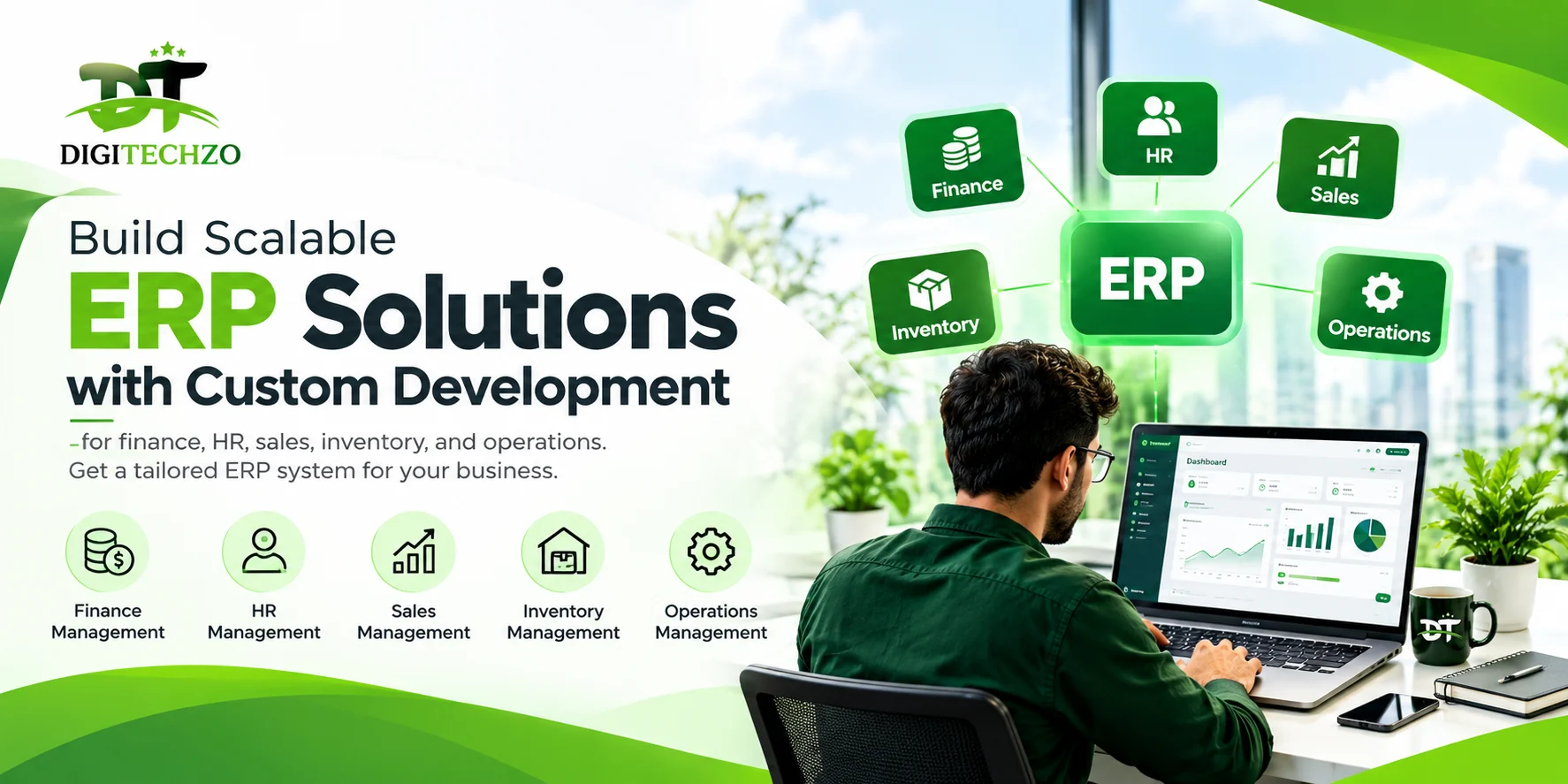
At DigiTechzo, we design and develop custom procurement management software, ERP modules and AI-powered business automation for growing companies and enterprises worldwide. From requisition workflows and vendor portals to three-way matching, spend dashboards and ERP integration, we build systems that fit how your business actually buys.
Ready to bring control and visibility to your purchasing operations? Talk to our team for a free consultation and a demo of what a tailored procurement platform could look like for your organization.
Frequently Asked Questions
What is procurement management software used for?
Procurement management software is used to manage the full procure-to-pay cycle: purchase requisitions, approvals, purchase orders, supplier management, invoice matching and payments. It gives enterprises one controlled workflow with real-time spend visibility and a complete audit trail.
How does procurement software reduce purchasing costs?
It reduces costs by stopping off-contract (maverick) spending, enforcing negotiated prices, preventing duplicate or incorrect payments through three-way matching, and giving finance real-time visibility so budgets are controlled before money is committed.
Should an enterprise choose off-the-shelf or custom procurement software?
Off-the-shelf tools suit standard purchasing processes and quick starts. Custom procurement software is the better fit when you have complex approval hierarchies, industry-specific compliance rules, existing ERP systems to integrate, or high user counts where per-seat subscriptions become expensive.
Can procurement management software integrate with our ERP?
Yes. Modern procurement platforms integrate with ERP, accounting, inventory and HR systems through APIs, so vendors, budgets, purchase orders and invoices sync automatically without manual re-entry. Custom-built systems can be designed around your exact ERP setup.
Explore DigiTechzo's ERP Software Development Practice
Looking to build, scale, or integrate tailored enterprise resource planning software? Discover our scalable modules, cloud data architecture, and custom workflow automation on our ERP Software Development Services page.