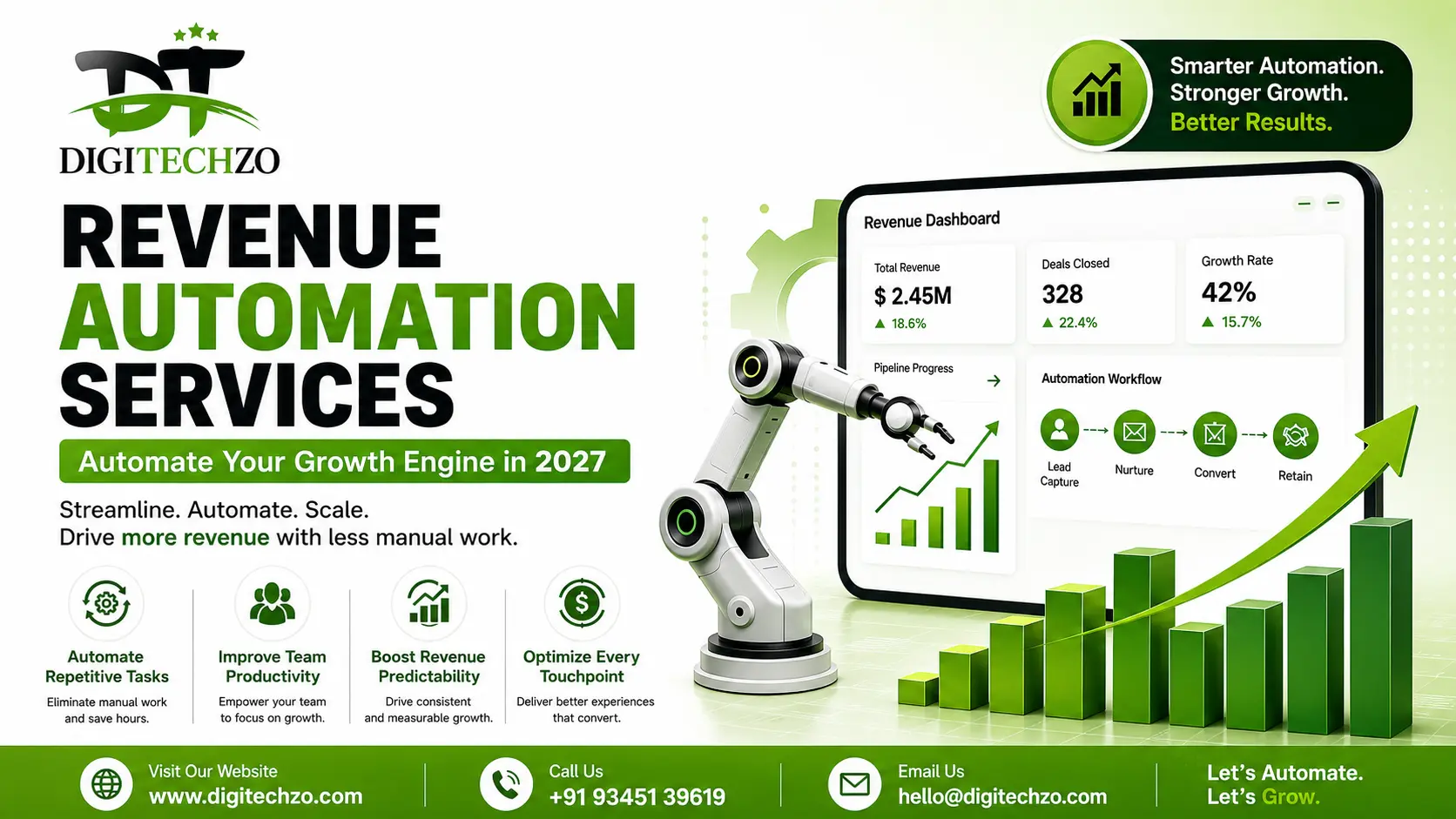
Most companies don't have a lead problem. They have a leakage problem.
Deals stall in someone's inbox. Invoices go out three weeks late. A renewal quietly slips through the cracks because no one owned the follow-up. None of this shows up as a single dramatic failure — it shows up as a growth engine that always runs a little slower than it should. That's the gap Revenue Automation Services are built to close.
We work with growth teams every week at digitechzo, and the pattern is almost always the same: the tools exist, the data exists, but nobody has connected them into a system that runs itself. This guide breaks down exactly what revenue automation services are, what they should include, how to evaluate them, and how to avoid the mistakes that make most automation projects fail in year one.
Revenue automation services connect your marketing, sales, billing, and customer success systems so that revenue-generating actions — lead routing, quoting, invoicing, renewals, forecasting — happen automatically instead of depending on manual handoffs. Done right, they reduce revenue leakage, shorten sales cycles, and give leadership real-time visibility into pipeline and cash flow. The best implementations combine CRM/ERP integration, workflow automation, and analytics — not just a single point tool.
What Are Revenue Automation Services?
Revenue automation services are the combination of software, integration work, and process design that removes manual effort from every stage of the revenue lifecycle — from the moment a lead enters your funnel to the moment a customer renews (or churns).
Unlike a single automation tool, a proper revenue automation service looks at the entire revenue chain as one connected system:
- Marketing qualifies a lead
- Sales converts it
- Finance bills for it
- Customer success retains it
- Analytics reports on all of it
If any one of those handoffs relies on a person remembering to do something manually, that's where revenue leaks out.
How Revenue Automation Differs from Marketing Automation
This is where most buyers get confused, and it's worth being precise about because it changes what you should be shopping for.
| Marketing Automation | Revenue Automation | |
|---|---|---|
| Scope | Top-of-funnel: emails, lead scoring, nurture flows | End-to-end: lead to cash, including billing and renewals |
| Owner | Marketing team | Cross-functional (RevOps, Finance, Sales, CS) |
| Core question | "How do we generate more leads?" | "How do we convert and retain revenue with less friction?" |
| Typical tools | HubSpot, Marketo, ActiveCampaign | CRM + CPQ + billing systems + BI/forecasting layer |
Marketing automation feeds the top of the funnel. Revenue automation makes sure what enters the funnel actually turns into collected, recurring revenue — and stays that way.
Why Revenue Automation Matters in 2027
Three shifts have made revenue automation a priority rather than a "nice to have."
1. Buying cycles have compressed. Buyers research, compare, and shortlist vendors before a sales rep ever gets involved. If your lead routing takes hours instead of minutes, a competitor with automated routing gets the meeting first.
2. Revenue is more distributed than ever. Subscription pricing, usage-based billing, and multi-product bundles mean a single customer can touch five different systems in a month. Manually reconciling that across spreadsheets is no longer realistic at scale.
3. Finance and Sales are expected to agree. Boards and investors want forecasts that match what's actually in the pipeline and the ledger. When sales, finance, and CS data live in silos, forecasts become guesswork — and guesswork erodes trust with leadership fast.
The businesses winning right now aren't necessarily the ones with the biggest sales teams. They're the ones whose systems don't drop the ball between departments.
Core Components of Revenue Automation Services
A serious revenue automation engagement typically covers five layers. Skipping any one of them is usually why a project underdelivers.
Lead Capture & Qualification Automation
Leads are automatically scored, enriched with firmographic data, and routed to the right rep based on territory, deal size, or product interest — instead of sitting in a shared inbox.
Practical example: A demo request from a company with 200+ employees gets auto-routed to an enterprise AE within minutes and triggers a calendar link, while a small-business signup goes into a self-serve nurture track. No human decides this in real time — the rules do.
Sales Pipeline Automation
This includes automated quote generation (CPQ), contract routing for e-signature, stage-based task reminders, and deal-risk alerts (e.g., a deal that's been stuck in one stage for 21+ days automatically flags to a manager).
Billing & Revenue Recognition Automation
Once a deal closes, invoicing, subscription billing, proration, and revenue recognition should trigger automatically from the CRM record — not require someone to re-key the deal into a separate finance tool.
Customer Retention & Renewal Automation
Renewal dates, usage drop-offs, and support ticket sentiment feed into automated playbooks: a health-score dip triggers a CS check-in, a renewal 90 days out triggers an automated outreach sequence.
Revenue Analytics & Forecasting
A live dashboard that pulls from pipeline, billing, and retention data to show real revenue health — not a static report someone builds manually every Friday.
Revenue Automation vs Traditional Revenue Operations
| Factor | Traditional RevOps (Manual) | Revenue Automation Services |
|---|---|---|
| Lead response time | Hours to days | Minutes |
| Forecast accuracy | Depends on rep updates | Data-driven, real-time |
| Billing errors | Common, manually caught | Rare, system-enforced |
| Cross-team visibility | Siloed spreadsheets | Shared, live dashboards |
| Scalability | Breaks down with growth | Scales with volume |
| Setup effort | Low upfront, high ongoing cost | Higher upfront, lower ongoing cost |
The trade-off is honest: automation takes more effort to set up correctly. But the ongoing cost of not automating — missed follow-ups, billing disputes, forecast surprises — compounds quietly every quarter.
Real-World Use Cases
Scenario: B2B SaaS Company
A mid-market SaaS company had sales reps manually copying closed-won deals into their billing platform. Roughly 1 in 12 deals had a data-entry mismatch — wrong billing cycle, wrong seat count — that finance caught weeks later, delaying invoicing and frustrating customers. Automating the CRM-to-billing handoff eliminated that entire error category and cut invoice turnaround from an average of 9 days to same-day.
Scenario: E-commerce Brand with a Subscription Line
A DTC brand running both one-time purchases and a subscription box struggled to identify which subscribers were at risk of churning before it happened. By automating a health-score trigger (missed delivery, reduced order frequency, support complaint) tied to a retention workflow, they were able to intervene with a discount or pause option before cancellation instead of trying to win the customer back after.
Both cases share the same lesson: automation isn't just about speed. It's about catching problems at the moment they're still fixable.
Pros and Cons of Revenue Automation Services
Pros
- Faster lead response and shorter sales cycles
- Fewer billing errors and disputes
- Real-time, trustworthy forecasting
- Frees up reps and CS teams to focus on relationships, not admin work
- Scales without proportionally adding headcount
Cons
- Upfront setup and integration cost/time investment
- Requires clean, well-mapped data to work reliably
- Poorly configured automation can send wrong or tone-deaf messages at scale
- Change management: teams need to trust and adopt the new workflows
None of the cons are reasons to avoid automation — they're reasons to choose the right implementation partner and roll it out in phases rather than all at once.
How to Choose a Revenue Automation Services Partner
Not every agency or vendor that says "automation" actually understands revenue operations end-to-end. Look for a partner who can speak to all three: sales process, billing/finance systems, and data architecture — not just marketing workflows.
Key Questions to Ask Vendors
- Have you integrated our specific CRM and billing stack before?
- How do you handle data cleanup before automation goes live?
- What happens when an automated workflow fails — is there human fallback?
- Can you show a before/after metric from a past client (response time, error rate, forecast accuracy)?
- How do you phase the rollout so we're not disrupting active revenue operations?
A partner who can't answer the "what happens when it fails" question clearly is not ready to touch your revenue systems.
Common Mistakes Businesses Make
Automating a broken process. If your qualification criteria are inconsistent, automating lead routing just distributes the inconsistency faster. Fix the process, then automate it.
Treating it as a one-time project. Revenue automation needs quarterly review as your pricing, team structure, and tools change. Set-and-forget automation quietly breaks.
No ownership after go-live. Someone — usually RevOps — needs to own the system long-term, or workflows drift out of sync with how the business actually operates.
Over-automating customer-facing communication. Automated doesn't mean impersonal. A renewal email that reads like a robot wrote it damages trust faster than a slightly delayed human one.
Ignoring data hygiene. Automation amplifies whatever is in your system. Duplicate contacts and outdated fields become duplicate, outdated automated actions.
Expert Tips for Successful Revenue Automation
- Start with the highest-leakage point, not the flashiest feature. Map where deals or dollars are actually getting lost first — usually it's handoffs, not any single team.
- Automate in phases: lead-to-close before billing-to-renewal. Trying to automate everything simultaneously multiplies the risk of a broken workflow going unnoticed.
- Build in human checkpoints for high-value deals. Full automation is right for high-volume, low-touch processes; enterprise deals still benefit from a human review step before certain triggers fire.
- Track leading indicators, not just revenue. Response time, error rate, and workflow completion rate tell you the system is healthy before revenue numbers reflect it.
- Document every workflow. When (not if) a rule needs updating six months from now, whoever inherits the system needs to understand the logic without reverse-engineering it.
Why Choose DigiTechzo for Revenue Automation Services?
Revenue automation requires more than connecting a few tools—it depends on aligning marketing, sales, billing, and customer success workflows around a clear revenue process. Digitechzo approaches this requirement with a focus on creating connected, measurable workflows that reduce manual handoffs and improve operational visibility.
For businesses looking to make revenue processes more predictable, the right strategy should connect lead management, sales activities, customer journeys, and revenue operations rather than automate isolated tasks. Digitechzo can help businesses evaluate these processes and structure automation around their specific growth objectives.
To explore a broader approach to building efficient B2B revenue and go-to-market processes, consider Digitechzo’s GTM Agency For B2B capabilities as a relevant next step.
FAQs
What is the difference between revenue automation and RevOps?
RevOps is the strategic discipline of aligning sales, marketing, and finance around revenue goals. Revenue automation is the technical execution layer — the tools and workflows that make RevOps strategy run without manual intervention.
How much do revenue automation services typically cost?
Cost varies widely based on the number of systems being integrated and the complexity of existing data. Smaller, single-integration projects (e.g., CRM-to-billing) are far less expensive than full lead-to-renewal automation across five or more platforms. Most vendors price based on scope and ongoing support needs rather than a flat rate.
Can small businesses benefit from revenue automation, or is it only for enterprises?
Small businesses often see the fastest ROI because manual processes hurt proportionally more with limited headcount. A small team automating lead routing and invoicing can reclaim hours per week almost immediately.
Will revenue automation replace my sales and CS teams?
No — it removes the administrative and repetitive parts of their jobs (data entry, manual follow-ups, status updates) so they can spend more time actually selling and building relationships, which automation can't replace.
How long does it take to implement revenue automation services?
A single-workflow automation (like lead routing) can go live in a few weeks. A full lead-to-renewal system across multiple platforms typically takes a few months when phased correctly, with data cleanup usually the longest step.
