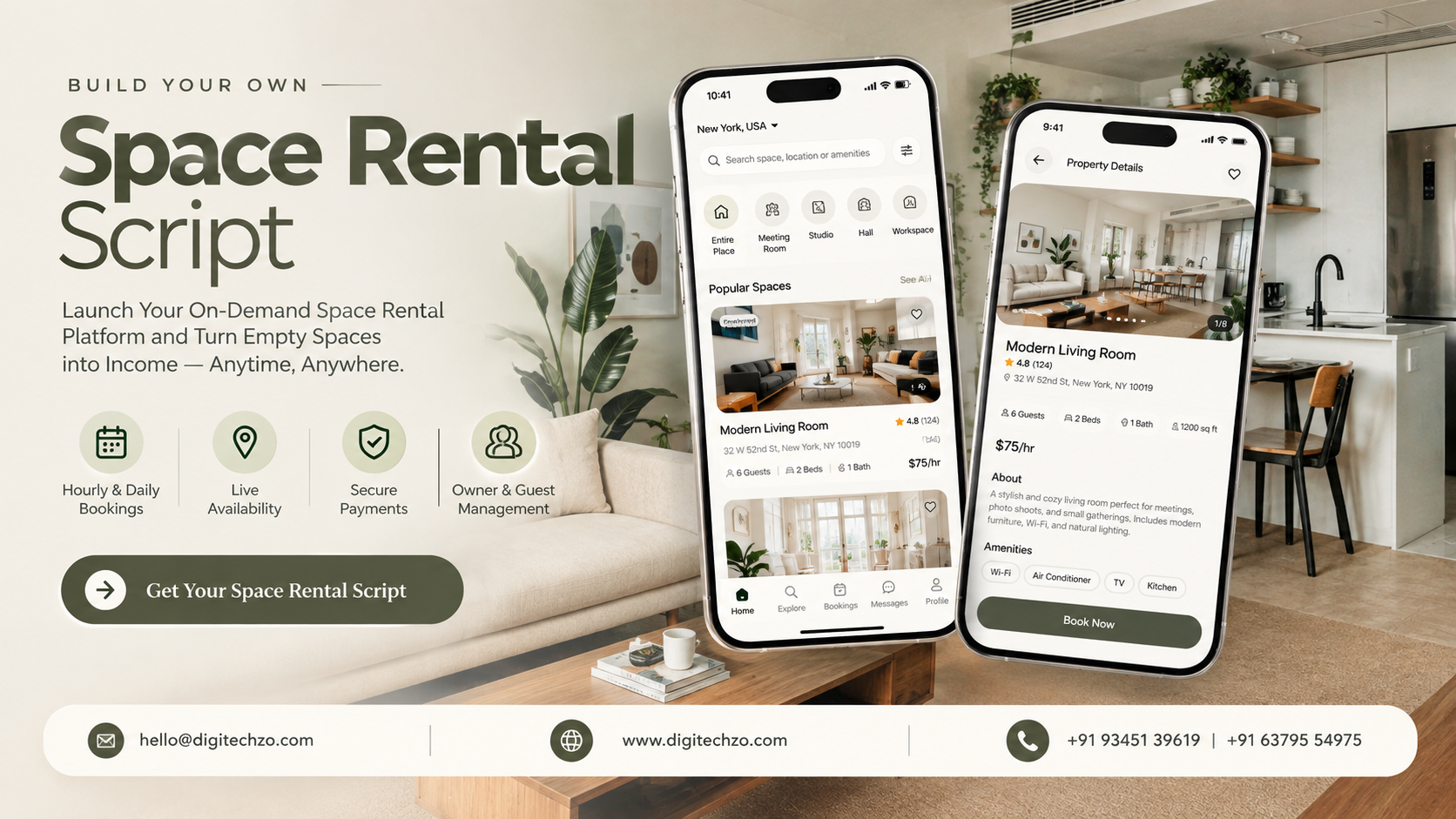
You have rooms, studios, halls or workspaces that sit empty between bookings, or you want a platform where owners can rent theirs out by the hour or day. Right now, enquiries arrive by phone and email, and someone checks a spreadsheet to see whether Saturday at 3 p.m. is free. You want customers to see live availability, add equipment, pay and book on their own.
That is what a space rental script is built for. But not all scripts are equal, and hourly bookings are harder than they look. This guide explains how the model works, which booking rules matter, which features to prioritize and what to verify before choosing a development partner.
A space rental script is ready-made software for listing spaces and taking time-based bookings, such as hourly or daily rentals of venues, studios, meeting rooms and workspaces, which you brand and customize as your own platform. Before choosing one, decide whether you will run your own spaces or build a marketplace for other owners, then check that it handles availability, time slots, add-ons, payments and house rules reliably. Confirm customization scope, ownership terms and support before you commit.
What a Space Rental Script Is (and Is Not)
A space rental script is a pre-built software foundation that covers the core flow: guests search for a space, check availability for a date and time, add extras, pay, and receive a confirmation, while owners or admins manage listings and bookings. Providers sell it as a script, white-label software or a booking platform.
A responsible project is:
A ready-to-customize product foundation you brand, configure and extend
An independently branded platform with your own policies, pricing and categories
A rental marketplace or booking system, not a replacement for insurance, licences or space management
It shouldn't copy another platform's branding, interface, content or proprietary code. For legal questions, consult a qualified lawyer. This article is business and technical guidance, not legal advice.
Operator-Run Platform or Marketplace?
This is the first decision, and it changes what you need.
Check which model a script supports. One built for a marketplace may carry unnecessary complexity for an operator, and the reverse needs significant rework.
Which Kinds of Spaces Can You Rent Out?
The type of space changes the booking rules, so a generic script may not fit.
Decide which categories you will support first. A focused niche is easier to design for than "all spaces."
How a Space Rental Platform Works
Guest Side
Guests search by location, date, time, space type, capacity and amenities, view listings with photos and rules, book instantly or send a request, pay, receive confirmation and access details, then review the space.
Space Owner Side
Owners or your operations team create listings, set availability and pricing, accept or decline requests, manage add-ons and rules, communicate with guests and track earnings.
Admin Dashboard
Admins manage users, listings, categories, pricing and fees, bookings, payments and payouts, cancellations and disputes, content and reports.
The Booking Logic That Matters Most
Time-based rentals depend on rules that nightly-stay platforms rarely need.
Ask any provider to demonstrate buffers, minimum durations and cancellations. These are where basic scripts tend to fall short.
Features That Matter Most
For guests
Search and filters (location, date, time, capacity, amenities, price)
Map view and detailed listings with photos, rules and reviews
Live availability and instant or request booking
Add-ons and extras
Secure payment and booking confirmation
Messaging, booking history and reviews
For space owners or operators
Listing creation with photos, amenities, rules and pricing
Availability calendar with opening hours and blocked dates
Rate setting by hour, day, season or space
Booking management and messaging
Earnings dashboard and payout settings
For admins
Listing approval and moderation
Category, amenity and location management
Fee, commission and tax configuration
Cancellation, refund and dispute handling
Verification and user management
Reports on bookings, revenue and utilization
Add advanced features, such as recurring bookings, memberships, access-control integration, staff scheduling, multi-language and multi-currency support, after the core booking flow works reliably.
Pricing, Add-Ons and Deposits
Check that the script supports:
Hourly, daily and weekly rates, with peak and off-peak pricing
Per-guest or extra-hour charges
Cleaning or service fees
Add-ons: equipment, catering, furniture, staff, parking
Security deposits, with hold or charge and deduction for damage
Discounts and promo codes
Tax settings for your region
Split payments and payouts in marketplace models
Pricing flexibility is a common reason operators outgrow a basic script.
Business Models and Revenue Streams
Direct rental income from your own spaces
Commission on bookings in a marketplace
Guest service fees
Listing fees or owner subscriptions
Add-on and ancillary sales such as equipment and catering
Memberships or packages for regular users
Featured listings or advertising
None guarantees profitability. Results depend on utilization, pricing, supply, competition and operating costs.
Ready-Made Script vs Custom Development
Be careful with claims like "launch faster" or "fully customizable." Ask what's included, what customization costs and how updates reach you.
Technology and Integrations to Plan For
Payment gateways: cards, wallets and local methods, plus deposit handling and payouts for marketplaces
Maps and location search
Calendar sync with external calendars where owners use them
Search and filtering that stays fast with many listings
Notifications: email, SMS and push
Identity verification, where trust or regulation requires it
Access control or smart-lock integrations, if you offer self-service entry
Image storage and delivery
Cloud hosting, backups, monitoring and security
Web and mobile apps, depending on your audience
Third-party services usually carry usage fees on top of development.
What a Script Does Not Solve
Supply and demand: you still need spaces and guests
Rules and licences: zoning, event permits, safety limits and business licences vary by location and space type
Insurance and liability: decide what cover owners, guests and the platform need, with professional advice
Property condition and cleaning
Disputes and damage claims: you need policies and evidence processes
Customer support
Marketing and SEO: attracting guests is ongoing work
What to Look for in a Development Partner
Working demo covering search, booking, add-ons, payment, owner tools and admin
Time-based booking logic: slots, buffers, minimum durations and capacity
Model fit: operator-run, marketplace or both
Pricing flexibility: hourly, daily, peak rates, add-ons, deposits and taxes
Customization scope: what can be changed (branding, fields, workflows, fees) and what cannot
Integrations: supported payment, maps, calendar and verification tools, and how others are added
Hosting and ownership: who hosts, whether you receive source code, under what licence, and who owns your customizations
Security and testing: how payments and personal data are protected, and how releases are tested
Scalability: how it handles more listings, bookings and regions
Support and updates: what is included after launch, and for how long
Candor: does the provider explain limits, or only benefits?
Common Mistakes to Avoid
- Choosing a nightly-stay script for hourly bookings
- Not deciding between operator-run and marketplace models
- Ignoring buffer time, capacity and house rules
- Keeping pricing too simple for add-ons, peak rates and deposits
- Overlooking permits, insurance and liability
- Trying to support every space type at launch
- Not clarifying hosting, source-code and ownership terms
- Underestimating dispute and support workload
Why Choose DigiTechzo for Space Rental Platform Development?
A space rental platform combines listings, time-based booking logic, payments and admin tools, and how well they work together affects day-to-day operations and growth. Your development partner matters as much as the foundation you start from.
DigiTechzo describes itself as a business growth technology company, with services across AI development, websites, mobile apps, blockchain, software and growth marketing. For a space rental project, that means you can discuss the booking website, mobile apps, admin tools and integrations with a team that works across product development and business growth, and shape the platform around your own brand, space types and operating model.
FAQs
What is a space rental script?
It is ready-made software for listing spaces and taking time-based bookings, such as hourly or daily rentals of venues, studios, meeting rooms and workspaces, which you brand and customize as your own platform.
How does hourly space booking work?
Guests pick a date and time slot, the system checks live availability against opening hours, buffers and existing bookings, and the booking is confirmed instantly or after owner approval.
What features should a space rental platform have?
Search and filters, live availability, hourly and daily pricing, add-ons, secure payments and deposits, owner and admin tools, notifications, reviews and cancellation handling.
Should I build an operator-run platform or a marketplace?
Choose operator-run if you manage the spaces yourself. Choose a marketplace if you want independent owners to list spaces, which adds owner onboarding, payouts, reviews and trust and safety.
How do I prevent double bookings?
Through one central availability system, plus buffer times and calendar sync if owners use external calendars. Ask providers how theirs works.
Can a space rental script handle add-ons and deposits?
Many can, but capability varies. Ask to see add-ons, security deposits and damage deductions working in a demo.
