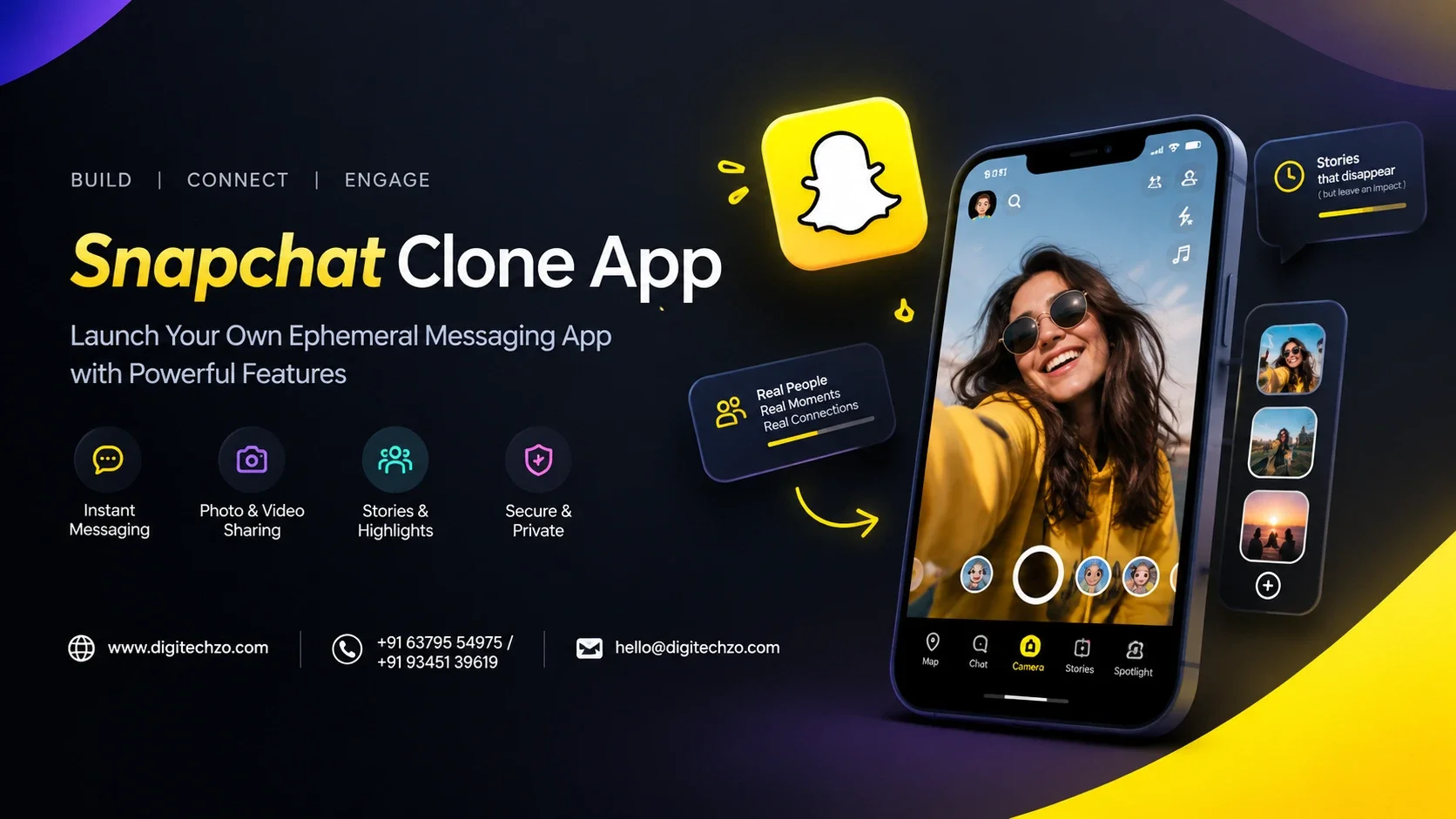
Snapchat reported roughly 493 million daily and 971 million monthly active users in its Q2 2026 results. That scale makes it tempting to think a Snapchat clone app is a shortcut to a ready-made audience. It is not. Copying features is the easy part. Earning the habit of opening a camera instead of a feed is what is hard, and that is where most clones fail.
At Digitechzo, we see founders arrive with the same question: what does it actually take to build a Snapchat-style app that people use? This guide gives you the honest answer. It covers the features that matter, how disappearing content really works, realistic cost ranges, a phased roadmap, the compliance traps that sink social apps, and how to position your product so it has a reason to exist.
A Snapchat clone app is a camera-first social app built around disappearing photo and video messages, Stories, chat and AR filters. A lean MVP typically costs about $25,000 to $60,000 and takes 4 to 6 months. A full product with AR lenses, a discovery feed and moderation tooling can run from roughly $60,000 to well over $150,000, depending on scope. The strongest approach is to build a focused Snapchat alternative app for a defined audience rather than a feature-for-feature copy.
What a Snapchat Clone App Really Is (and What It Is Not)
A Snapchat clone app replicates the core interaction model of Snapchat. The app opens to the camera. Users capture a photo or short video, add filters or text, and send it to friends or post it to a Story. Content disappears after it is viewed or after a set time.
It is useful to separate three things that are often confused:
- Functional clone: the same core mechanics (camera, snaps, stories, chat) built from scratch with your own design and brand.
- Clone script: a pre-built codebase sold as a starting point, which you then customize.
- Brand copy: a visual and naming imitation of Snapchat. This is where trademark and trade dress risk lives, and you should avoid it entirely.
Features themselves are generally not what protects Snap. Its brand assets, trademarks and any patents are. A responsible build uses your own name, logo, visual identity and interaction details, and gets an IP review before launch. This is general information, not legal advice.
Snapchat Clone Script vs Custom Development
This is usually the first real decision, and the "snapchat clone script" searches show how many people weigh it.
Comparison table
| Factor | Ready-made clone script | Custom development |
|---|---|---|
| Time to first version | Weeks | 4 to 6+ months for an MVP |
| Upfront cost | Lower | Higher |
| Branding and UX | Limited, often recognizable as a template | Fully yours |
| Code quality and scalability | Varies widely; often unproven at scale | Designed for your growth targets |
| AR and camera depth | Usually basic | Can be built to spec |
| Security and compliance | Often your responsibility to audit | Built in from the start |
| Long-term flexibility | Constrained by the original architecture | High |
| Best for | Testing an idea quickly | A product you intend to grow |
When a script makes sense
A script can be reasonable for a quick market test or an internal demo. Before buying one, ask for the source code license terms, check when it was last updated for current iOS and Android requirements, and have an engineer review the architecture for security and scale. A script that cannot handle media storage, moderation and age checks properly will cost more to fix than to rebuild.
Core Features Every Snapchat Clone App Needs
Think of these as the minimum for a credible launch.
Camera-first experience
The app should open straight to the camera, with fast capture, photo and video modes, front and rear switching, flash and basic editing. Speed matters more than polish. Camera launch time and capture lag shape whether people use the app daily, so this is the one area where native performance is worth paying for.
Snaps and ephemeral messaging
Users send photos or videos that expire after viewing or a timer. Include view-once and timed options, delivery and open status, replay rules, and a clear indicator when a screenshot is detected. Text chat that also expires should sit alongside this.
Stories and Memories
Stories let users post to all friends or selected groups for 24 hours. Memories let users save content privately if they choose. This is a retention feature: it gives people a reason to return and a reason to post.
Friends graph and discovery
Search by username, contact import with permission, QR or share-link adding, suggestions, and block and mute. Contact import must be opt-in and clearly explained.
Privacy and safety controls
Who can message you, who can see your Story, who can find you, and the ability to report, block and delete. These are not optional extras. App stores and regulators expect them.
Advanced Features That Make a Snapchat Alternative App Stand Out
Once the core works, differentiation comes from a small number of well-chosen additions.
- AR lenses and filters: the biggest cost multiplier. Third-party AR SDKs reduce early cost, while a proprietary lens engine is a large engineering project.
- Short-video discovery feed: a Spotlight-style feed adds reach beyond friends, but it demands recommendation logic and stronger moderation.
- Group chats and group Stories: useful for communities, schools, clubs and teams.
- Location features: a friends map or place-based Stories. Build opt-in controls first, as location is sensitive data.
- Creator tools and monetization: tipping, subscriptions, branded lenses.
- Commerce integration: shoppable content works best when your audience is already defined.
- AI-assisted features: caption suggestions, safety classifiers and content tagging. These should assist users and moderators, not replace human review.
The best Snapchat alternative app is rarely the one with the most features. It is the one with the clearest reason to exist, which brings us to strategy.
How Ephemeral Messaging Works (and Where It Falls Short)
Most competitor articles skip this, and it is where trust is won or lost.
What happens technically. Media is uploaded to object storage, a message record points to it, and a rule decides when it expires: after first view, after a timer, or after 24 hours for Stories. A scheduled job or a storage lifecycle rule then deletes the file and the record. Notifications tell the sender the status.
What it cannot promise. A disappearing message is a design feature, not a security guarantee.
- Another phone can photograph the screen.
- Android lets an app block screenshots entirely. iOS only lets an app detect them after the fact, so "screenshot alerts" are notifications, not prevention.
- Backups, logs and caches can keep traces if they are not engineered carefully.
- Legal requests and moderation reports may require preserving certain content.
Be clear with users about what "disappears" means. If privacy is central to your pitch, add end-to-end encryption, minimal metadata retention, and plain-language policies. Overpromising here creates reputational and legal risk.
Recommended Tech Stack
There is no single correct stack. This table shows common, proven choices.
| Layer | Typical options | Why it matters |
|---|---|---|
| Mobile apps | Native Swift (iOS) and Kotlin (Android); cross-platform for non-camera screens | Camera, video and AR performance favor native code |
| AR and camera | Third-party AR SDKs, ARKit, ARCore, Camera Kit-style SDKs (check license terms) | Cuts time to a working filter experience |
| Backend | Node.js, Go or Python services | Handles messaging, feeds and APIs |
| Real-time messaging | WebSockets or managed real-time services | Instant delivery and presence |
| Database | PostgreSQL plus Redis for caching; a document store for feeds | Balances relational data with speed |
| Media storage and delivery | Cloud object storage plus a CDN | Large media volume at low latency |
| Notifications | APNs and FCM | Re-engagement and delivery status |
| Video calls (optional) | WebRTC or a managed provider | Voice and video chat |
| Moderation | Image and text classifiers, hash matching, review dashboard | Safety and store compliance |
| Security | TLS, encrypted storage, optionally end-to-end encryption | Trust and regulatory expectations |
Plan media costs early. Storage, bandwidth and video processing are often the line items that surprise founders after launch, not the initial build.
Snapchat Clone App Cost: Realistic Ranges
Published estimates for the cost of a Snapchat-style app range from tens of thousands of dollars to high six figures. The spread is not because anyone is wrong. It reflects very different scopes. The figures below are planning ranges, not quotations.
Cost tiers table
| Tier | What is included | Indicative cost | Typical timeline |
|---|---|---|---|
| Lean MVP | Camera, snaps, chat, Stories, friends, notifications, basic filters, admin panel | $25,000 to $60,000 | 4 to 6 months |
| Growth version | Third-party AR lenses, discovery feed, groups, moderation tools, analytics | $60,000 to $150,000 | 6 to 9 months |
| Advanced product | Custom lens engine, ML features, location, ad or creator platform, scale engineering | $150,000 to $500,000+ | 9 to 14+ months |
Maintenance is a recurring cost. A common planning assumption is 15 to 20 percent of the build cost per year for updates, OS compatibility, fixes and infrastructure tuning.
What drives the budget
- AR depth: off-the-shelf SDK versus custom engine is the single biggest swing.
- Platforms: native iOS and Android costs more than one cross-platform codebase, but camera performance usually justifies native.
- Moderation and compliance: reporting, review tooling and age assurance take real engineering time.
- Scale targets: designing for thousands of users differs sharply from designing for millions.
- Team location and model: rates vary widely by region, and fixed-scope MVPs are easier to control than open-ended builds.
- Design quality: a camera-first UI needs thoughtful interaction design, not just screens.
A useful rule: ask any provider to break their estimate into design, mobile, backend, AR, QA and moderation. If they cannot, the number is a guess.
Development Timeline: A Phased Roadmap
- Discovery and positioning (2 to 3 weeks): audience, differentiator, feature scope, compliance review.
- UX and UI design (3 to 5 weeks): camera flow, navigation, prototypes, user testing.
- Core build (8 to 14 weeks): camera, snaps, chat, Stories, friends, notifications, backend and admin.
- AR and advanced features (4 to 8 weeks, if included): SDK integration or custom lenses.
- Testing and hardening (3 to 5 weeks): device testing, load testing, security review, moderation workflows.
- Launch preparation (1 to 2 weeks): store submissions, policies, support processes, analytics.
- Post-launch iteration (ongoing): retention data guides what to build next.
Stage 5 is often squeezed. Camera apps behave differently across devices, so budget real time for device testing.
How a Snapchat-Style App Makes Money
- Advertising: sponsored lenses, Story ads and Spotlight-style feed ads, once you have meaningful reach.
- Subscriptions: premium features, extended Memories storage, exclusive lenses.
- Creator economy: tips, paid communities or gifting.
- Branded AR: sponsored filters for businesses, which can also be a B2B revenue line.
- Commerce: shoppable content for audiences with clear buying intent.
- White-label licensing: offering your camera and messaging stack to organizations.
Choose one primary model early. A platform with no audience cannot sell ads, so a niche community with subscriptions or commerce often reaches revenue faster than a general-audience app.
Safety, Privacy and Compliance
Social apps are held to a higher standard than most categories, and this is where many first-time founders get caught.
App store rules. Apple and Google both expect apps with user-generated content to provide content filtering, a way to report abuse, the ability to block users, and visible contact information. Apps that lack these are commonly rejected.
Children's data. If minors can use your app, regulations apply. India's DPDP Act treats anyone under 18 as a child and requires verifiable parental consent before processing their personal data. Under the rules notified in November 2025, the substantive obligations on consent, security and children's data are scheduled to apply from May 2027, so build for them now. In the United States, COPPA applies to children under 13, and the EU and UK have their own age-related rules and design codes. Many teams set a minimum age and add age assurance from day one.
Illegal content. You need processes to detect, remove and report child sexual abuse material and other illegal content, along with human review and escalation paths.
Data protection. Collect only what you need, explain it clearly, secure it properly and offer deletion.
Intellectual property. Use original branding and get a review of trademark and patent exposure.
This section is technical and business information, not legal advice. Have a qualified lawyer review your markets and policies before launch.
Common Mistakes to Avoid
- Copying the brand instead of the use case. Imitation invites legal risk and gives users no reason to switch.
- Trying to match every feature at launch. A tight MVP beats a half-working clone.
- Underestimating moderation. Unmoderated social apps attract abuse quickly and get pulled from stores.
- Choosing a script without an audit. Hidden security and scaling issues are expensive later.
- Ignoring cold start. Without a built-in community, social apps feel empty. Launch with a defined group.
- Promising unbreakable privacy. Ephemeral features have limits, so describe them accurately.
- Skipping device testing. Camera and AR behavior varies a lot across phones.
Why Choose a Technology Partner for Your Snapchat Clone App?
Building a social app is unforgiving. Camera performance, real-time messaging, media costs, moderation and compliance all have to work together, and weaknesses show up in front of users immediately. The partner you choose should be able to scope honestly, challenge feature bloat and plan for safety from the start, not just ship screens.
Digitechzo is a technology company working across mobile apps, software, AI, blockchain and web solutions, which gives founders a single team for the product, the platform and the technology around it. If you are planning Snapchat clone app development or a differentiated Snapchat alternative, you can explore Digitechzo's development capabilities and discuss your idea with the team.
When evaluating any provider, look for:
- A clear discovery phase that sharpens your positioning
- A transparent estimate broken down by component
- Experience with real-time, media-heavy mobile apps
- A plan for moderation, privacy and store compliance
- Support after launch, not just delivery
A good conversation at this stage should leave you with a smaller, sharper scope, not a bigger one.
FAQs
What is a Snapchat clone app?
It is a camera-first social app that replicates Snapchat-style mechanics such as disappearing snaps, Stories, chat and AR filters, built with your own branding and identity.
How much does it cost to build a Snapchat clone app?
Planning ranges are roughly $25,000 to $60,000 for a lean MVP, $60,000 to $150,000 for a growth version with AR and a discovery feed, and $150,000 or more for an advanced product with custom AR and scale engineering. Your final cost depends on scope, platforms and compliance needs.
How long does Snapchat clone app development take?
An MVP usually takes 4 to 6 months. A fuller product with AR, discovery and moderation tooling typically takes 6 to 9 months, and advanced builds can exceed a year.
Is a Snapchat clone script better than custom development?
A script is faster and cheaper upfront and suits quick tests. Custom development gives you unique branding, better scalability, stronger security and room to grow. Audit any script's code, license and update history before buying.
What features are essential in a Snapchat-like app?
A camera-first interface, expiring snaps, Stories, chat, a friends system, push notifications, privacy controls, and reporting and blocking tools.
Can I stop users from taking screenshots?
Not reliably. Android can block screenshots in-app, but iOS can only detect them, and any phone can photograph a screen. Treat screenshot alerts as a deterrent, not protection.
Is it legal to build an app like Snapchat?
Building an app with similar functionality is generally possible, but you must avoid Snap's trademarks, logos and distinctive branding, and review patent exposure. Consult an IP lawyer for your situation.
What technology is used to build a Snapchat alternative app?
Native Swift and Kotlin for the apps, an AR SDK or ARKit and ARCore for filters, a cloud backend, real-time messaging, object storage with a CDN, push notification services and moderation tooling.
How do Snapchat-style apps make money?
Through ads and sponsored lenses, subscriptions, creator monetization, branded AR and commerce, with the best model depending on your audience.
What compliance issues affect social apps?
App store content rules, children's data laws such as India's DPDP Act and the US COPPA, illegal content reporting duties, and general data protection requirements.
