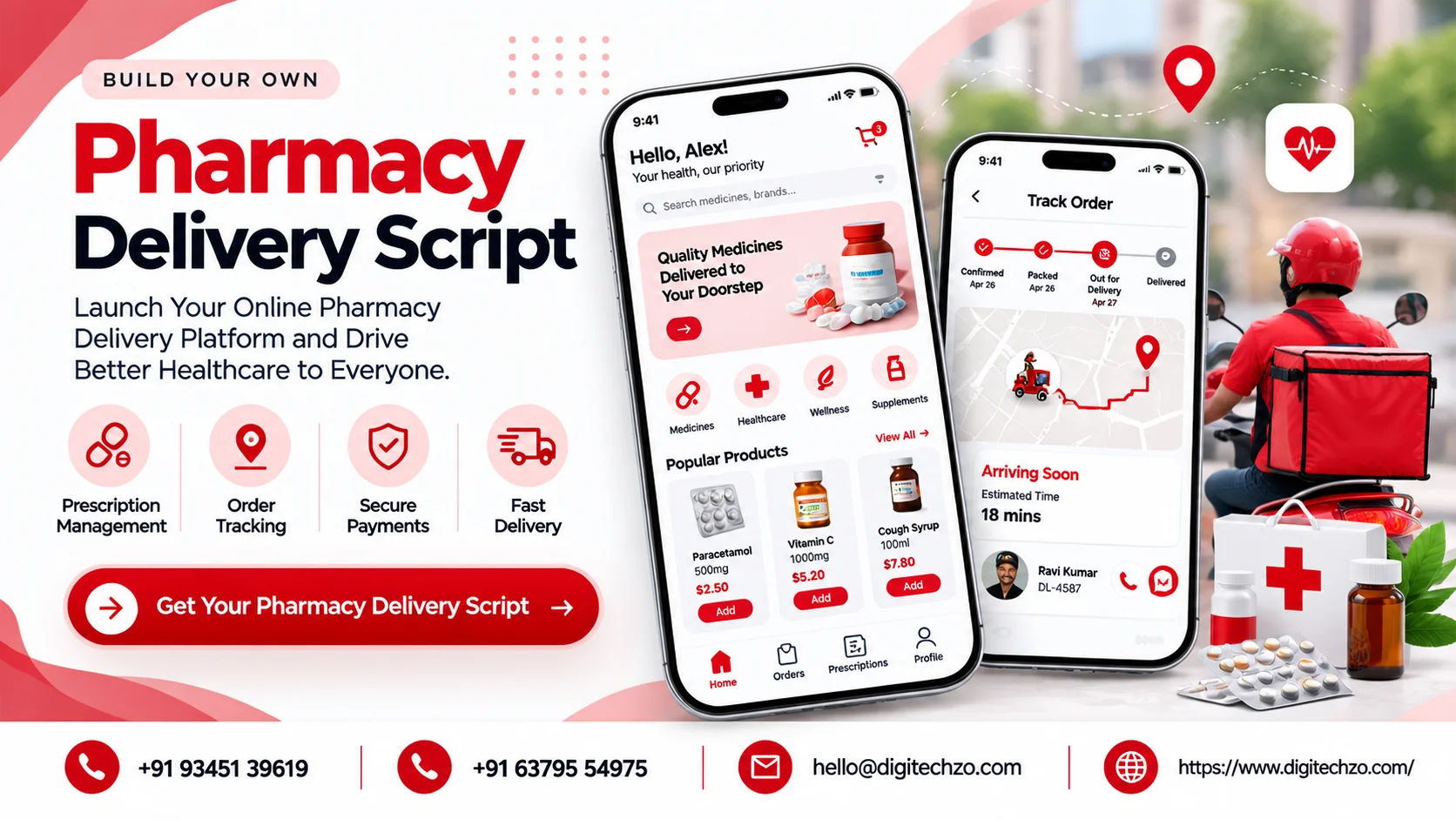
Customers keep asking whether your pharmacy delivers. Phone orders get lost, prescriptions arrive as photos on messaging apps, and nobody can say when a courier will reach a patient. Or you are an entrepreneur who wants to launch an online pharmacy and wonders whether a ready-made pharmacy delivery script will save you from building everything yourself.
The honest answer depends on rules and workflows that are specific to medicines. This guide explains what a pharmacy delivery script is, which models exist, what a platform must handle, and how to decide before you commit budget.
A pharmacy delivery script is a ready-made software package, usually with customer, pharmacy, delivery and admin components, that you customize to run an online pharmacy or medicine delivery service. It can speed up a first version, but pharmacy delivery depends on prescription checks, regulated products and health-data handling that differ by country. Choose your business model and compliance requirements first, then compare a script, a customizable foundation and a custom build against them.
What Does "Pharmacy Delivery Script" Mean?
Software script vs prescription ("script")
In software, a "script" means a ready-made code package you buy or license and then configure. In some regions, including Australia and South Africa, "script" is also everyday shorthand for a prescription, so some search results describe pharmacies delivering prescriptions rather than software. This guide covers the software meaning: a platform for ordering, verifying, packing and delivering medicines.
A pharmacy delivery script is usually positioned as a foundation, not a finished business. It should end up independently branded, with your own workflows, integrations, pricing rules and compliance processes. It should not copy another company's brand, interface, content or proprietary code. For intellectual property questions, consult a qualified lawyer. This article is technical and business guidance, not legal advice.
Which Pharmacy Delivery Model Are You Building?
| Model | How it works | Best for | Main challenge |
|---|---|---|---|
| Single pharmacy or chain app | Your own pharmacy or branches fulfil orders | Existing pharmacies | Integrating with in-store inventory and staff workflow |
| Multi-vendor pharmacy marketplace | Independent licensed pharmacies sell through your platform | Marketplace founders | Pharmacy onboarding, licensing responsibilities, catalog consistency |
| Subscription or refill-based service | Regular medicines are refilled and delivered on a schedule | Chronic-care focused services | Prescription renewals, reminders, adherence workflows |
| On-demand delivery | Fast delivery from nearby pharmacies | Dense urban areas | Stock availability, courier coverage, handling urgent orders |
These models overlap. A chain may offer on-demand delivery and refills, and a marketplace may add subscriptions. Your model decides who holds the license, who dispenses, and where legal responsibility sits, all of which affect software requirements.
Roles on the Platform
- Customer or patient. Searches or uploads a prescription, orders, pays, tracks and reorders.
- Pharmacy and pharmacist. Reviews prescriptions, confirms availability, approves or rejects items, packs the order.
- Delivery partner. Collects sealed orders and delivers them with the required handover steps.
- Admin and operations team. Onboards pharmacies, manages catalog and policies, monitors orders, handles complaints and reports.
- Optional roles. Prescribers or clinic staff, if you integrate e-prescriptions.
The pharmacist role is what separates this from general delivery. It is a decision point inside the order flow, not just a vendor receiving orders.
How a Pharmacy Order Works
- Search and cart. The customer finds products. Prescription-only items are flagged.
- Prescription submission. For prescription items, the customer uploads a prescription or links an e-prescription.
- Pharmacist review. A licensed pharmacist checks the prescription, product and quantity, and may contact the customer.
- Confirmation. Approved items are confirmed, rejected items are removed, and any substitution needs the permitted approvals.
- Payment. The customer pays online or through the methods your market allows.
- Packing. The pharmacy packs the order, often with sealed packaging and labeling.
- Handover to courier. The order is assigned and tracked.
- Delivery and confirmation. Some programs use tamper-evident packaging and require a signature, with drivers using an app that sends status updates (tamper-proof packaging, live text updates and signature on delivery). Your market's rules decide what is required.
- Follow-up. Refill reminders, feedback and support.
Why Pharmacy Delivery Is Not Just Grocery With Medicine
| Factor | Grocery delivery | Pharmacy delivery |
|---|---|---|
| Product restrictions | Few, such as age-restricted items | Prescription-only, over-the-counter and sometimes controlled items |
| Verification | Optional | Prescription and often pharmacist checks |
| Substitution | Customer preference | Tightly governed |
| Product data | Price, brand | Batch, expiry, storage, schedule category |
| Data sensitivity | Order history | Health-related information |
| Delivery handling | Mixed temperatures | Sealed packaging, possible cold chain, identity or signature steps |
| Errors | Inconvenience | Potential patient safety impact |
If a script was designed as a general delivery or eCommerce template, check how well it supports these needs, or whether you will be adding them yourself.
Compliance: Decide This Before You Choose a Platform
Rules for selling and delivering medicines vary by country and sometimes by state or province. Before comparing platforms, find out, with qualified legal and regulatory advice:
- Who can sell online. Licensing requirements for pharmacies, marketplaces and delivery operators.
- Which products you may sell. Prescription medicines, over-the-counter products and any restricted categories.
- Prescription rules. What counts as a valid prescription, how it is verified and retained, and whether e-prescriptions are accepted.
- Pharmacist responsibilities. What must be done by a licensed professional, and what records must be kept.
- Health data protection. Laws such as HIPAA in the United States, GDPR in the European Union or India's DPDP Act may apply, depending on where you operate and whose data you handle.
- Advertising and pricing rules. Medicines are often regulated here.
- Marketplace liability. If you aggregate pharmacies, understand where responsibility sits.
In some markets, including India, rules for online sale of medicines have been debated and revised over time, so check current requirements rather than relying on older articles. The software cannot grant permission to operate. It can only support the processes that your license and rules require.
Essential Features: MVP vs Later
| Area | MVP (launch) | Later phases |
|---|---|---|
| Accounts | Login, address book, family or dependent profiles where permitted | Health profile management |
| Catalog | Search, categories, Rx/OTC flags, product details | Alternatives, generic suggestions where permitted |
| Prescriptions | Upload, pharmacist review, approve or reject, retention | E-prescription integration, refill from prior orders |
| Order management | Pharmacy dashboard, availability, packing status | Multi-branch routing, batching |
| Inventory | Stock levels, batch and expiry fields | Real-time sync with pharmacy systems, expiry alerts |
| Payments | Online payments, refunds, invoices | Wallets, insurance workflows where applicable |
| Delivery | Assignment, status, ETA, handover confirmation | Route optimization, temperature-controlled delivery support |
| Notifications | Order and prescription status | Refill reminders, adherence prompts |
| Support | Issue reporting, returns policy | Pharmacist chat or consultation |
| Admin | Pharmacy and user management, audit logs, reports | Compliance reporting, analytics |
| Security | Encryption, role-based access, audit trails | Advanced monitoring |
Prioritize prescription workflow, pharmacist controls, record retention and secure handover over discovery features and gamification.
Technology and Integrations
- Apps and panels: customer app (iOS, Android, web), pharmacy panel, delivery app and admin dashboard.
- Backend and data: an API layer, relational database, secure document storage for prescriptions and cloud hosting with access controls.
- Maps and routing: location search, delivery zones and ETA from a maps provider.
- Payments: gateways suited to your market. Confirm any restrictions on payment methods for medicines.
- Notifications: push, SMS and email for order and prescription status.
- Pharmacy systems: integrations with pharmacy management or inventory systems where they exist.
- Prescription sources: e-prescription or health-record integrations, subject to local standards and availability.
- Security: encryption in transit and at rest, role-based access, audit logs, and a documented incident process.
- Scalability: support for more pharmacies, cities and peak loads without architecture changes.
Revenue Models and Cost Drivers
Possible revenue models include delivery fees, service fees, pharmacy commissions in a marketplace, subscription plans for refills, and margins on products you sell directly. Margins on medicines can be regulated or thin, and profitability is never guaranteed. It depends on your market, pricing rules, order volume, delivery cost and acquisition cost.
Published development cost and timeline figures vary widely and are often tied to unstated scope. Cost drivers include the number of apps, prescription workflow complexity, integrations, security and compliance work, design, testing, hosting and maintenance. Ask for an itemized estimate against a written requirement list.
Script vs Foundation vs Custom Build
| Factor | Ready-made script | Customizable foundation | Fully custom build |
|---|---|---|---|
| What it is | Packaged software, often with limited changes | Modular base your partner adapts | Built from your requirements |
| Fit for regulated workflows | Often generic, so verify | Adaptable, depending on modularity | Designed around your rules |
| Time to first version | Often fastest, if little changes | Medium | Usually longest |
| Differentiation | Low unless extended | Medium | High |
| Compliance support | Check carefully | Can be added as modules | Built in |
| Code ownership | Varies by license | Must be defined by contract | Usually clearest |
| Maintenance | Depends on vendor | Depends on partner | Depends on your team or partner |
| Best for | Pilots or simple workflows | Most pharmacy businesses with specific rules | Complex, multi-region or highly regulated operations |
None of these is automatically cheaper or faster. A script that needs heavy rework for prescription handling can lose its advantage.
What to Look for in a Development Partner
- Regulated-workflow understanding: can they explain prescription review, record retention and pharmacist roles without being prompted?
- Architecture and customization: which parts of the script or foundation are reusable, and what must be built?
- Security and privacy: encryption, access control, audit logs and testing practices for sensitive data.
- Integrations: payments, maps, pharmacy systems and e-prescription options in your market.
- Ownership terms: source code, data, accounts and licensing, in writing.
- Documentation and testing: QA process, release process and technical documentation.
- Deployment and support: hosting options, monitoring, maintenance and response times.
- Scalability and roadmap: how future pharmacies, cities and features will be added.
- Business understanding: do they ask about your license, workflows and operations?
- Transparent scope: milestones, change requests and who is responsible for regulatory checks.
Be cautious of anyone who promises compliance as a software feature, a launch in days, or guaranteed profits.
Common Mistakes to Avoid
- Buying a script before checking regulations. The legal model should shape the software.
- Treating prescriptions as file uploads. They need review, status and retention workflows.
- Ignoring pharmacist workflow. If the pharmacy panel is awkward, orders slow down.
- Skipping batch and expiry data. Inventory needs more than a stock count.
- Weak handover controls. Decide how delivery will be confirmed.
- Underestimating data protection. Health-related data raises the stakes.
- Assuming a marketplace transfers responsibility. Get legal advice on liability.
- Overbuilding at launch. Prove the core flow in one area first.
Why Choose DigiTechzo for Pharmacy Delivery Platform Development?
Provider selection matters here because a pharmacy platform combines mobile apps, back-end systems, secure data handling and workflows shaped by regulation. A partner who builds only the interface leaves the hard parts to you.
According to its website, DigiTechzo provides AI development, websites, mobile apps, blockchain, software and growth marketing. That range is relevant to a platform that needs customer, pharmacy and delivery apps, supporting back-end software and, once you launch, a plan for reaching customers.the place to explore how a pharmacy delivery platform could be scoped around your model and compliance requirements.
Whichever provider you consider, ask for a written scope, security approach, ownership terms and a clear statement of who verifies regulatory requirements, and verify relevant experience directly.
FAQs
What is a pharmacy delivery script?
It is a ready-made software package for running a pharmacy or medicine delivery service, typically with customer, pharmacy, delivery and admin components. In some regions, "script" also means a prescription.
Is a script better than custom development?
A script can shorten the path to a first version if your workflows are simple. Custom or foundation-based development usually fits better when prescription handling and compliance rules are specific.
Can I sell prescription medicines through a script?
That depends on your jurisdiction and license. The software can support prescription checks and record keeping, but it does not grant permission to sell.
What features does a pharmacy delivery app need first?
Catalog with Rx/OTC flags, prescription upload and pharmacist review, order management, payments, delivery tracking, notifications, admin controls and secure data handling.
How is a pharmacy marketplace different from a single pharmacy app?
A marketplace connects multiple independent pharmacies, so onboarding, licensing responsibilities and catalog consistency become central concerns.
How should health data be protected?
Use encryption, role-based access, audit logs and defined retention policies, and check which privacy laws apply to you, such as HIPAA, GDPR or India's DPDP Act.
How much does it cost to build a pharmacy delivery app?
Cost depends on the apps, prescription workflow, integrations, security work and support. Ask for an itemized estimate based on a written scope.
How do pharmacy delivery apps make money?
Common models are delivery fees, service fees, marketplace commissions, refill subscriptions and product margins. Profitability depends on your market and operations.
