It usually starts small. A founder in Pune sets up a spreadsheet to track inventory. The accounts team in Ahmedabad runs Tally for billing. The sales team in Bengaluru manages leads on a separate CRM tool, and the warehouse in Coimbatore still updates stock counts on a WhatsApp group.
For the first two or three years, this works fine. Then the business grows.Orders increase, a second branch opens, GST filings become more complex, and suddenly nobody has a single, reliable answer to a simple question: "What is our actual stock position right now?" The finance manager pulls one number from Tally. The warehouse supervisor has a different number in an Excel sheet. The sales head has promised a delivery date based on information that is three days old.
This is the exact point where most growing Indian businesses - whether it's a D2C brand, a manufacturing SME, a trading firm, or a services company - start searching for an ERP software development service. Not because it's a trendy term, but because spreadsheets and disconnected tools have quietly started costing them time, money, and customer trust.
This article is written for that exact stage of business. We'll walk through why the problem happens, what an ERP system actually solves, what to look for in a development partner, and how to make a decision you won't regret 12 months later.
The Business Problem: When Growth Outpaces Your Systems
Most small and mid-sized businesses in India don't plan their software stack from day one. It builds up organically:
- Billing and accounting in Tally or Zoho Books
- Inventory tracked in Excel sheets, updated manually
- Customer orders managed over WhatsApp, email, or a basic CRM
- HR and payroll handled through a separate tool, or manually every month
- Different regional offices or warehouses using different formats altogether
Individually, each tool does its job. Together, they create a fragmented picture of the business.
What This Fragmentation Actually Costs
The impact rarely shows up as one dramatic failure. It shows up as dozens of small, recurring frictions that add up over a financial year:
- Duplicate data entry - the same sales order gets typed into three different systems by three different people
- Delayed decision-making - leadership waits days for a consolidated report instead of checking a live dashboard
- Stock mismatches - the sales team promises delivery on items that are actually out of stock
- GST and compliance stress - reconciling numbers across disconnected systems before every filing deadline
- Scaling difficulty - opening a new branch or warehouse means replicating the same manual mess all over again
For a business owner or CFO, this isn't just an operational headache - it directly affects margins, customer satisfaction, and the ability to make confident, data-backed decisions.
Why Spreadsheets and Standalone Tools Are Not Enough
Excel and basic accounting software are excellent starting tools. The problem isn't the tools themselves - it's that they were never designed to work together.
- Spreadsheets don't update in real time across departments
- Standalone tools don't "talk" to each other without manual intervention
- There's no single source of truth for inventory, finance, sales, and operations
- Reporting requires someone to manually pull and combine data from multiple places
- Errors introduced at one stage (say, a wrong stock entry) silently move downstream and affect billing, delivery, and taxation
At a certain size - usually once a business crosses a certain order volume, adds a second location, or starts hiring department heads - this patchwork approach stops scaling. That's the signal to look at an integrated system.
What an ERP System Actually Solves
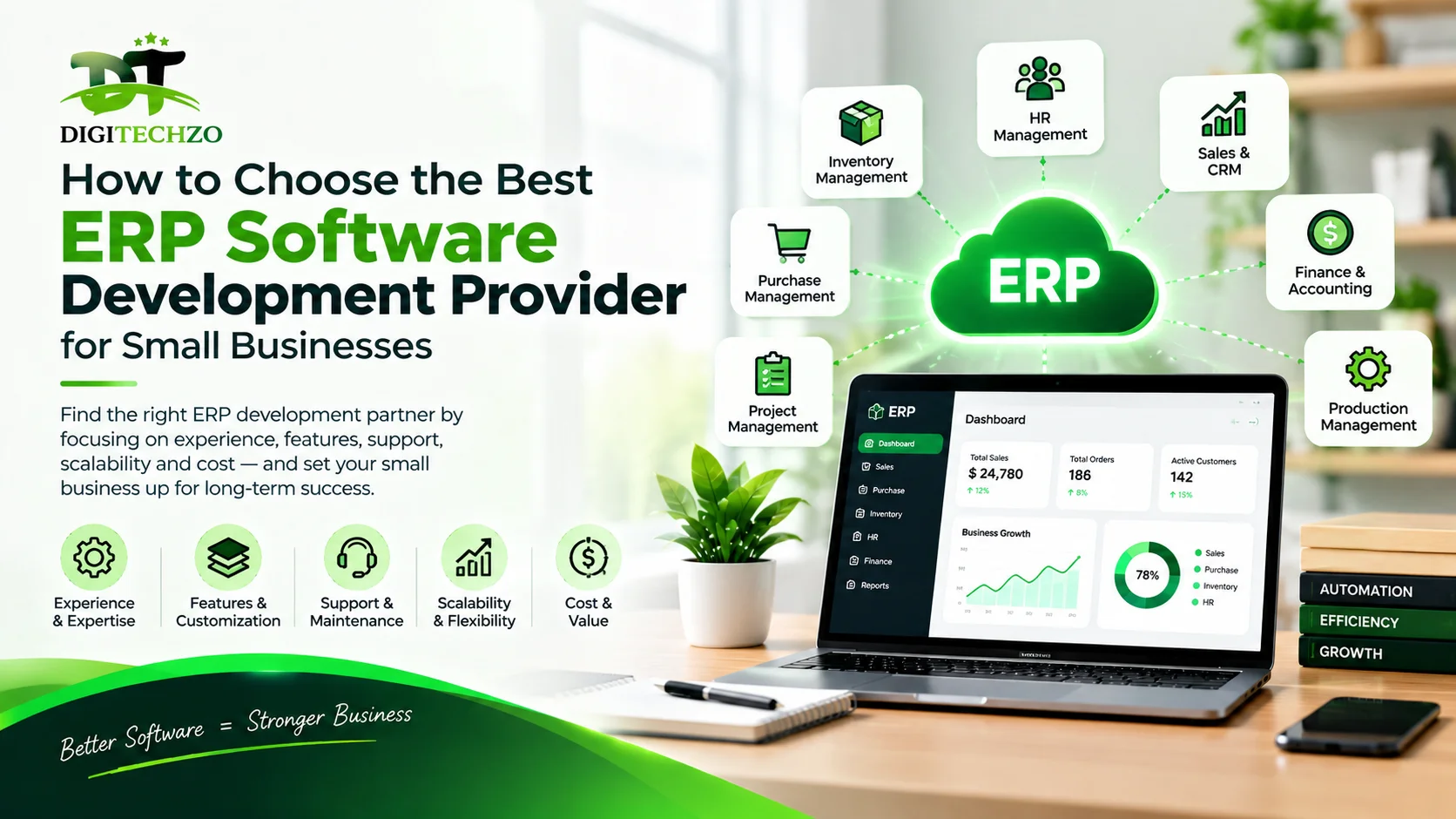
An Enterprise Resource Planning (ERP) system brings finance, inventory, sales, purchase, HR, and operations onto one connected platform. Instead of five tools with five versions of the truth, there's one system that every department updates and reads from.
For an Indian SME, this typically means:
- One dashboard showing real-time stock, sales, and finance data
- Automatic GST-ready invoicing and reporting
- Inventory that updates instantly the moment a sale or purchase happens
- Role-based access, so the warehouse team, accounts team, and management see exactly what's relevant to them
- Fewer manual entries, and therefore fewer manual errors
This is where many businesses face their next decision: should they buy an off-the-shelf ERP (like a generic SAP or Odoo package), or get a system custom-built around how their business actually operates? For businesses with standard processes, off-the-shelf works fine. For businesses with specific workflows - a particular manufacturing process, a unique multi-branch billing structure, or industry-specific compliance needs - a custom ERP software development service usually delivers far better long-term value than forcing the business to adapt to a generic template.
Features and Benefits of a Well-Built ERP System
A properly implemented ERP isn't just about record-keeping. It changes how a business operates day to day.
| Feature | Business Benefit |
|---|---|
| Centralised database | Every department works from the same, real-time information |
| Automated invoicing & GST reporting | Faster billing, fewer reconciliation headaches at filing time |
| Inventory & warehouse management | Accurate stock visibility across multiple locations |
| Sales & CRM integration | Sales team quotes and promises based on real stock and pricing |
| Finance & accounting module | Real-time P&L visibility instead of month-end surprises |
| HR & payroll module | Simplified attendance, leave, and salary processing |
| Custom dashboards & reporting | Leadership gets decision-ready data without chasing reports |
| Role-based access control | Sensitive data is only visible to the people who need it |
| Cloud-based access | Owners and managers can check business data from anywhere |
A Practical Example
Consider a mid-sized manufacturing unit with a factory in one city and a sales office in another. Without an ERP, the factory updates production numbers in one register, the sales office tracks orders separately, and finance reconciles both manually at month-end.
With a connected ERP system, the moment a product is manufactured, stock updates automatically. When the sales team books an order, it's checked against real inventory instantly. Finance sees the invoice generate itself, GST-compliant, without anyone re-typing figures. The owner can check overall business health from a phone, without calling three different people for three different numbers.
This is the kind of operational clarity businesses are actually paying for when they invest in an ERP system - not just software, but fewer daily fires to put out.
Implementation Considerations: What to Check Before You Commit
This is where many businesses either get real value from their ERP investment, or end up with an expensive system nobody uses properly. A few things matter more than most business owners initially expect.
1. Custom Fit vs. Generic Template
Ask the provider directly: will this ERP be configured around your actual business workflow, or are you being fitted into their standard template? A generic system that doesn't match how your business actually operates often gets abandoned within a year.
2. Scalability
Your business in three years will look different from today. Check whether the ERP architecture can add new modules, users, branches, or warehouses without a complete rebuild.
3. Integration With Existing Tools
Most businesses don't want to throw away everything they already use. A good ERP development partner will integrate with your existing accounting software, payment gateways, e-commerce platforms, or CRM tools rather than forcing a complete switch on day one.
4. Data Security and Access Control
Financial data, customer information, and business intelligence sit inside your ERP. Ask how data is secured, how backups are handled, and how access is controlled across roles - especially important for businesses in regulated sectors like finance, healthcare, or manufacturing.
5. Cloud vs. On-Premise
Cloud-based ERP systems are increasingly the default choice for Indian SMEs - lower upfront infrastructure cost, remote access, and easier maintenance. On-premise still makes sense for certain industries with specific compliance or data-residency requirements. A good partner will help you decide based on your actual business, not push one option because it's easier for them.
6. Post-Launch Support
An ERP system is not a one-time purchase - it needs updates, bug fixes, and support as your business evolves. Before signing a contract, understand what ongoing maintenance and support actually includes, and at what cost.
7. Total Cost of Ownership
Look beyond the initial development quote. Factor in hosting costs, third-party integration costs, training time for your team, and annual maintenance charges. A slightly higher upfront investment in a properly built system is often cheaper over three years than a low-cost system that needs constant patching.
Making the Business Decision
By this stage, most business owners already know they need an ERP - the harder decision is choosing the right development partner. A useful filter is to ask three questions of any provider you're evaluating:
- Have they built ERP systems for businesses of a similar size and industry?
- Can they clearly explain how the system will be configured around your specific workflow, not just show you a generic demo?
- What does support look like after the system goes live - not just during the sales conversation?
A provider who answers these clearly, with specific examples of their process rather than vague promises, is usually a safer long-term bet than one offering the lowest price with the fastest timeline.
Why Choose DigiTechzo for ERP Software Development Services?
DigiTechzo works with small and growing businesses that have outgrown spreadsheets and disconnected tools but don't want to be forced into a rigid, one-size-fits-all ERP package. The focus is on building systems around how a business actually works - not the other way around.
Here's how that plays out in practice:
Custom ERP software development - Rather than starting from a fixed template, the system is built around your specific processes, whether that's a multi-branch retail setup, a manufacturing workflow, or a service-based business with project billing.
Business-specific workflows - Every business has its own approval chains, pricing rules, and reporting needs. DigiTechzo maps these workflows into the ERP instead of asking your team to change how they work to suit the software.
ERP system integration - If you already use accounting tools, e-commerce platforms, or payment gateways, the ERP is built to integrate with them, so you're not starting from zero or duplicating effort.
Workflow automation - Repetitive manual tasks - stock updates, invoice generation, approval routing - are automated, reducing errors and freeing up your team for higher-value work.
Custom ERP modules - Whether it's a specialised inventory module for a particular industry or a custom reporting module for management, modules are built around actual business need, not generic assumptions.
Scalable ERP architecture - The system is designed to grow with the business, so adding a new branch, warehouse, or user group doesn't mean rebuilding the entire platform.
Business dashboards and reporting - Decision-makers get real-time, role-specific dashboards instead of chasing month-end reports from different departments.
Cloud-based ERP solutions - For businesses that need remote access, lower infrastructure overhead, and easier scalability, cloud deployment is available where it genuinely fits the business model.
Security-focused development - Given how much sensitive financial and customer data an ERP handles, access control, data encryption, and secure hosting practices are built in from the start, not added as an afterthought.
ERP maintenance and support - Post-launch, the system is monitored and supported so that issues are resolved quickly and the platform continues to evolve as your business does.
This combination is what makes an ERP software development service worth the investment - a system that fits your business today and has room to grow with you tomorrow.
If your business has reached the point where spreadsheets and disconnected tools are slowing you down, it's worth having a conversation with DigiTechzo about what a custom-built ERP system could look like for your operations.
FAQ
1. How do I know if my business is ready for an ERP system?
If you're relying on multiple disconnected tools, spending significant time reconciling data manually, or struggling to get real-time visibility into stock, sales, or finance, that's usually a sign your business has outgrown manual processes and is ready for an integrated ERP system.
2. Is custom ERP development better than buying an off-the-shelf ERP package?
It depends on your business. Off-the-shelf ERP works well for businesses with fairly standard processes. If your business has specific workflows, industry-specific compliance needs, or a unique operational structure, a custom ERP software development service usually delivers better long-term fit and value.
3. How much does ERP software development cost for a small business in India?
Costs vary widely based on the number of modules, level of customisation, number of users, and whether it's cloud-based or on-premise. Rather than comparing quotes purely on price, it's worth asking each provider for a detailed breakdown of what's included, so you're comparing like for like.
4. How long does it take to develop and implement a custom ERP system?
Timelines depend on complexity, but a phased approach - starting with core modules like inventory, sales, and finance, then adding others - is often more practical than trying to launch everything at once. This also gives your team time to adapt gradually.
5. Will my team need training to use a new ERP system?
Yes, and this should be factored into your implementation plan from the start. A good development partner will include structured onboarding and training as part of the rollout, not treat it as an afterthought.
6. Can an ERP system be integrated with the accounting software we already use?
In most cases, yes. A well-built ERP can integrate with existing accounting, payment, or e-commerce tools, so you're not forced to abandon systems that already work for parts of your business.
7. Is cloud-based ERP secure enough for handling financial and customer data?
When built with proper access controls, encryption, and secure hosting practices, cloud-based ERP systems can be a secure and practical choice for most SMEs - often more so than maintaining in-house servers without dedicated IT security resources.
8. What should I look for while choosing an ERP software development provider for small businesses?
Look for relevant industry experience, a clear process for understanding your specific workflows, transparency around total cost (not just development cost), and a defined post-launch support plan. Providers who focus only on price or timeline, without addressing these, are worth questioning further.
