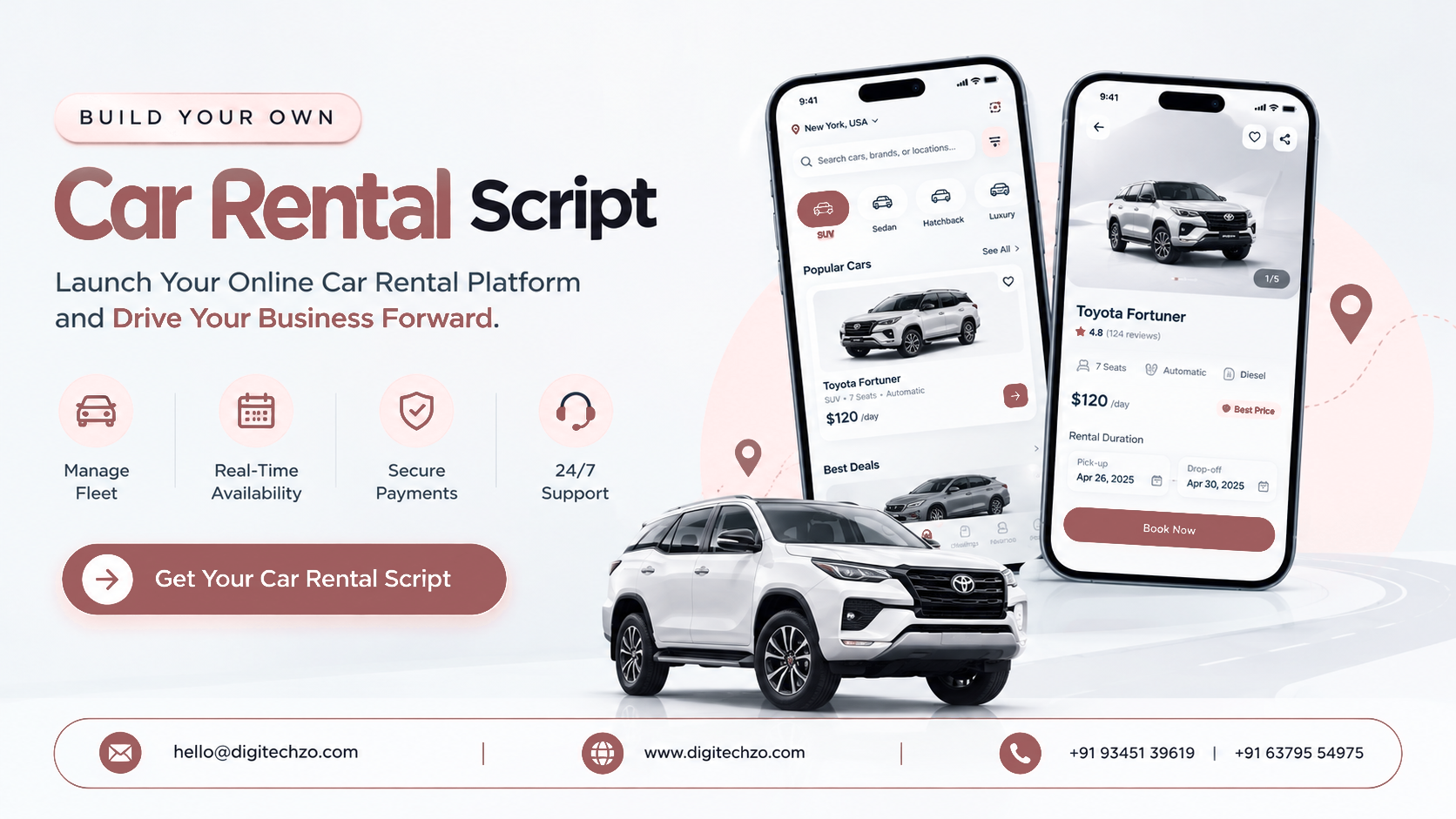
You run a few cars, a growing fleet or a vehicle-sharing idea, and bookings still come through phone calls and spreadsheets. Or you want to launch a rental platform without building availability, pricing and admin tools from scratch. So you start comparing scripts, and discover that they range from a simple booking form to a full fleet system.
The hard part is telling them apart. This guide explains what a car rental script is, which business model you are actually building, what features and workflows matter, and what to verify before you pick one.
A car rental script is ready-made software for listing vehicles, taking bookings, collecting payments and managing a rental business, which you brand and customize as your own platform. Before choosing one, decide whether you are running your own fleet or building a peer-to-peer marketplace, then check that it handles availability, pricing, deposits, pickup and return, and admin reporting reliably. Confirm customization scope, hosting, source-code terms and support before you commit.
What a Car Rental Script Is (and Is Not)
A car rental script is a pre-built software foundation, usually web-based with optional mobile apps, that covers the core rental flow: search by location and dates, choose a vehicle, add extras, pay, and manage the booking from an admin panel. Providers sell it as a script, white-label software or a booking platform.
A responsible project is:
A ready-to-customize product foundation you brand, configure and extend
An independently branded platform with your own policies, pricing and operations
Software, not a business: it supports operations but does not replace a fleet, licences or insurance
It should not copy another rental company's branding, interface, content or proprietary code. For legal questions, consult a qualified lawyer. This article is business and technical guidance, not legal advice.
Fleet-Owner Platform or Peer-to-Peer Marketplace?
This is the first decision, and many pages blur it.
A script built for one model needs significant rework for the other. Confirm which model it supports.
How a Car Rental Platform Works
Renter Side
Renters search by pickup location and dates, compare vehicles, choose extras (child seat, GPS, additional driver), pay or place a deposit, receive a confirmation and complete pickup and return.
Owner or Fleet Side
In a fleet-owner platform, your team manages vehicles, branches, rates, availability and maintenance. In a peer-to-peer model, owners list their own cars, set availability and pricing within your rules, approve or auto-accept bookings and receive payouts.
Admin Dashboard
Admins manage vehicles, bookings, customers, pricing, locations, extras, payments, refunds, damage claims, reports and user permissions.
Features That Matter Most
For renters
Search by location, dates and vehicle type with live availability
Clear pricing including taxes, fees and deposits
Extras and add-ons
Secure online payment and booking confirmation
Booking changes, cancellations and history
Driver details and licence upload, where required
Reviews, in marketplace models
For fleet operators or owners
Vehicle records (model, registration, category, mileage, documents)
Availability calendar with blocks for maintenance
Rates by period, season, vehicle class and duration
Branch and location management
Booking management, contracts and agreements
Earnings reports and, in marketplaces, payouts
For admins
Role-based permissions for staff and branches
Reports on utilization, revenue and bookings
Dispute, refund and damage handling
Content, language and currency settings
Notifications for bookings, pickups and returns
Add advanced features, such as dynamic pricing, mobile apps, telematics integrations, loyalty programs, corporate accounts and partner APIs, after the core flow works smoothly.
The Booking Lifecycle Behind the Screens
A rental isn't a single transaction. A solid platform handles each stage:
Search and availability check: only vehicles actually free for the dates, at that location
Quote and extras: a price that includes everything the renter will pay
Payment or deposit: charge, authorise or hold, depending on your policy
Verification: driver licence and identity checks, where your market requires them
Confirmation and reminders
Pickup: handover checklist, condition notes, fuel and mileage, signed agreement
Return: inspection, fuel and mileage check, extra charges
Settlement: deposit release or deduction, final invoice, review
Ask any provider to walk through this lifecycle, not only the booking page. Gaps at pickup and return are where disputes start.
Pricing, Extras and Deposits
Rental pricing is more varied than a flat nightly rate. Check that the script supports:
Rates by day, hour or week, and by season or vehicle category
Long-rental discounts and promo codes
Pickup and drop-off at different locations, and one-way fees if you offer them
Mileage limits and excess mileage charges
Fuel policies
Extras and insurance options
Security deposits (hold or charge), plus deductions for damage or fines
Taxes and local fee rules
Complex pricing is a common reason operators outgrow a basic script.
Basic Script or Real Rental System? A Quick Test
A basic script lists cars and takes a request. A rental system runs operations. Ask:
Can it prevent overbooking across multiple channels and branches?
Can I block a vehicle for maintenance and see utilization?
Can staff create a booking for a walk-in or phone customer?
Are contracts, deposits and damage notes recorded per booking?
Can different staff see only their branch?
Can I export reports for accounting and operations?
If most answers are no, you may need more than a script.
Business Models and Revenue Streams
Direct rental income from your own fleet
Commission or service fees on peer-to-peer bookings
Extras and add-ons such as insurance options, equipment and delivery
Delivery and collection fees
Corporate or long-term contracts
Partner fleet commissions, where other fleets list through you
Advertising or featured listings, in marketplace models
None of these guarantees profitability. Results depend on utilization, pricing, costs and competition.
Ready-Made Script vs Custom Development
Be careful with claims like "start operating almost immediately" or "fully customizable." Ask what is included, what customization costs, and how updates reach you.
Technology and Integrations to Plan For
Payment gateways: cards, wallets and local methods, with deposit holds or authorisations where supported
Maps and location search: pickup points, branch finders and delivery addresses
Identity and licence verification, if you require it
E-signature and document storage for rental agreements
Notifications: email, SMS and push
Telematics or GPS tracking, if you track vehicles
Accounting and reporting integrations
APIs to connect partner fleets, channels or other systems
Hosting, backups, monitoring and security
Third-party services typically carry usage fees on top of the software.
What a Script Does Not Solve
Vehicles, branches and staff: operations still need to be run
Insurance, licences and regulation: requirements for rental businesses, drivers and peer-to-peer sharing vary by country and region
Damage and fines handling: you need policies, evidence processes and staff
Fleet maintenance and cleaning
Customer support
Marketing and SEO: attracting renters is ongoing work
What to Look for in a Development Partner
Working demo covering search, booking, payment, pickup, return and admin
Availability logic: how overbooking is prevented across branches and channels
Pricing flexibility: rates, extras, deposits, taxes and one-way rules
Customization scope: what can be changed (branding, workflows, fields, fees) and what cannot
Model fit: fleet-owner, peer-to-peer or both
Integrations: supported payment, maps, verification and e-signature tools, and how others are added
Hosting and ownership: who hosts, whether you receive source code, under what licence, and who owns your customizations
Security and testing: how payments, licences and personal data are protected, and how releases are tested
Scalability: how it handles more vehicles, branches and bookings
Support and updates: what is included after launch, and for how long
Candor: does the provider explain limits, or only benefits?
Common Mistakes to Avoid
- Buying a booking form when you need a rental system
- Not deciding between fleet-owner and peer-to-peer models
- Ignoring pickup, return and damage workflows
- Keeping pricing too simple for the way you actually rent
- Overlooking licence, insurance and regulatory requirements
- Not clarifying hosting, source-code and ownership terms
- Assuming "customizable" means anything is easy to change
- Underestimating third-party service costs
Why Choose DigiTechzo for Car Rental Platform Development?
A rental platform touches availability, payments, documents and operations, so your development partner affects how well they work together and how easily the platform can grow with your fleet.
DigiTechzo describes itself as a business growth technology company, with services across AI development, websites, mobile apps, blockchain, software and growth marketing. For a car rental project, that means you can discuss the booking website, mobile apps, admin tools and integrations with a team that works across product development and business growth, and shape the platform around your own brand, fleet and operating model.
FAQs
What is a car rental script?
It is ready-made software for running a car rental business online, covering vehicle listings, availability, bookings, payments and an admin panel, which you brand and customize as your own platform.
What is the difference between car rental software and a script?
The terms overlap. A simple script may only list cars and take booking requests, while rental software usually adds fleet management, rates, contracts, reporting and staff permissions.
What features should a car rental script include?
Live availability, flexible pricing and extras, secure payments and deposits, booking management, vehicle and branch management, notifications and an admin dashboard with reports.
Should I build a fleet-owner platform or a peer-to-peer marketplace?
Choose fleet-owner if you own or manage the vehicles. Choose peer-to-peer if you want third-party owners to list cars, which adds owner onboarding, payouts, reviews and trust and safety.
How does a rental platform prevent overbooking?
Through a central availability system that blocks vehicles for confirmed bookings and maintenance across all channels and branches. Ask providers how theirs works.
Can I customize a car rental script?
Usually, to a degree. Branding, rates, fields and payment options are commonly customized, but deeper workflow changes depend on the architecture. Ask about scope and cost.
Do I get the source code?
It varies by provider and licence. Confirm in writing what you receive, any restrictions, and who owns your customizations.
